Enable the app embed in your theme
Popups and forms only show on your store once the Email forms app embed is enabled in your theme editor.
 Attravo TeamUpdated 3 min read
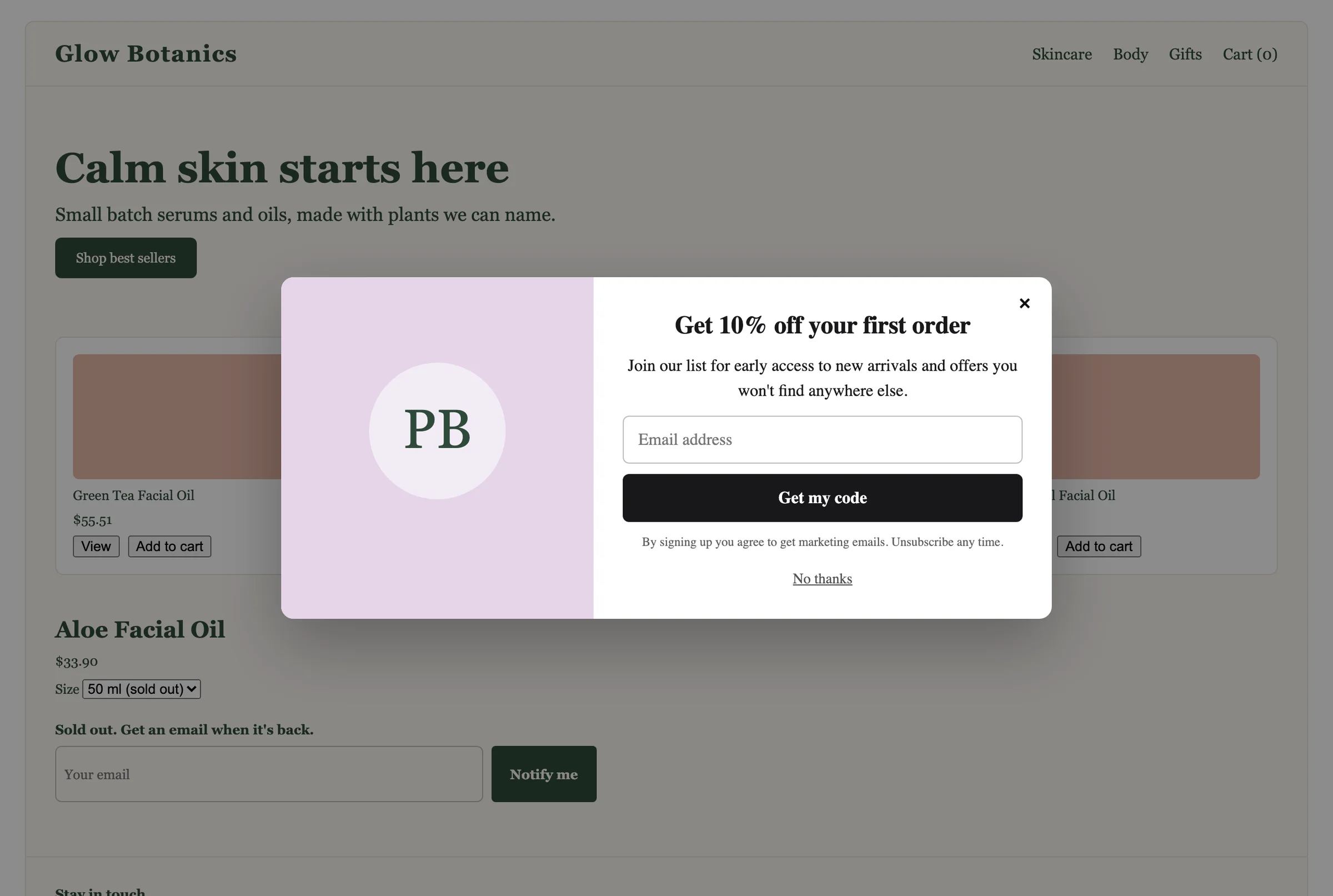
Your forms reach your store through an app embed in your theme, called Email forms. Until it's enabled, nothing you publish shows to shoppers, however many forms are live. You enable it once, in your theme editor, and every form you publish after that shows on its own.
Enable it
- In Set up email, the App embed step comes right after your store data. Later, on Home, open Enable the app embed in the setup guide, or select Enable beside App embed disabled at the top of Home. On Sign-up forms, the banner does the same.
- Select Open theme editor. The theme editor opens in a new tab, on App embeds, with Email forms already enabled. If your store has draft themes, pick the theme first: your live theme, or a draft you're getting ready.
- Select Save in the theme editor.
Back in the app, the step and the status at the top of Home update on their own within seconds.
To do it by hand: open your theme editor, select App embeds in the side panel, enable Email forms, then Save.
Place an embedded form
Popups, full-screen popups, flyouts and bars need only the app embed. Back in stock alerts don't need it at all: they use their own Back in stock block on the product page. An Embedded form sits inside a section of your page, so it also needs a block:
- In the form editor, find Place it in your theme. It shows the form's ID. Copy it.
- In your theme editor, open the page and the section where the form should go, and add the Sign-up form block.
- Paste the ID into Form ID, then Save.
Leave Form ID empty and the block shows your first embedded form. Embedded forms show to everyone who visits that page, so the Targeting tab's timing rules don't apply to them.
Your store's speed
The embed is built to stay out of the way. Your published forms' settings are written into the page itself, so the page never waits on our server to decide whether to show one. A small script of about 3 KB loads once the browser is idle and decides whether and when a form opens. The form itself loads only when it opens, in its own frame of styles, so your theme's styles and the form's never clash. In our tests on a store page, the speed score was the same with the embed enabled and disabled.
If a form still doesn't show
Work down this list:
- The form is live. On Sign-up forms, its status says Live. If it says Changes not published, your store still shows the last published version.
- The embed is enabled in the live theme and the theme was saved.
- You already signed up. Hide from subscribers hides the form from anyone who signed up on that browser, or is signed in and already subscribed. Test in a private window.
- You closed it. After someone closes it, wait keeps it away for that many days on that browser.
- The targeting matches. Check Devices, Visitors, the page rules, the utm_source and the minimum cart value. An exit form opens when a visitor is about to leave, or after the set time on phones.
- The embedded block has the right ID. Copy it again from Place it in your theme.
Still stuck? Email support@attravo.io with the form's name and the page you expected it on.
Was this helpful?
More in Sign-up forms
- Create a sign-up formStart from one of 15 library forms, change its words, look and targeting, and publish it to your store.
- Offer unique codes or spin to winGive each sign-up a single-use code, your store's own code, a wheel to spin or a mystery offer.
- Use double opt-in and keep proof of consentAsk new sign-ups to confirm by email where the law expects it, or everywhere, and keep a record of what each one agreed to.