Add custom CSS and HTML
Fine-tune the bundle widget with your own CSS and HTML, for every bundle or just one. A Pro feature.
 Attravo TeamUpdated 1 min read
Custom code gives you full control over the widget's look when the settings aren't enough.
Add code for every bundle
- Go to Settings and open the Advanced tab.
- Under Custom code, enter Custom CSS, which applies to every bundle widget in your store, and Custom HTML, which is added before each bundle widget.
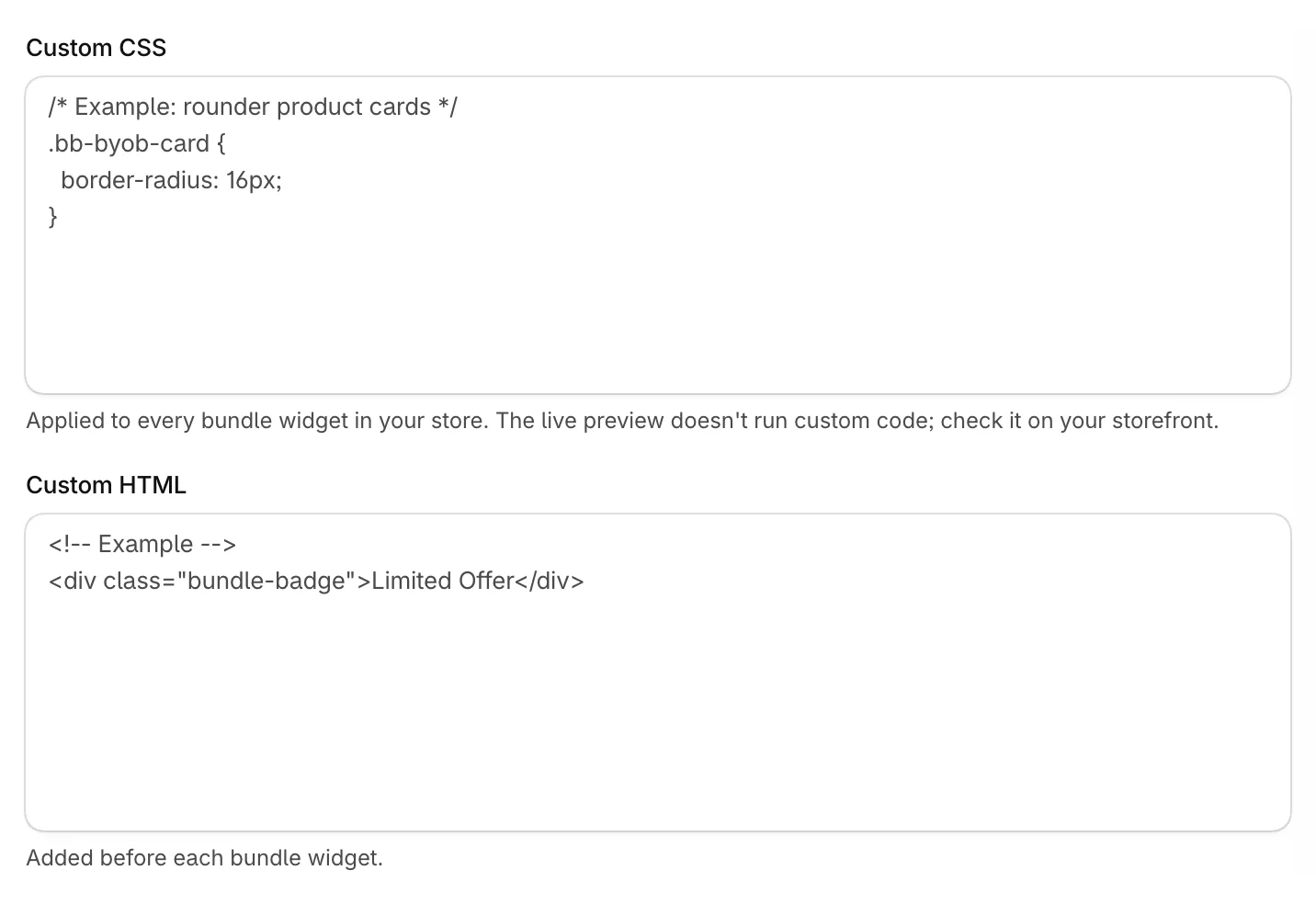
- Click Save.
Add code for one bundle
- Open the bundle and scroll to Custom code.
- Enter Custom CSS and Custom HTML. This HTML is added above this bundle's widget.
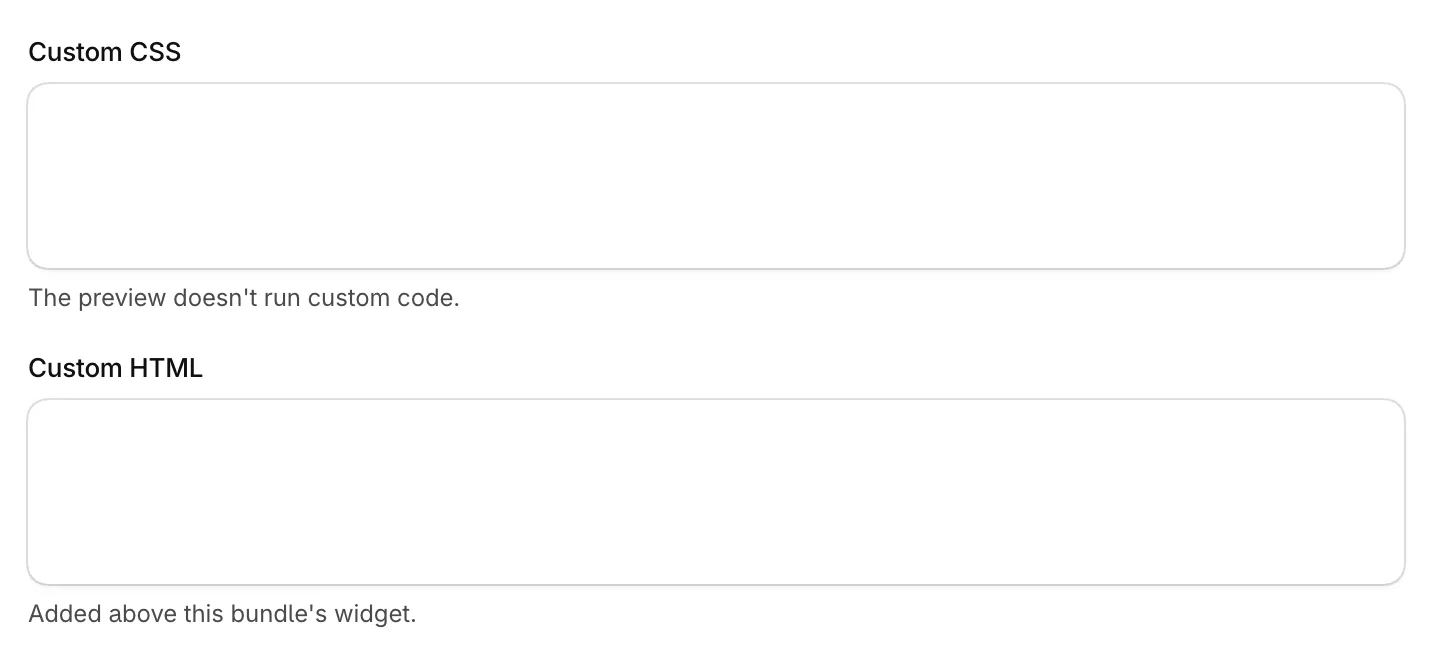
- Click Save.
Good to know
- The live preview doesn't run custom code. Check your changes on your storefront.
- For safety, HTML keeps only common tags such as div, span, p, a, img, headings and lists, with no scripts, inline styles or event handlers.
- CSS can't use @import or load files from other addresses with url().
- If you move back to Free, your code is kept but stops showing on your storefront.
Was this helpful?
More in Design
- Match the widget to your brandSet your brand colors, font and corner radius, and fine-tune the bundle builder's look.
- Change the add to cart button and wordingEdit the bundle builder's button, choose where it takes shoppers, and rewrite the words they see.
- Show badges and star ratings on product cardsTurn product tags into badges and show ratings from your review app on the bundle builder's product cards.
- Turn on the progress bar and discount popupShow shoppers how close they are to the next discount, and celebrate each one they unlock.