Create your first bundle
Build a Mix & Match bundle with steps and a growing discount, and set it live in a few minutes.
 Attravo TeamUpdated 1 min read
A Mix & Match bundle lets shoppers pick their own items from your collections, one step at a time, and the discount grows with every item they add. This walkthrough builds one from start to finish.
Start the bundle
- On the Dashboard, open Create a bundle in the Setup guide and click Create bundle.

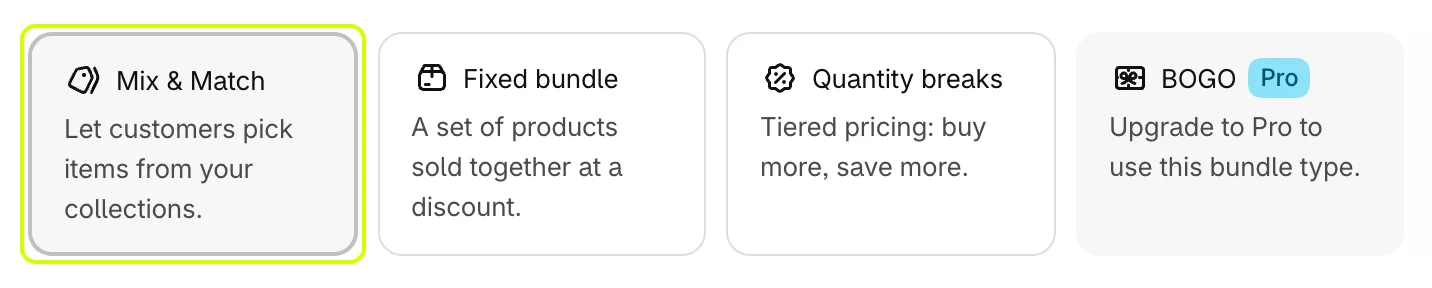
- Under Bundle type, select Mix & Match.
Name it and set it live
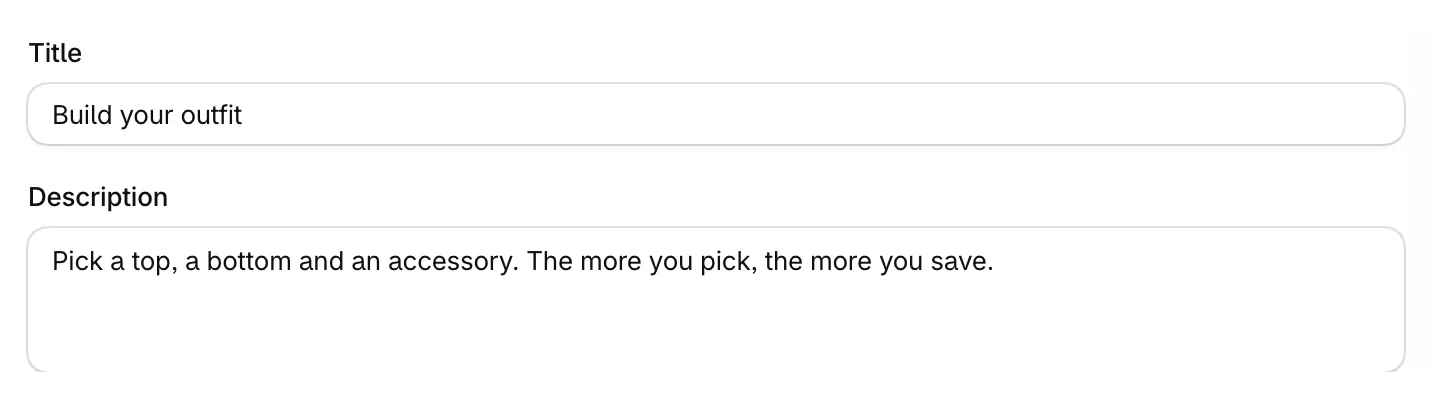
- Enter a Title. It also names the discount shoppers see at checkout.
- Add a Description if you want one.
- Set Status to Active. A Draft stays hidden from shoppers.

Add steps
Each step shows the products of one collection, and shoppers pick from each step in turn.
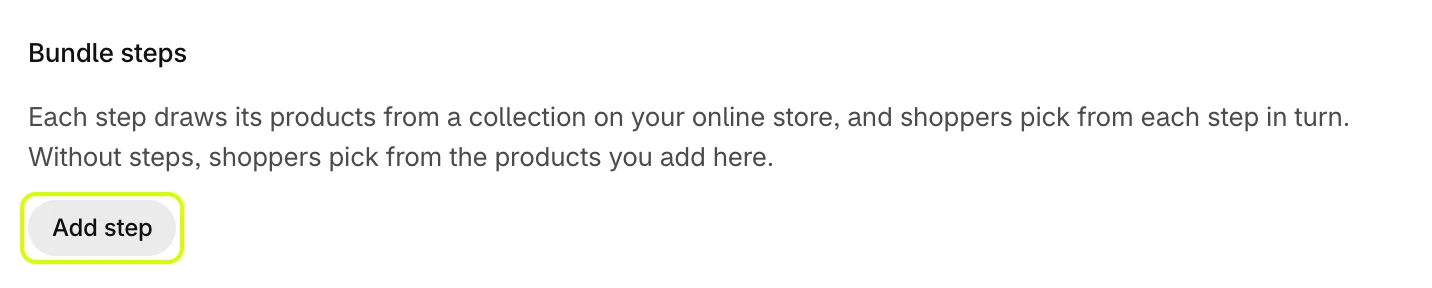
- Under Bundle steps, click Add step.
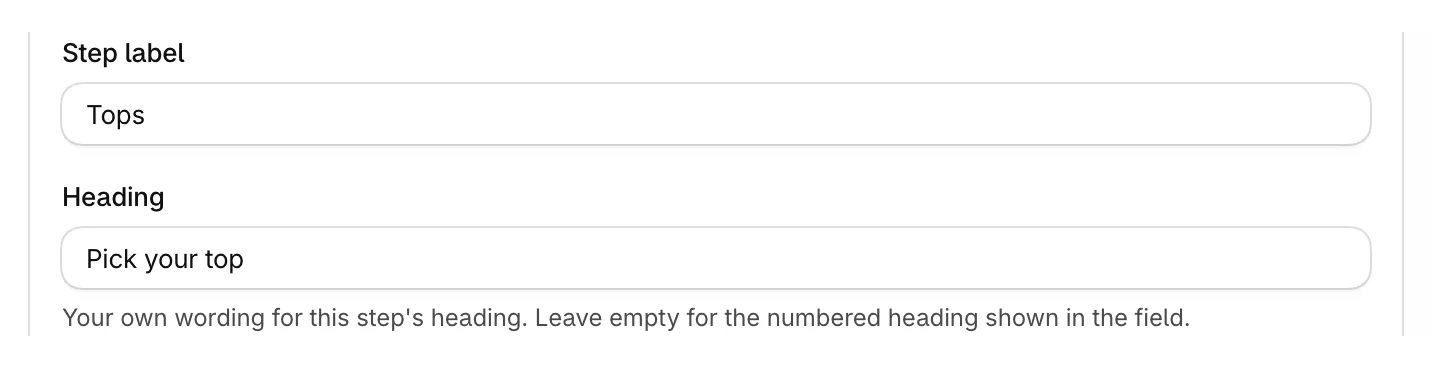
- Enter a Step label, such as Tops, and a Heading for shoppers, such as Pick your top.
- Click Choose collection and pick the collection this step draws from.

- Set Min items and Max items. A minimum of 0 makes the step optional.

- Repeat for each step.
Set the discount
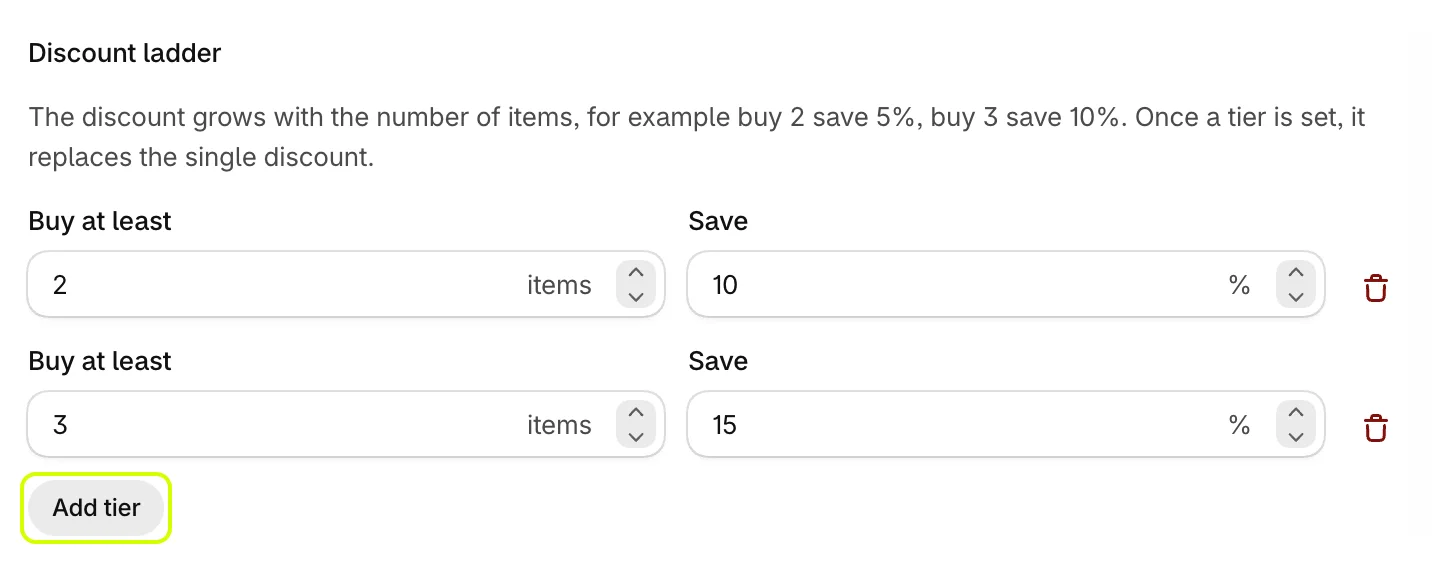
- Under Bundle discount, click Add tier.
- Enter Buy at least in items and Save in percent. Add a tier for each level, for example buy 2 and save 10%, buy 3 and save 15%.
Save
- Click Save in the bar at the top of the page.

Your bundle is live once it's saved as Active. Next, give it a page of its own: Publish a bundle page.
Was this helpful?
More in Getting started
- Install the app and turn on the app embedInstall Attravo Bundles, then switch on the app embed that loads your bundles on the storefront.
- Publish a bundle pageGive your bundles a page of their own with the Bundle Page block, then link it from your menu.
- Add bundles to product pagesShow quantity break packs and bundles on product pages with the PDP Bundle Box block.