Add page blocks to your checkout pages
Add a countdown, trust badges, reviews, a banner, social links or a discount code to your thank you and order status pages.
 Attravo TeamUpdated 2 min read
On this page
Besides offers, Attravo has six blocks you can place on your checkout pages: a countdown, trust badges, reviews, a banner, social links and a discount code for next time. They work on every plan and with any funnel.
Add a block
- In your Shopify admin, open Settings > Checkout and select Customize, or select Open editor on Attravo's Home.
- Choose the page at the top of the editor, select Add app block, then the block.
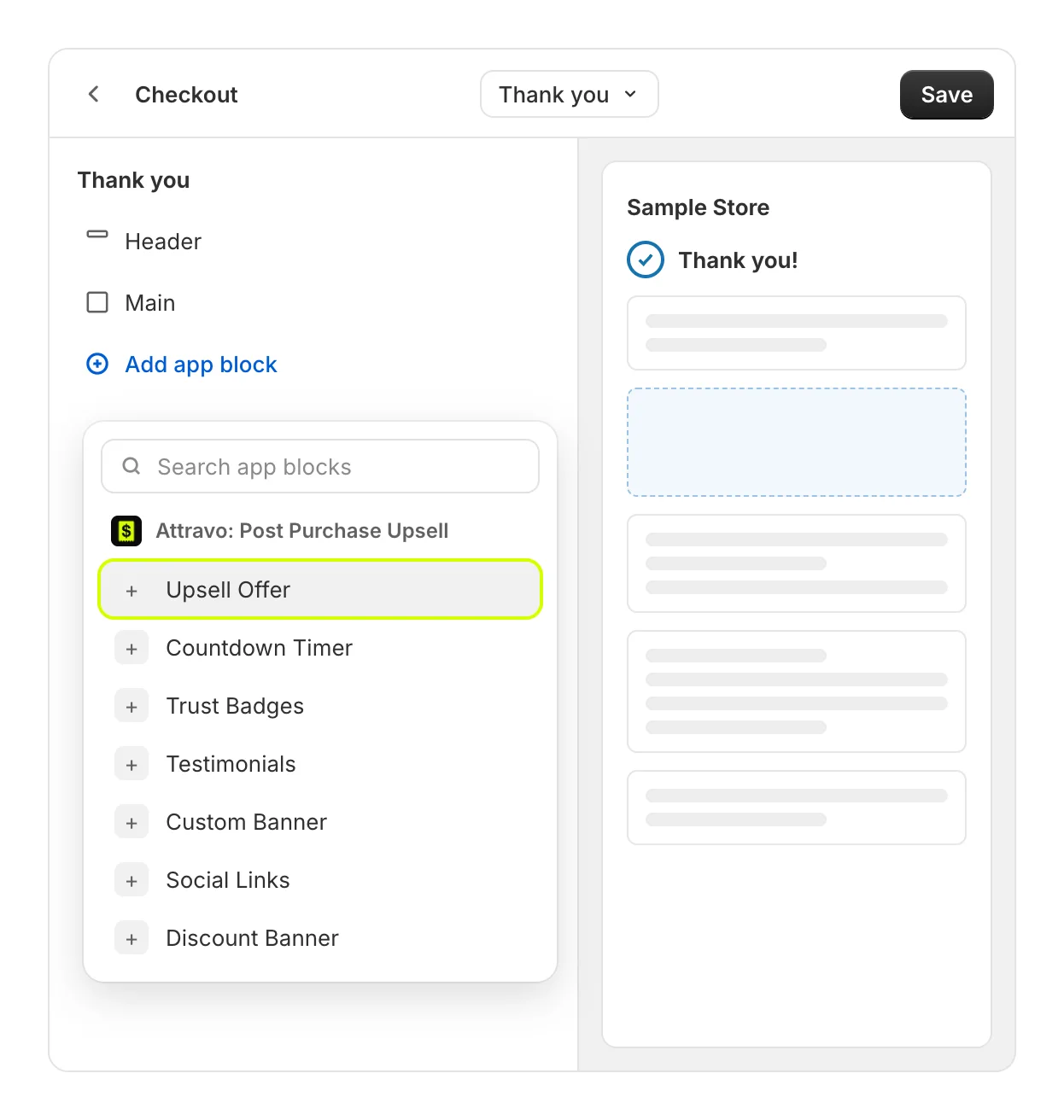
- Drag the block into place, change its settings in the sidebar, and select Save.
When a text field is left blank, the block shows sample text in the editor so you can see the design. Customers never see sample text: blank fields stay blank for them. Set Hide sample content to True to see only what you have typed.
Countdown Timer
A clock that counts down while the page is open, from the Minutes you set (1 to 120). It starts again each time the page loads. Thank you and order status pages.
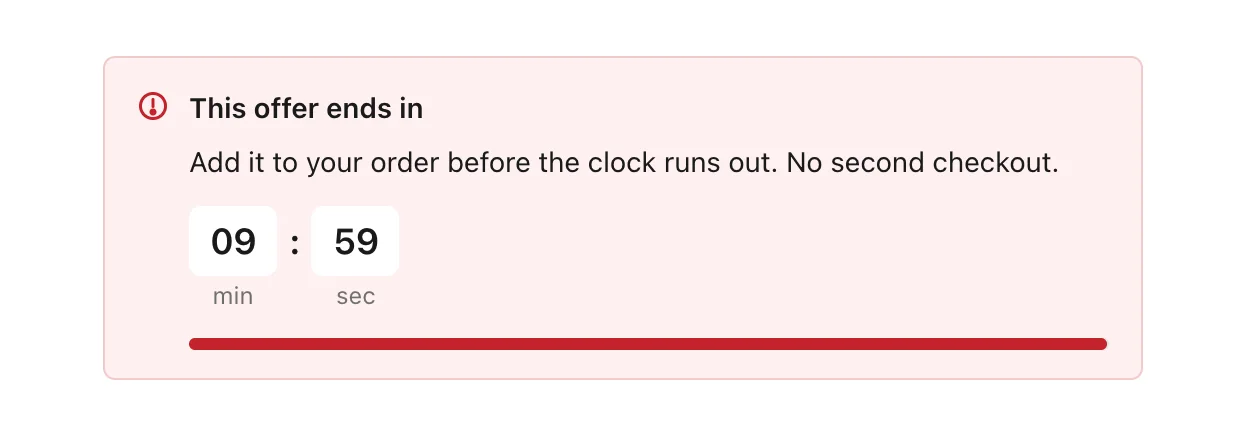
Settings: Message, Supporting line, Minutes, Message when it runs out, Style, Colour, and switches to hide the clock icon, hide the progress bar, make it compact, or hide the block once it reaches zero.
Trust Badges
Returns, guarantees and delivery, side by side. Thank you, order status and checkout pages.
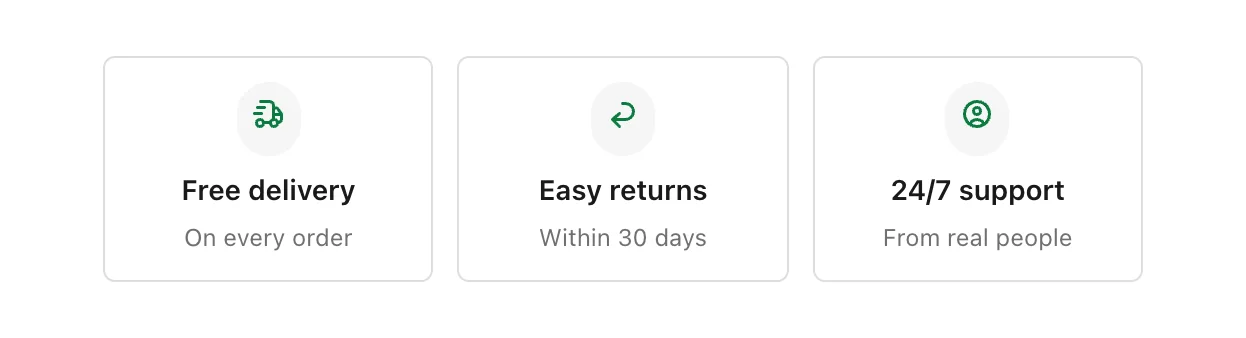
Settings: Heading, Subheading, Layout, Columns, Card style, Hide icons, Look, and up to four badges, each with a second line and an icon.
Testimonials
Customer reviews, with stars and photos. Thank you, order status and checkout pages.
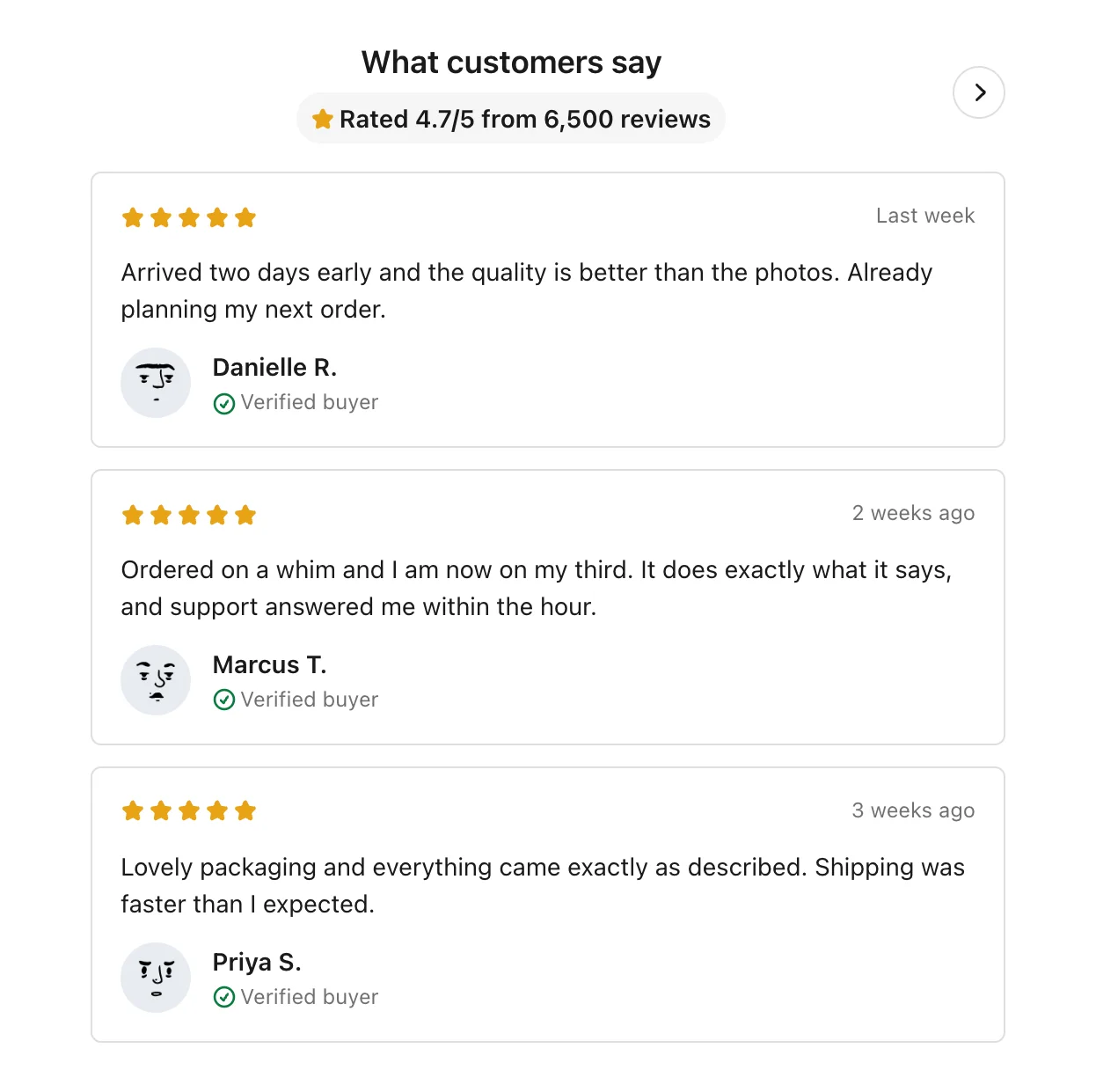
Settings: Heading, Proof line, Layout, and Review 1 to Review 10. Write each review's first line as name; stars 1 to 5; date; photo link, separated by semicolons, and the review itself on the lines after it.
Custom Banner
A message you write, with an optional image and button. Thank you, order status and checkout pages.
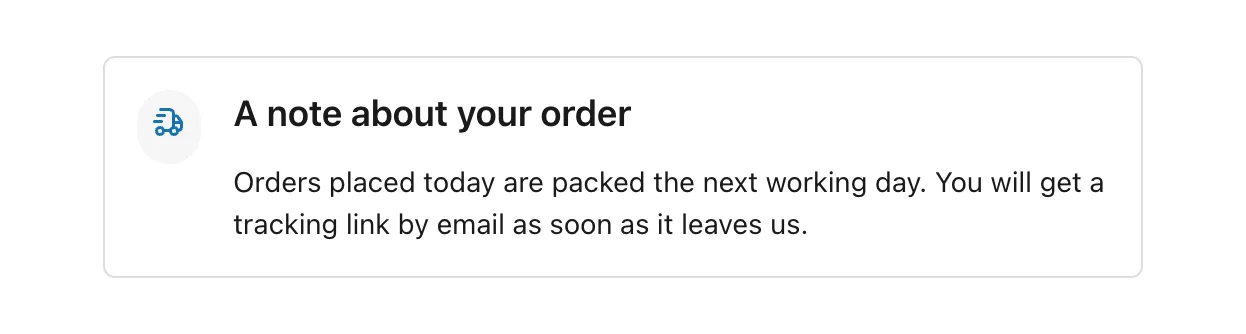
Settings: Heading, Message, Image URL, Image position, Text alignment, Style, Colour, Icon, Show a button, Button label, Button link and Button style.
Social Links
Links to your social profiles. Thank you and order status pages.
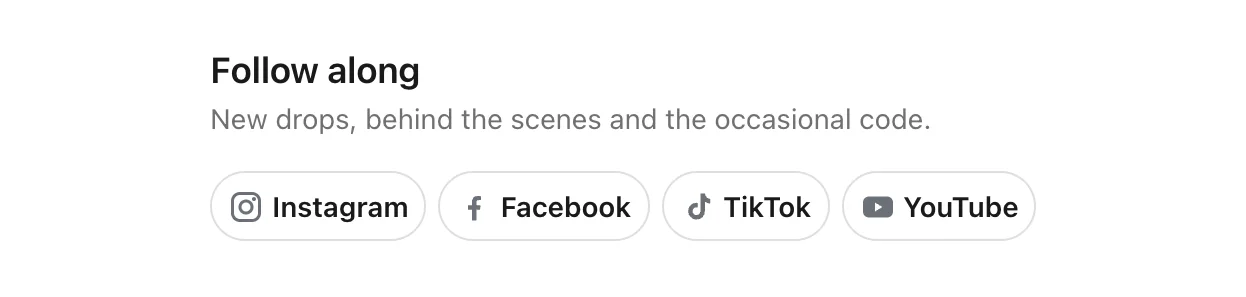
Settings: Heading, Subheading, Card style, Layout, Hide icons, Hide network names, a compact option, and a field for each network: Instagram, TikTok, YouTube, Facebook, X, Website and Email.
Discount Banner
A code for the customer's next order, with a button that copies it. Thank you and order status pages.
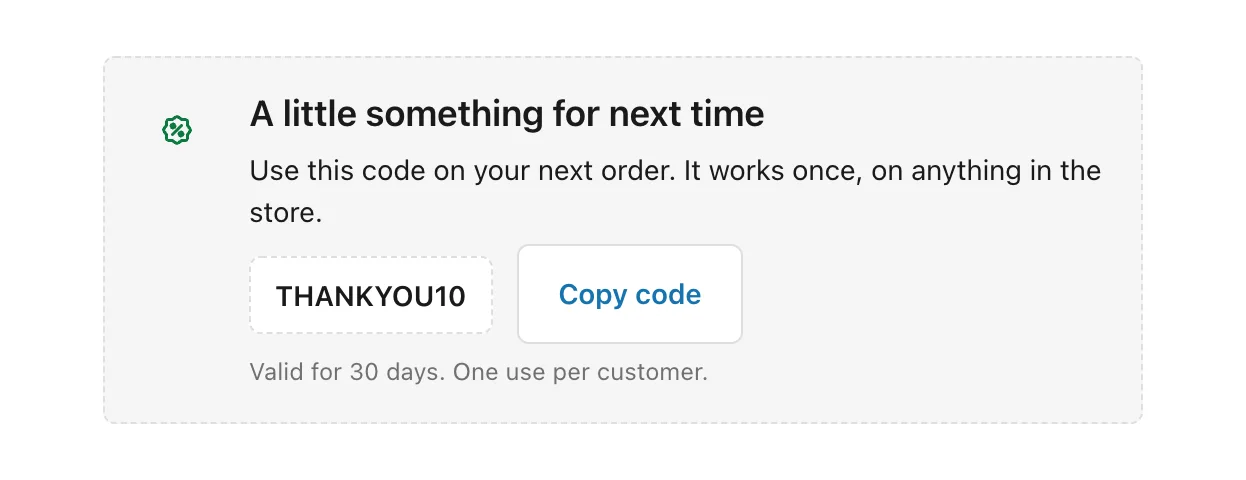
Settings: Heading, Details, Discount code, Small print, Style, Colour, Hide the discount icon and Hide the copy button. Create the code itself under Discounts in your Shopify admin first.
Check where blocks are placed
On Attravo's Home, Checkout blocks lists each page with its blocks marked Active or Inactive. See Add the Upsell Offer block to your pages.
Was this helpful?