Run an A/B test
Test a different product, price or wording against your current offer and keep the one that earns more.
 Attravo TeamUpdated 1 min read
An A/B test shows two or more versions of one step to different customers, so you learn which product, discount or wording earns more instead of guessing. A/B testing comes with the Scale and Enterprise plans.
Add a version
- Open the offer and, under Versions, select Add a version to test.
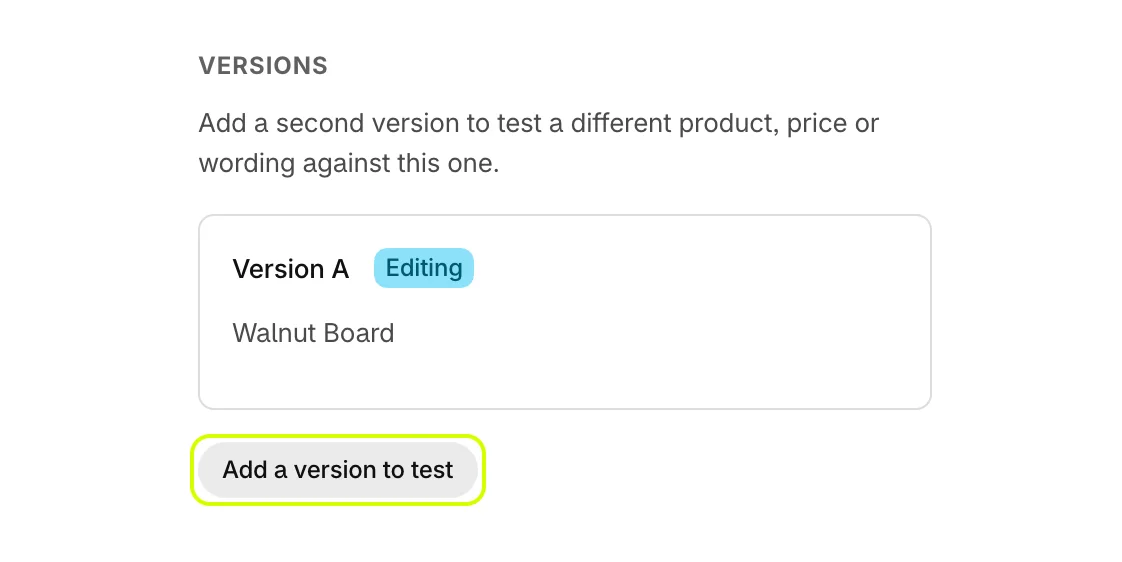
- The new version starts as a copy of version A, open for editing. Change its product, discount or wording.
- Set each version's Traffic weight. Weights are relative, so 100 and 100 split customers evenly, and they do not need to add up to 100.
- Select Save at the top of the window.
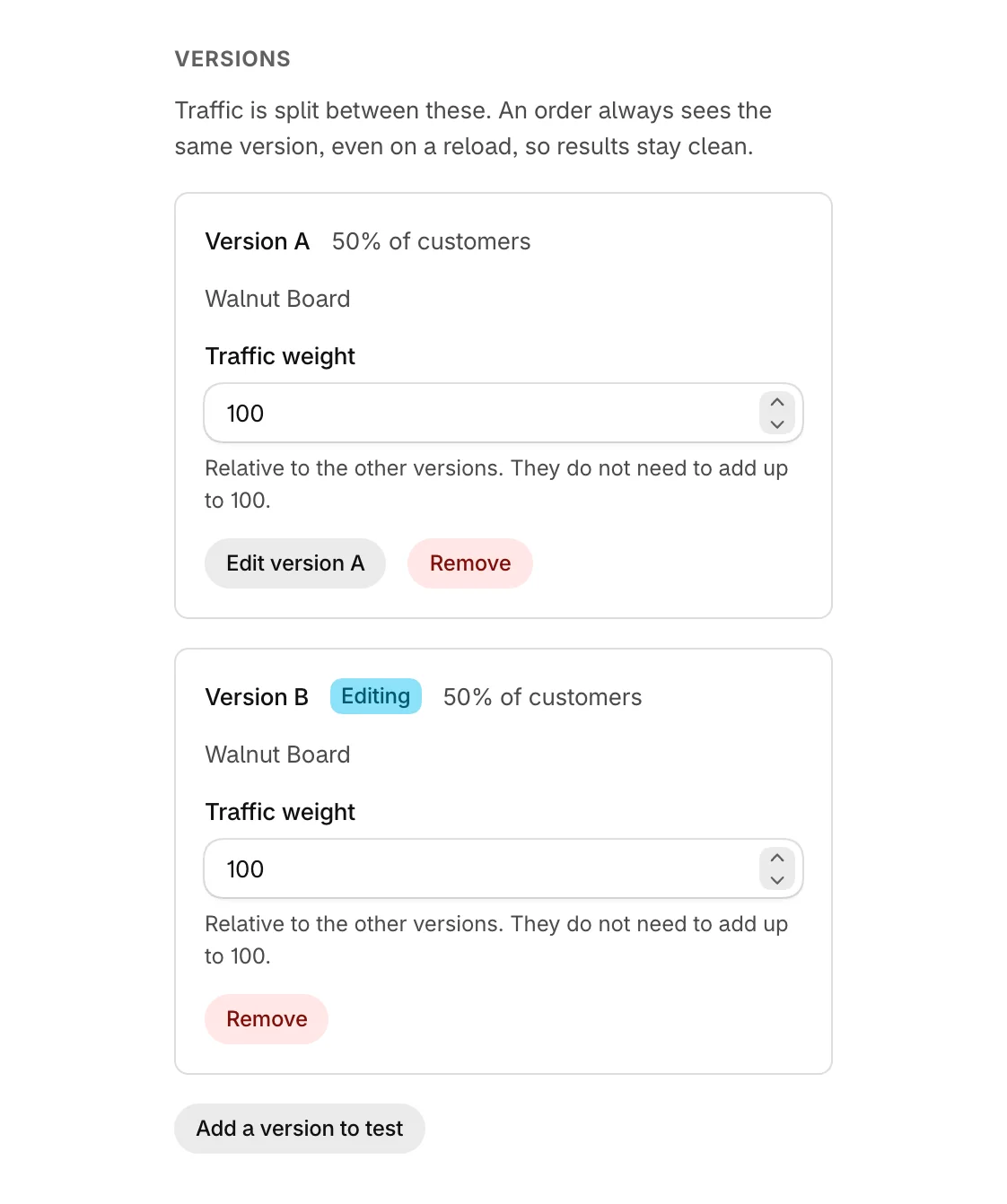
Select Edit version A to switch back to a version. You can test up to five versions at once, and Remove takes a version out of the test.
How customers are split
- Each order always sees the same version, even on a reload or a return visit to the order status page, so results stay clean.
- The post-purchase page always shows version A.
- A version with a weight of 0 gets no traffic. Every version at 0 stops the save.
On plans without A/B testing
On Free and Growth, Add a version to test is disabled, and the window names the plan that adds it.
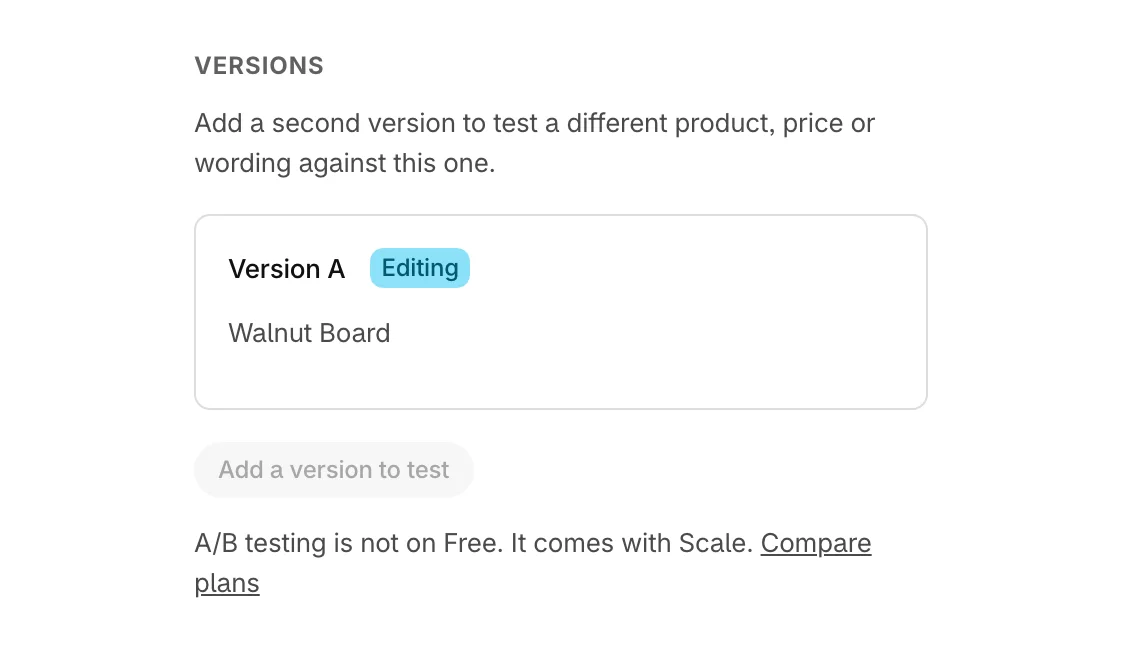
After moving down to a plan without A/B testing, your versions stay saved and every customer sees version A until you move back up.
Read the result
Results for each version, and the winner once there is one, are on Performance. See Read A/B test results.
Was this helpful?
More in Offers
- Edit an offerChoose the product and discount for an offer, check it in the live preview, and save it.
- Add and arrange offer blocksBuild an offer from blocks such as a heading, the product, a checklist and a countdown, in the order you choose.
- Show several products on the post-purchase pageTurn an offer into a feed of 2 to 6 products on the post-purchase page, picked for each order.