Create your first funnel
Pick a template, choose the product it offers, and activate your first funnel.
 Attravo TeamUpdated 1 min read
A funnel is the set of offers a customer sees after they buy. Starting from a template gives you a working offer, with its wording written, in a few clicks.
Pick a template
- Open Funnels. With no funnels yet, the page shows Build your first funnel and the templates.
- Select a template. Single offer is the simplest: one product, added or skipped.
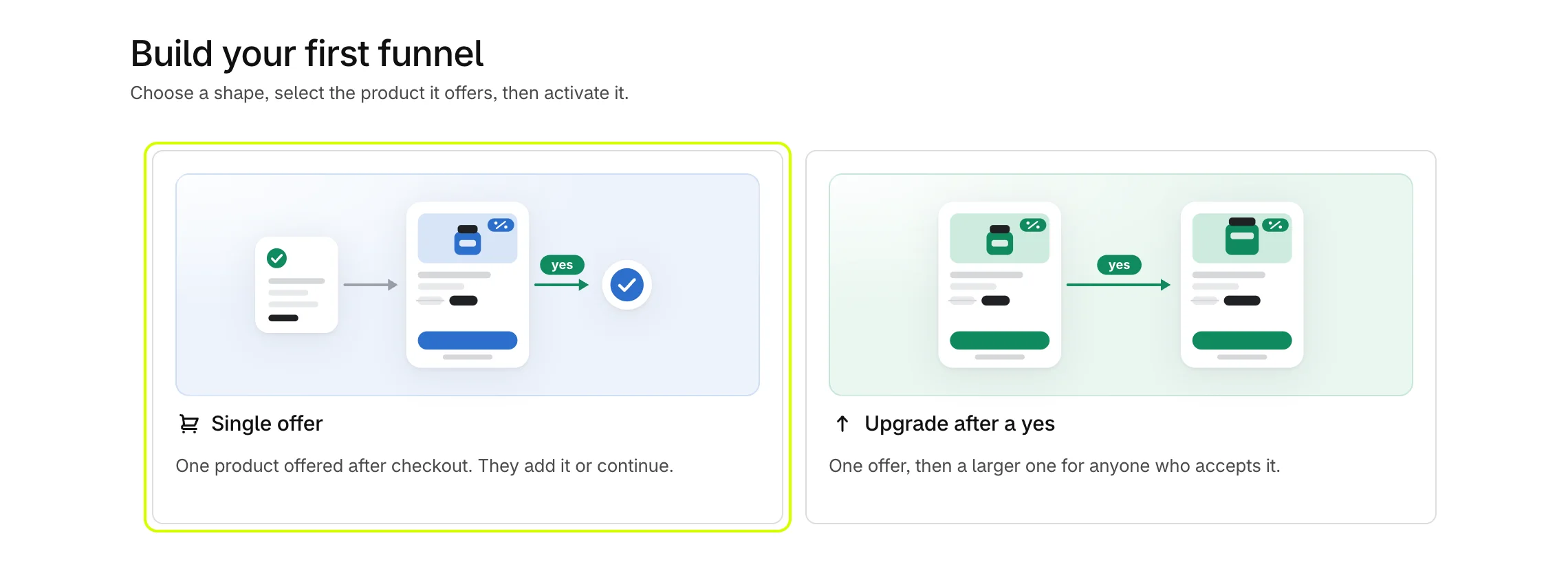
Attravo creates the funnel, fills it with one of your products, and opens it. New funnels start Inactive, so no customer sees them yet.
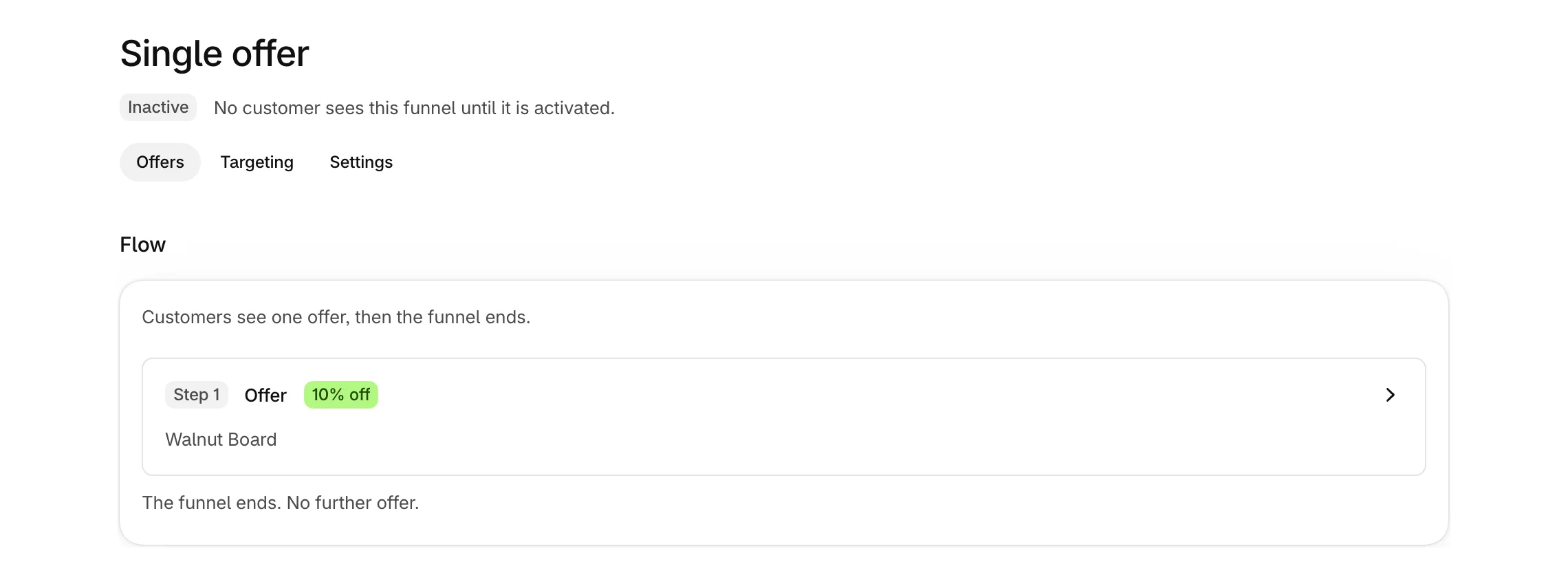
Choose the product
Templates pick products you updated recently, not ones matched to what the customer bought, so check the product first.
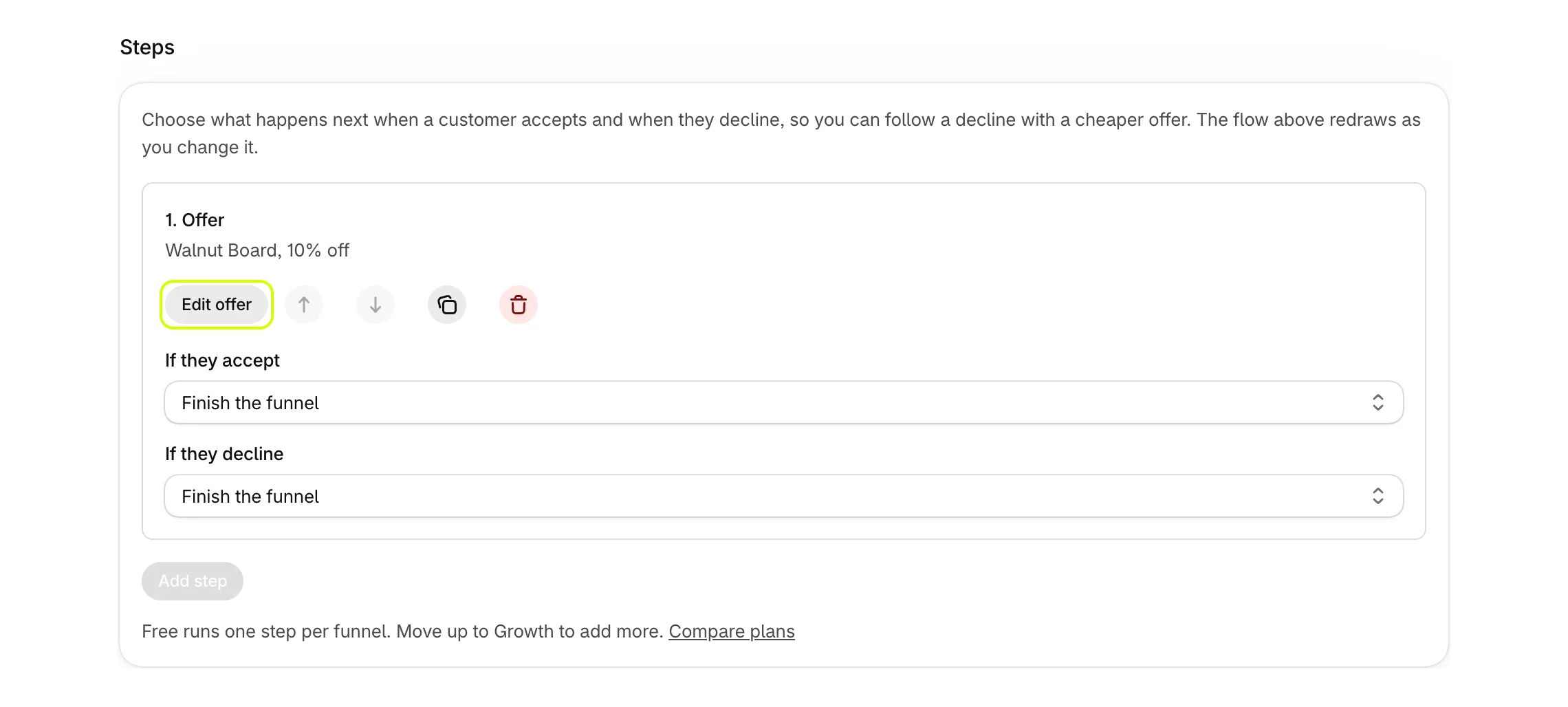
- Under Steps, select Edit offer.
- The offer opens in its own window, with settings on the left and a live preview on the right. Select Change product and choose the product to offer.
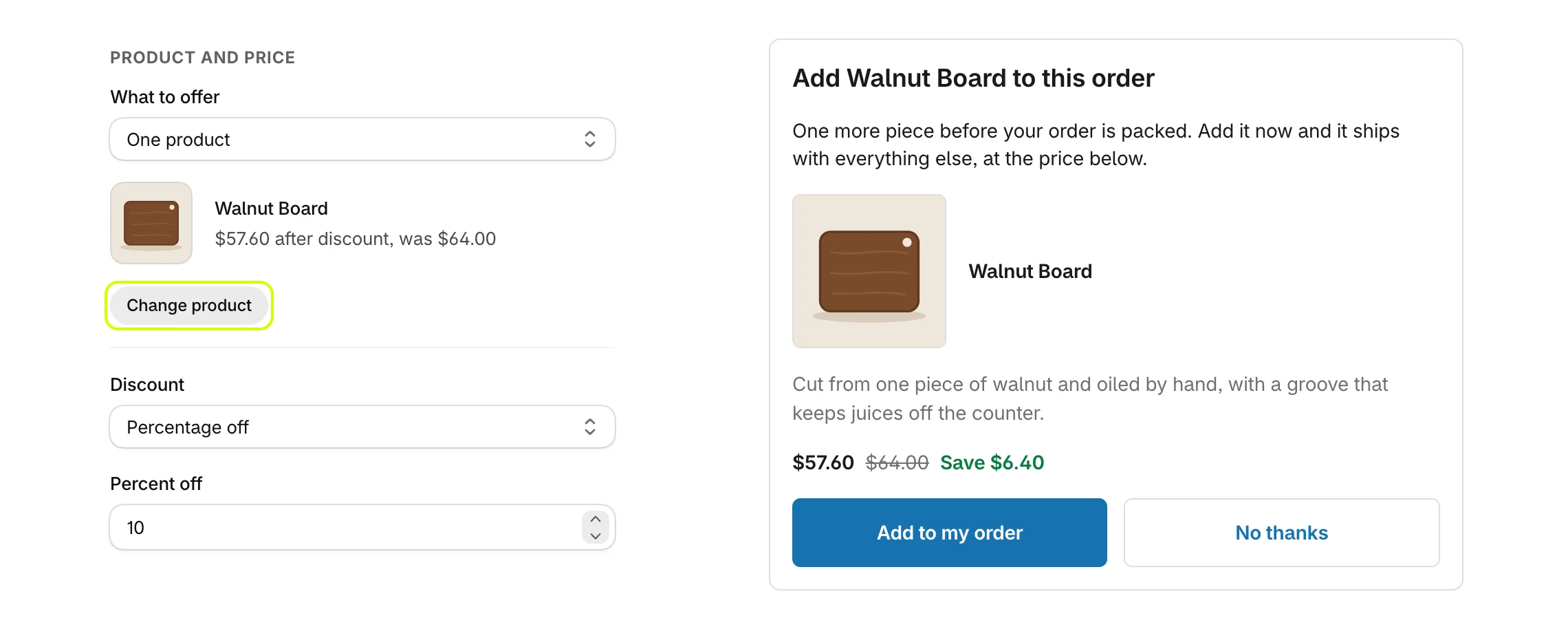
- Select Save at the top of the window.
Activate the funnel
- Select Activate at the top of the funnel page.

- The badge changes to Live. Select Save in the bar at the top of the admin to publish it.

Your offer now shows on the pages the funnel runs on, as long as the Upsell Offer block is on them. See Add the Upsell Offer block to your pages.
Was this helpful?
More in Getting started
- Install AttravoInstall Post Purchase Upsell from the Shopify App Store and finish its one-page welcome.
- Finish the setup guideWork through the setup guide on Home until your first offer is live for customers.
- Turn on Core Script in your themeTurn on the Core Script app embed so Attravo can confirm it is installed and read your theme's fonts and colours.
- Add the Upsell Offer block to your pagesPlace the Upsell Offer block on the thank you and order status pages so your funnels can show there.