Finish the setup guide
Work through the setup guide on Home until your first offer is live for customers.
 Attravo TeamUpdated 1 min read
The setup guide on Home lists what stands between you and a live offer, and checks each step for you, so you always know what is left. It hides itself once everything is done.
Work through the steps
Open Home. The guide shows how many steps are done, with the next one open. Each step has a button that takes you where the work happens.
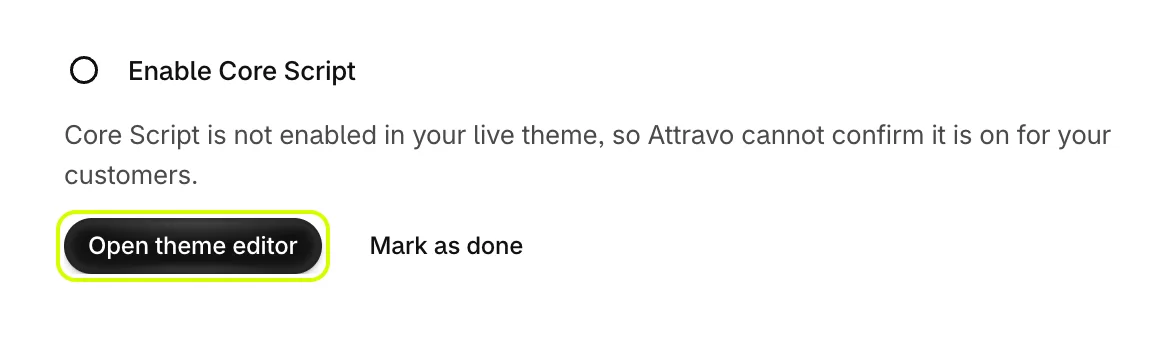
- Enable Core Script. Select Open theme editor, turn on Core Script and save. See Turn on Core Script in your theme.
- Add blocks to your pages. Select Open editor and add the Upsell Offer block to the pages your funnels use. See Add the Upsell Offer block to your pages.

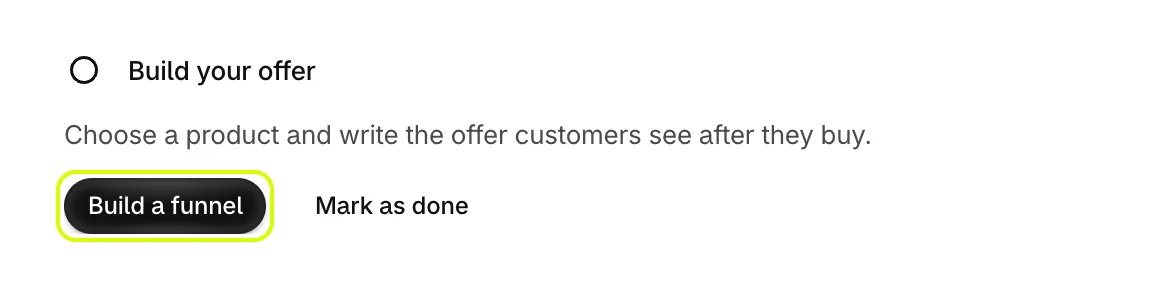
- Build your offer. Select Build a funnel, pick a template and choose the product it offers. See Create your first funnel.
- Publish your offer. Activate the funnel and save. Until a funnel exists, this step says so.

If a step of your funnel has no product yet, a Choose your products step appears until every step has one.
Mark a step as done
Attravo confirms most steps on its own. When it cannot, for example while your themes cannot be read, select Mark as done to move on. A step you marked opens again if what it checked changes later.
When the guide is finished
Once every step is done, the guide hides and Live status takes the full width of Home. If something stops working later, such as a funnel switched off, the guide comes back with the step that needs attention.
Was this helpful?
More in Getting started
- Install AttravoInstall Post Purchase Upsell from the Shopify App Store and finish its one-page welcome.
- Create your first funnelPick a template, choose the product it offers, and activate your first funnel.
- Turn on Core Script in your themeTurn on the Core Script app embed so Attravo can confirm it is installed and read your theme's fonts and colours.
- Add the Upsell Offer block to your pagesPlace the Upsell Offer block on the thank you and order status pages so your funnels can show there.