What customers see when they accept
Follow an offer from the customer's side, on desktop and phone, through accepting, declining and the next step.
 Attravo TeamUpdated 1 min read
On this page
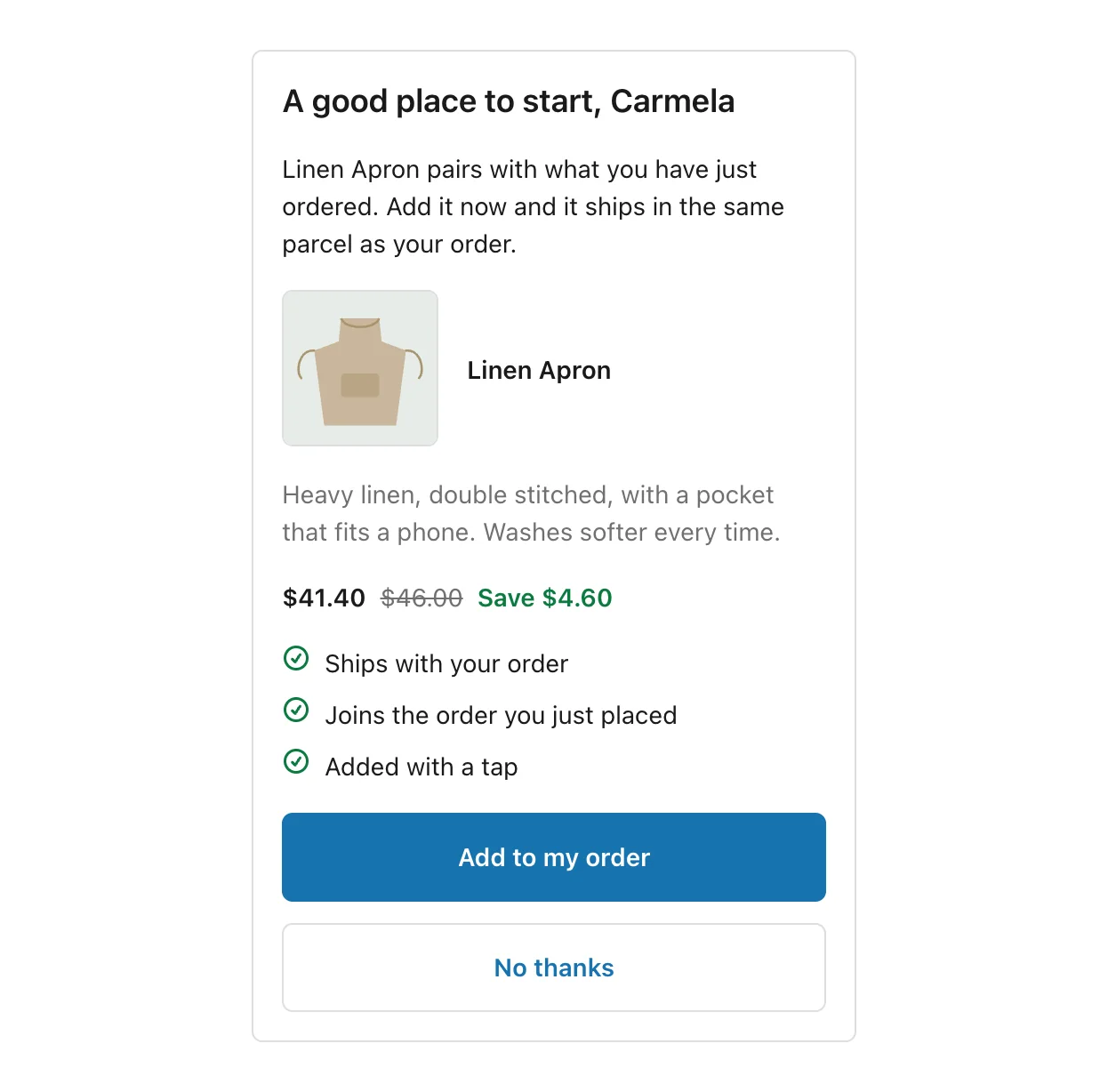
Knowing what customers see helps you write offers that are easy to say yes to. This is the offer on the thank you and order status pages, which every payment method reaches.
The offer
The offer appears on the page in your checkout's own fonts and colours, as a card with your blocks from top to bottom. On a phone, the same card fills the width of the screen.
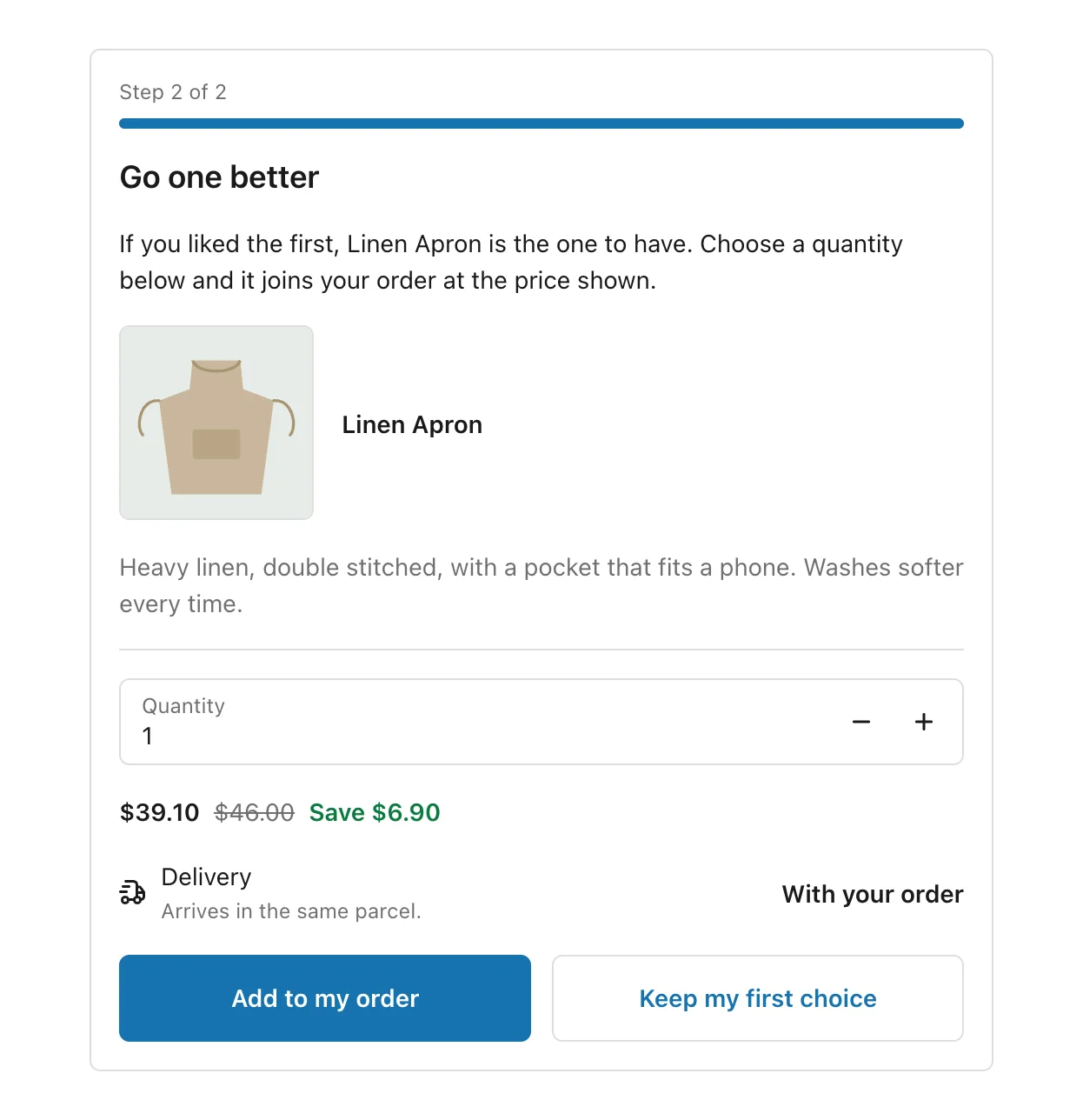
With Show progress on, a multi-step funnel shows "Step 2 of 2" and a bar above the offer. A Quantity picker lets the customer choose how many, and the price follows.
When a customer accepts
- The button reads Adding while the item is added to the order.
- If the funnel has another step after a yes, it appears straight away.
- When the funnel ends, the customer sees Added to your order, with the order number and the new total:
- On a paid order: "We emailed you an invoice for the difference."
- On cash on delivery: "Pay the courier when it arrives."
- A last line asks them to reload the page to see the updated order.
When the funnel ends on a decline, the offer simply goes away.
When an accept does not go through
The customer sees We could not add that and the reason, for example that the order is already on its way or was cancelled. Nothing is added or charged. If the funnel has another step, Continue takes them to it.
See A customer's accept didn't go through for every reason and what to do.
On the post-purchase page
The post-purchase page is its own full page, drawn by Shopify. The customer sees your heading and text, the product with its price and saving, and the two buttons. Accepting charges their card at once, and the thank you page follows. See Set up the post-purchase page.
Was this helpful?