Change the admin language
Show Attravo in English or French, and see how prices, totals and results use your store's currency.
 Attravo TeamUpdated 1 min read
Attravo's admin follows your store admin's language, and every price it shows uses your store's currency, so figures match the rest of your admin.
Change the admin language
- Open Settings. Under Admin language, open Show Attravo in.
- Choose Follow my store admin, or a language. Attravo is available in English and French.
- Select Save in the bar at the top of the admin.
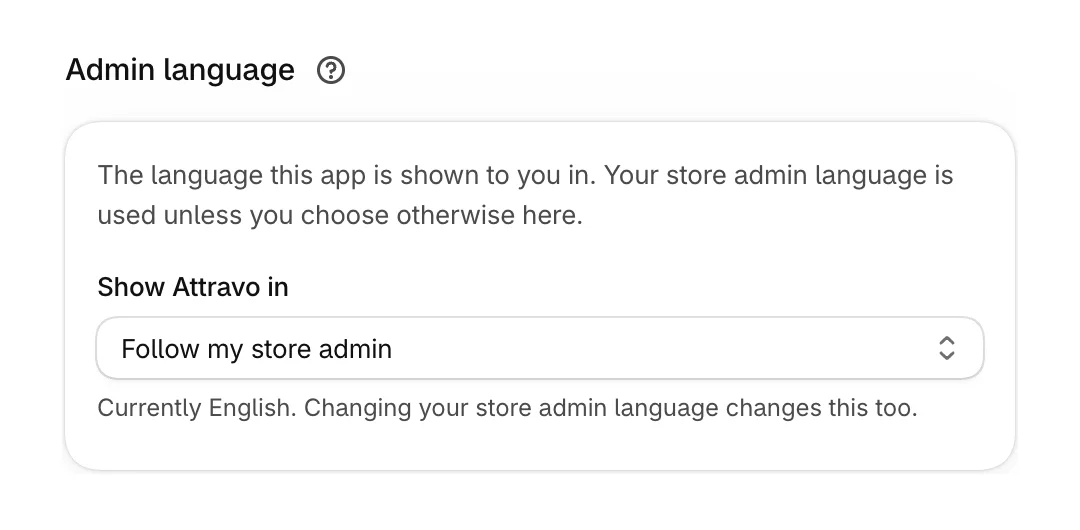
With Follow my store admin, changing your Shopify admin language changes Attravo's too. Anything not yet translated shows in English rather than blank.
This only changes what you see. To show offers in your customers' languages, see Translate your offers.
How currencies work
- Offer prices, discounts, order totals and Performance figures are in your store's currency, the one under Settings > Your store.
- An Amount off discount and the order total limits under Targeting are in that currency too.
- Plans are priced and billed in US dollars. On Home, Plans and Settings, what your offers earned and what your plan includes show in your store's currency and in US dollars, converted at the day's exchange rate.
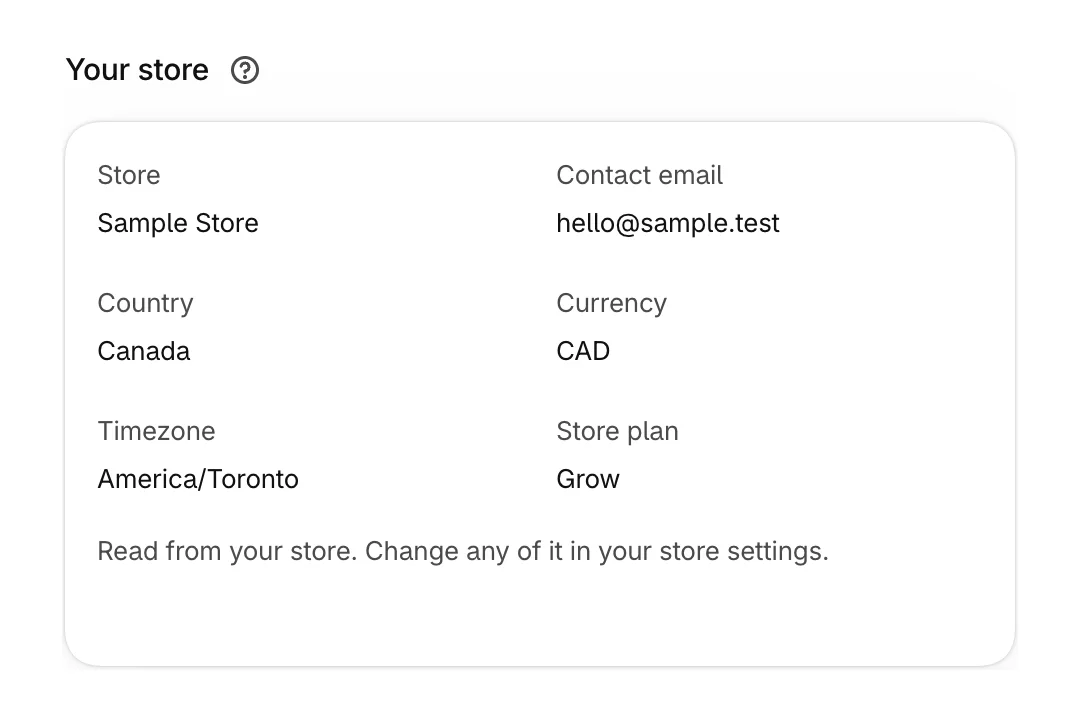
Offers are priced in your store's currency for every customer. Showing each market's own currency is not available yet.
Timezone
Days and months in Performance, such as By weekday and This month, follow your store's timezone.
Was this helpful?