How Attravo counts revenue
Learn when an accepted offer counts as Earned, and how refunds, cancellations and unpaid orders are handled.
 Attravo TeamUpdated 1 min read
On this page
Attravo counts only money you actually received from offers, never your ordinary store revenue. That keeps Earned honest, and it is also the figure your plan's included revenue is measured against.
The life of an accepted offer
Every accepted offer is in one of three places, shown under Where the accepted value stands:
- Accepted: the customer said yes. Counted the moment they accept.
- Awaiting payment: accepted but not yet collected. On cash on delivery, it is still with the courier.
- Refunded or cancelled: accepted, then refunded or cancelled. Never counted as earnings, and never billed for.
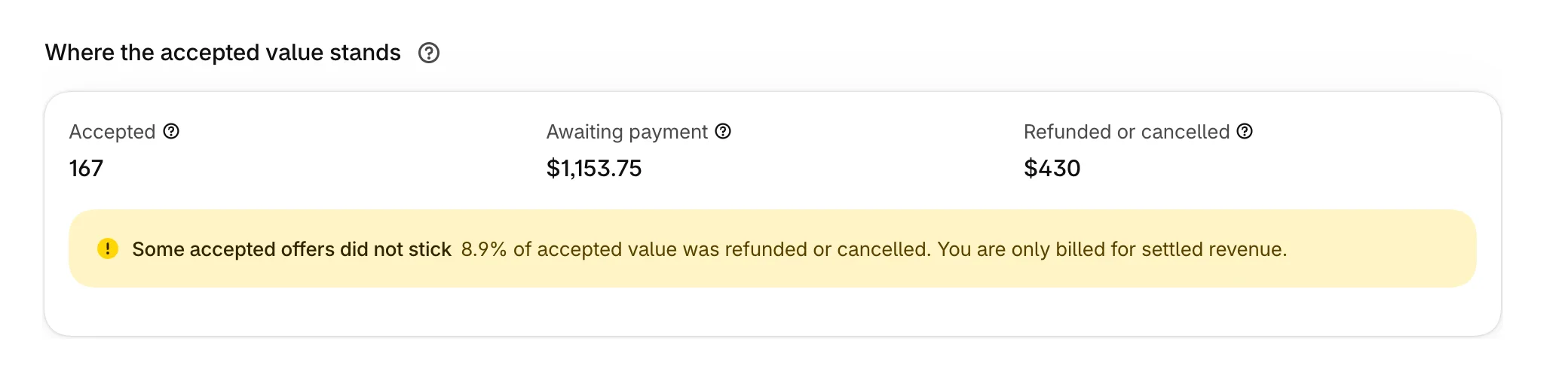
An offer moves to Earned once the order shows it paid. Any refund or cancellation on the order takes its offers back out.
How each page is paid
- Post-purchase page: the card is charged when the customer accepts, and the offer counts once the order is paid.
- Thank you and order status pages: the item joins the order. A paid order gets an invoice for the difference, and the offer counts when the invoice is paid. On cash on delivery, it counts when the order is marked paid.
- Checkout: the item is paid with the order, and the offer counts once the order is paid. An item the customer removes before paying is never counted.
Check any figure against your orders
Recent orders lists the orders behind every figure, with the step that was accepted, the amount and its status: Paid, Pending or Refunded.
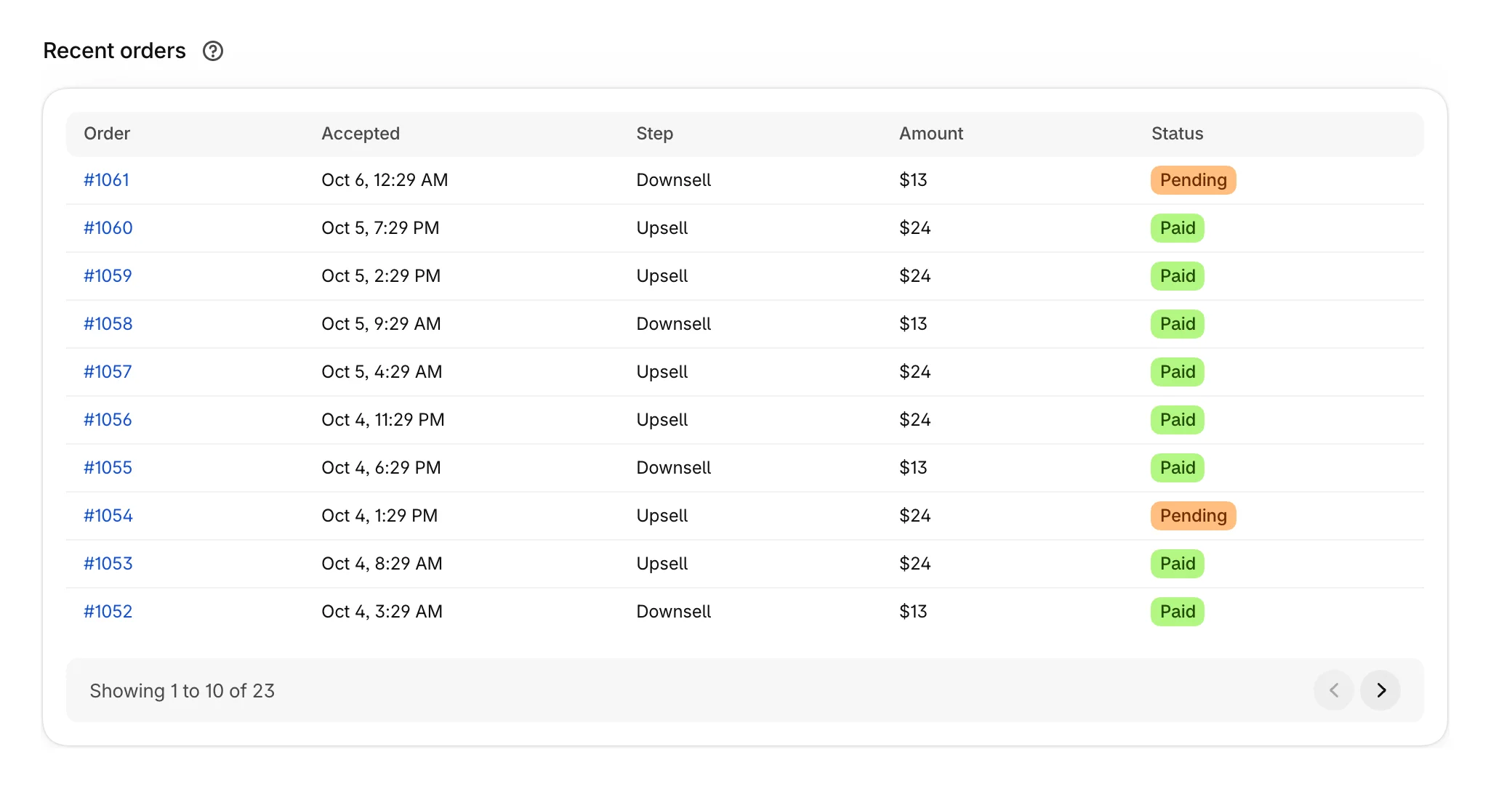
Orders that took an offer are also tagged in your Shopify admin with Attravo upsell and the funnel's name, so you can filter them under Orders.
How this is worked out
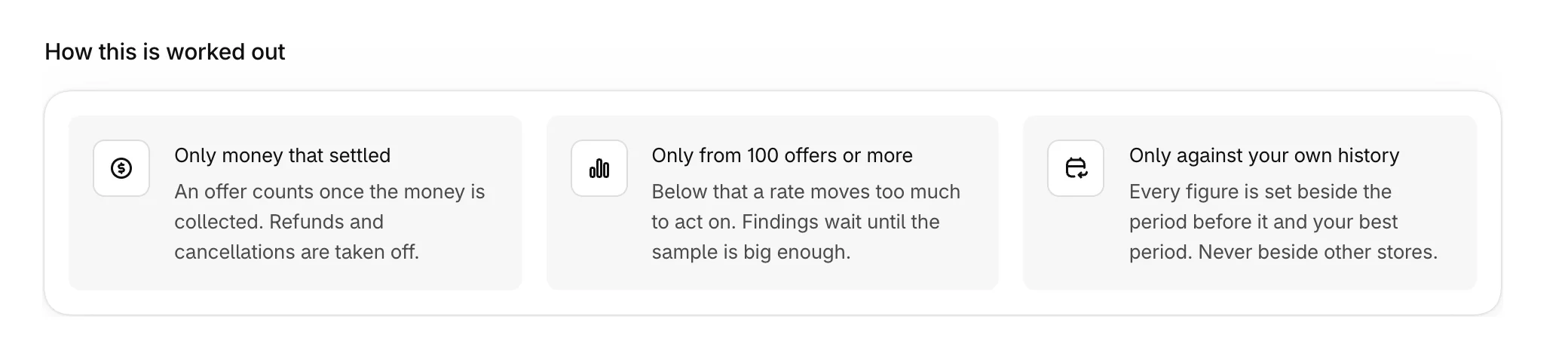
The bottom of Performance sums up the rules: only money that settled, findings only from 100 offers shown or more, and comparisons only against your own store's history.
Was this helpful?
More in Results
- Read your Performance reportUnderstand every figure on Performance, from Earned to revenue per visit, and compare periods.
- Read A/B test resultsSee how each version of a step performs, and when Attravo is confident enough to call a winner.
- Act on What to do nextUse the suggestions on Performance to fix weak offers and keep test winners, ordered by what each is worth.