Add your logo and an announcement
Put your logo or your own title at the top of the cart, and a strip of text above it for a message shoppers should not miss.
 Attravo TeamUpdated 1 min read
The top of the cart is the first thing a shopper reads. Your logo makes the cart feel like part of your store, and an announcement bar is a good place for a delivery promise or a current offer.
Add your logo
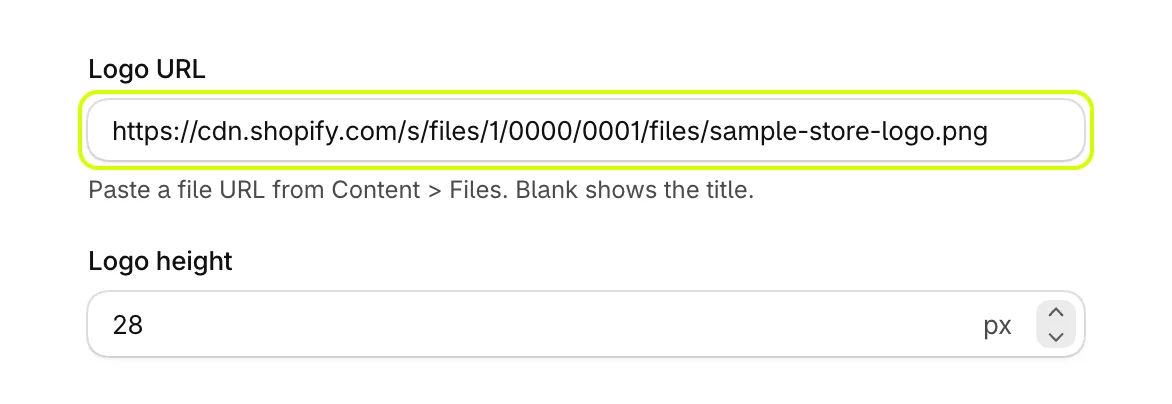
- In your Shopify admin, open Content > Files, upload your logo, and copy its link.
- On Cart settings, open General and paste the link into Logo URL.
- Set Logo height to size it. It shows once a logo is in place.
- Select Save.
Leave Logo URL blank to show the cart title instead.
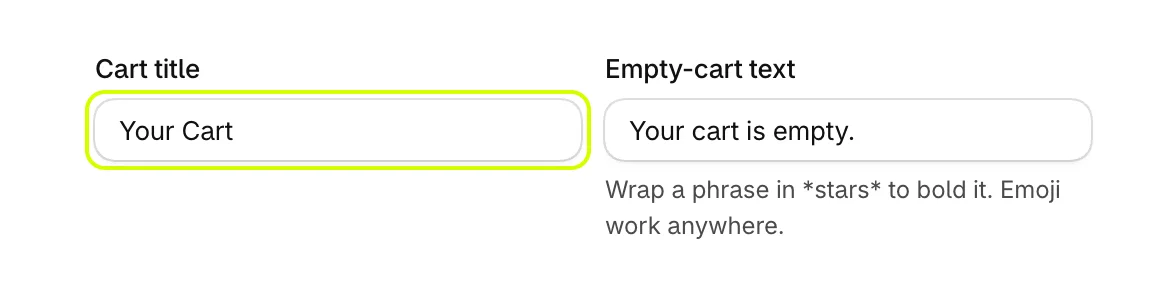
Change the cart title
Cart title is the heading at the top of the drawer and the cart page when you have no logo. It reads Your Cart until you change it.
Add an announcement bar
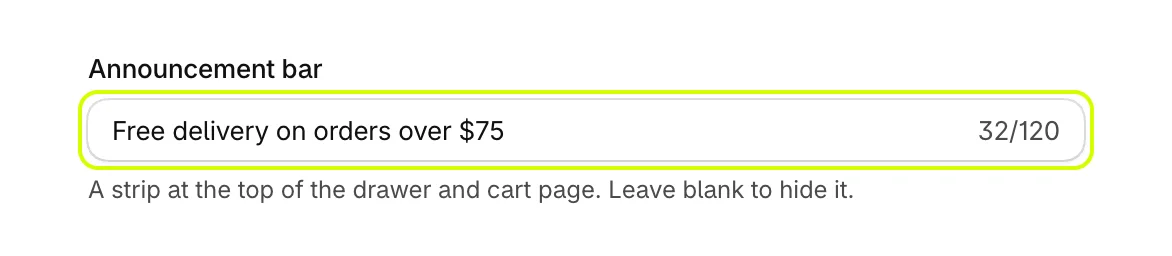
- Under Announcement bar, type your message, up to 120 characters.
- Select Save.
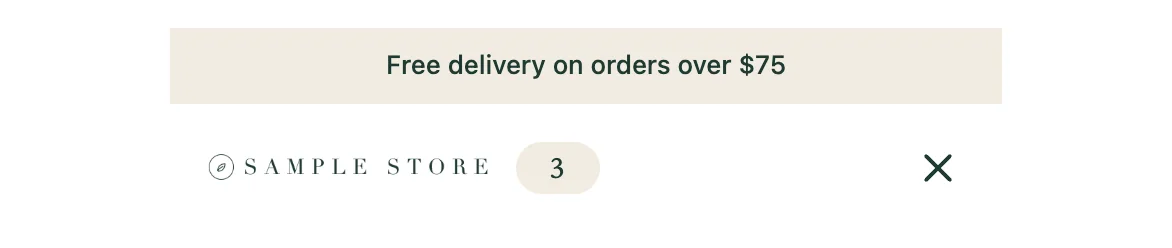
The bar sits at the very top of the drawer and the cart page. Leave the field blank to hide it. Its colors are under Colors as Announcement and Text on announcement.
Was this helpful?
More in The cart
- Choose how the cart opensUse the drawer alone or with a full cart page, keep it above chat widgets, and decide where Buy it now and wallet buttons show.
- Set up the empty cartTurn an empty cart into a way back into your store, with your own message, collections to browse, offers and reward progress.
- Set up the total and checkout buttonWord the total and the checkout button your way, pick the button's icon, and choose how prices and free gifts read.
- Add an order note boxLet shoppers leave delivery instructions or a gift message in the cart, saved to the order note.