Set up the total and checkout button
Word the total and the checkout button your way, pick the button's icon, and choose how prices and free gifts read.
 Attravo TeamUpdated 1 min read
The bottom of the cart is where a shopper decides. These settings in General control what the total and the checkout button say, and how prices read on every line.
Word the total and the button
- On Cart settings, open General.
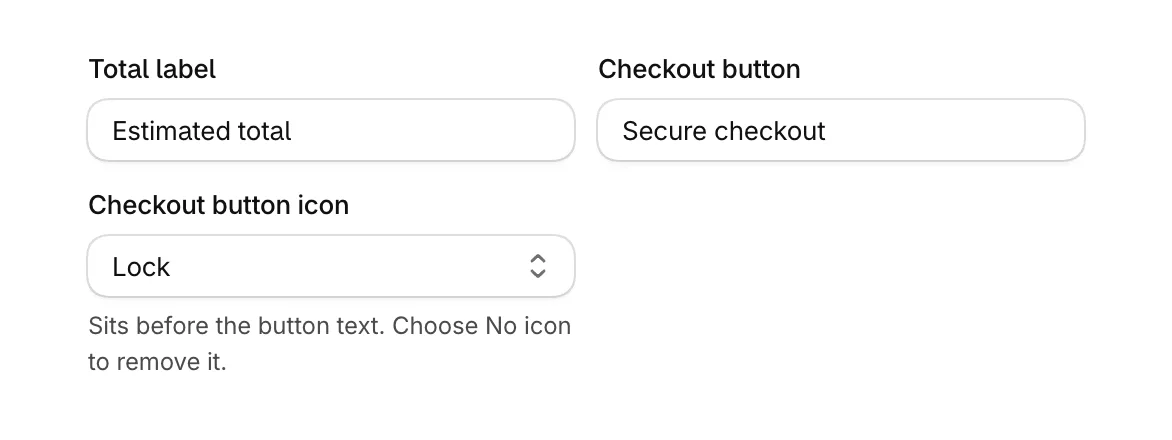
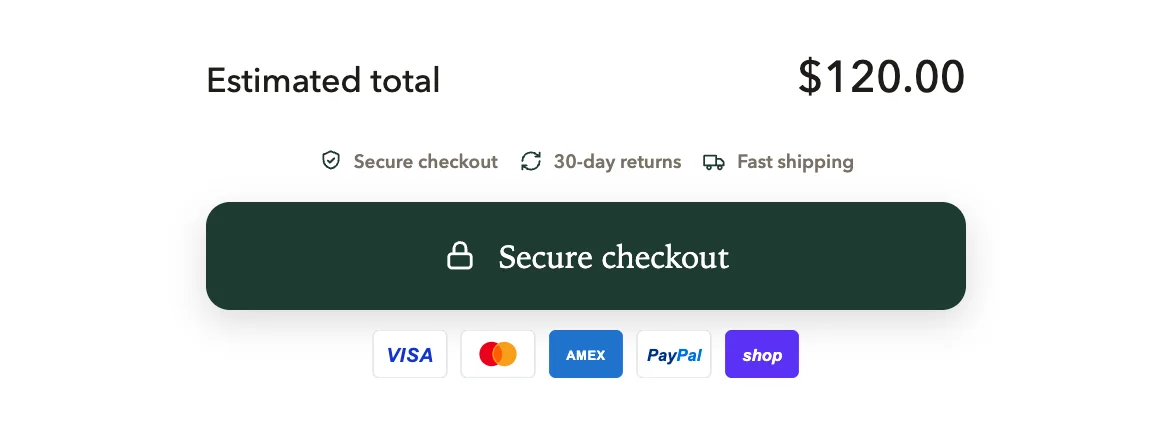
- Change Total label, which reads Estimated total until you change it.
- Change Checkout button, which reads Secure checkout until you change it.
- Under Checkout button icon, choose Lock, Shield, Cart, Bag or No icon. The icon sits before the button text.
- Select Save.
Choose how prices read
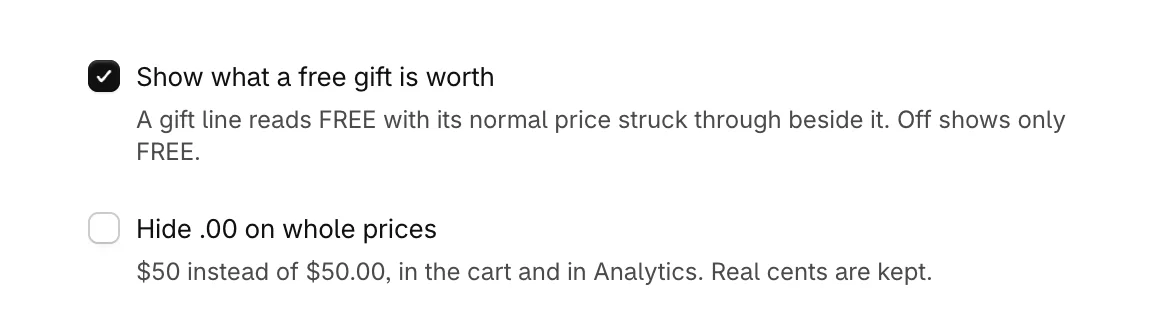
- Show what a free gift is worth: on by default. A free gift's line reads FREE with its normal price struck through beside it. Off shows only FREE.
- Hide .00 on whole prices: off by default. On, a price like $50.00 shows as $50, in the cart and in Analytics. Prices with real cents keep them.
Show variants on cart lines
Show the variant on cart lines is on by default, so a line shows its size, color or pack under the product's title. Turn it off to show the title alone.

Related
- Change the order of the discount box, total, terms, trust badges, button and payment icons: Reorder the checkout area.
- Add badges and payment logos: Add trust badges and payment icons.
- Change the button's color: Match the cart to your brand colors. Its corners, height and depth: Set fonts, corners and sizes.
Was this helpful?
More in The cart
- Choose how the cart opensUse the drawer alone or with a full cart page, keep it above chat widgets, and decide where Buy it now and wallet buttons show.
- Add your logo and an announcementPut your logo or your own title at the top of the cart, and a strip of text above it for a message shoppers should not miss.
- Set up the empty cartTurn an empty cart into a way back into your store, with your own message, collections to browse, offers and reward progress.
- Add an order note boxLet shoppers leave delivery instructions or a gift message in the cart, saved to the order note.