Give free gifts with an order
Add a free gift to every order, or only when the cart holds products you choose, and checkout takes its price off.
 Attravo TeamUpdated 2 min read
A free gift in the cart is a reason to buy now, and a sample can introduce a product the shopper would not have tried. The cart adds the gift by itself and checkout takes its full price off.
Give a gift with every order
- On Cart settings, open Free gifts.
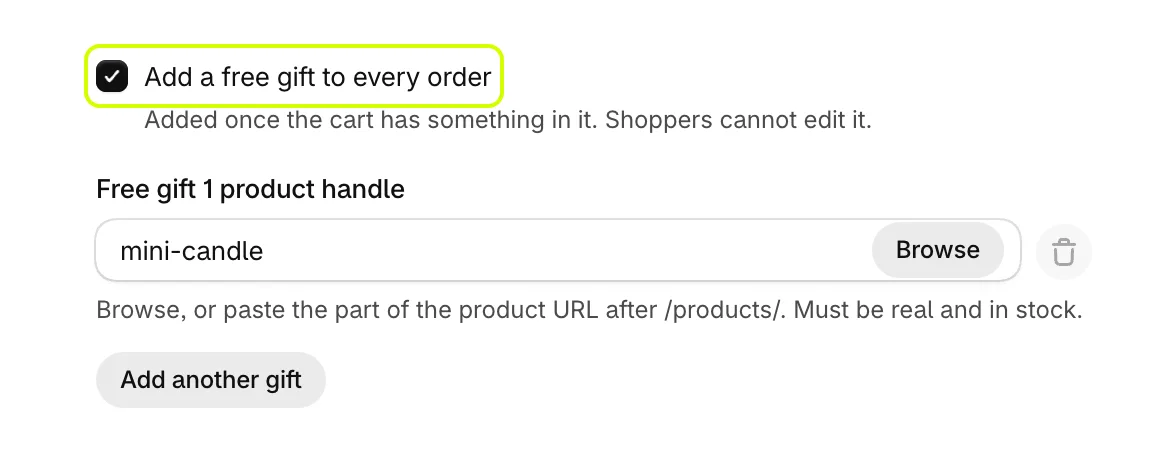
- Turn on Add a free gift to every order.
- Select Browse beside Free gift 1 product handle to pick the gift, or paste the part of its address after
/products/. Use a real product that is active and in stock. - To send more than one, select Add another gift. You can send up to five.
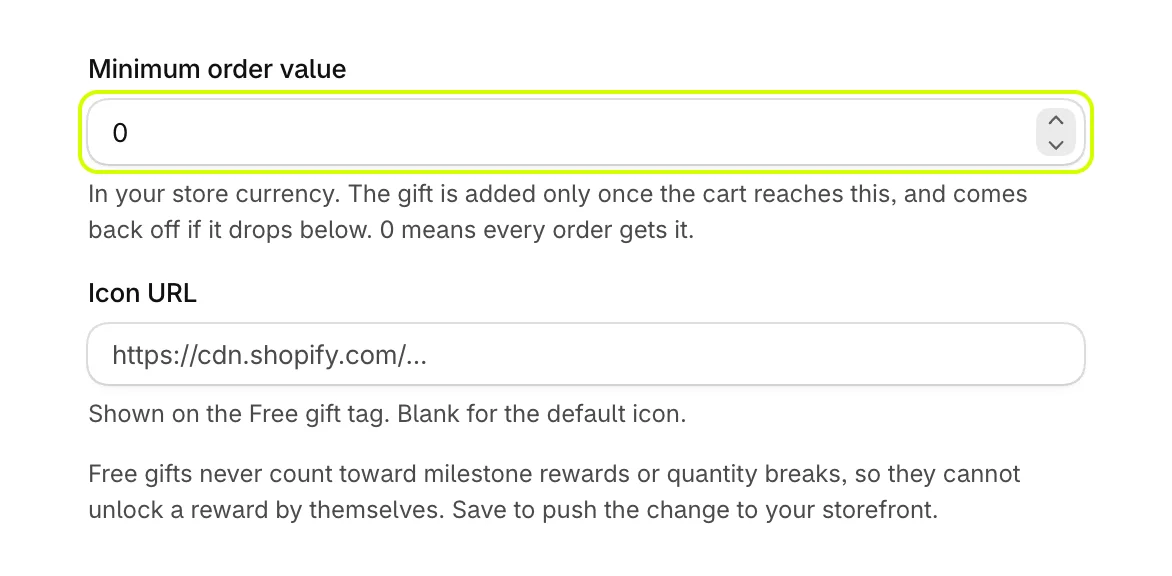
- Set Minimum order value to add the gift only once the cart reaches an amount, in your store's currency. 0 means every order gets it. If the cart drops below the amount, the gift comes off again.
- Paste an image link into Icon URL to change the icon on the gift's Free gift tag, or leave it blank for the default.
- Select Save.
The gift joins the cart once it holds something, as its own line priced FREE. Shoppers cannot change its quantity.
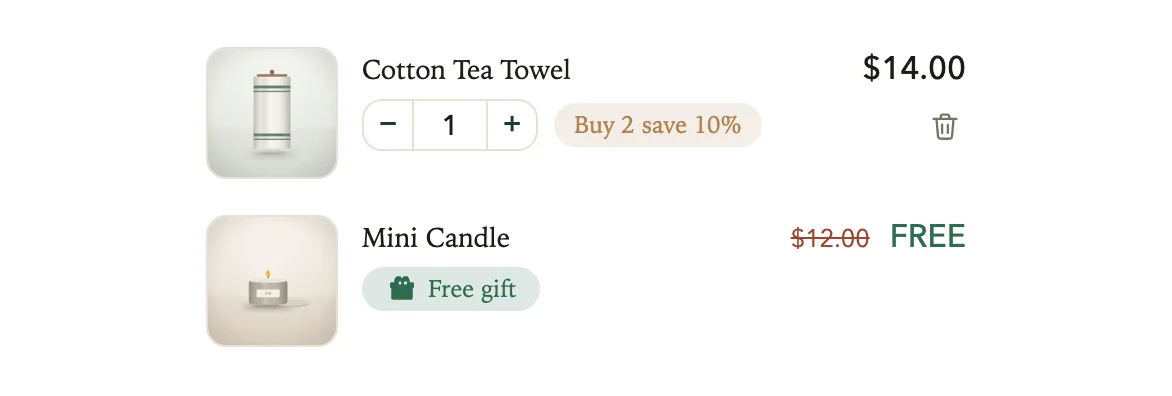
To show only FREE without the struck-through price, turn off Show what a free gift is worth in General.
Give a gift with particular products
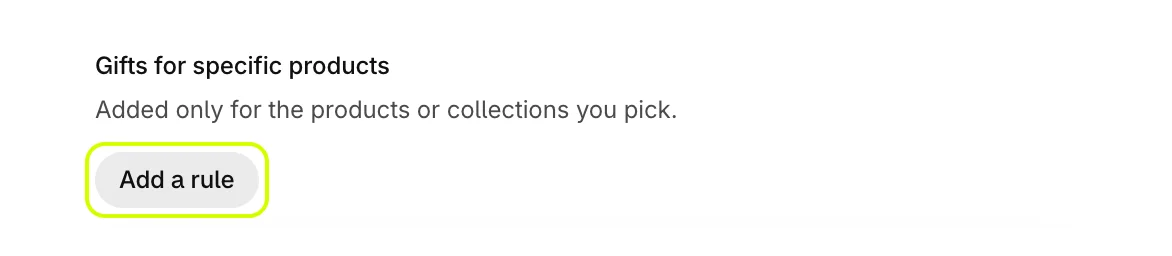
- Under Gifts for specific products, select Add a rule.
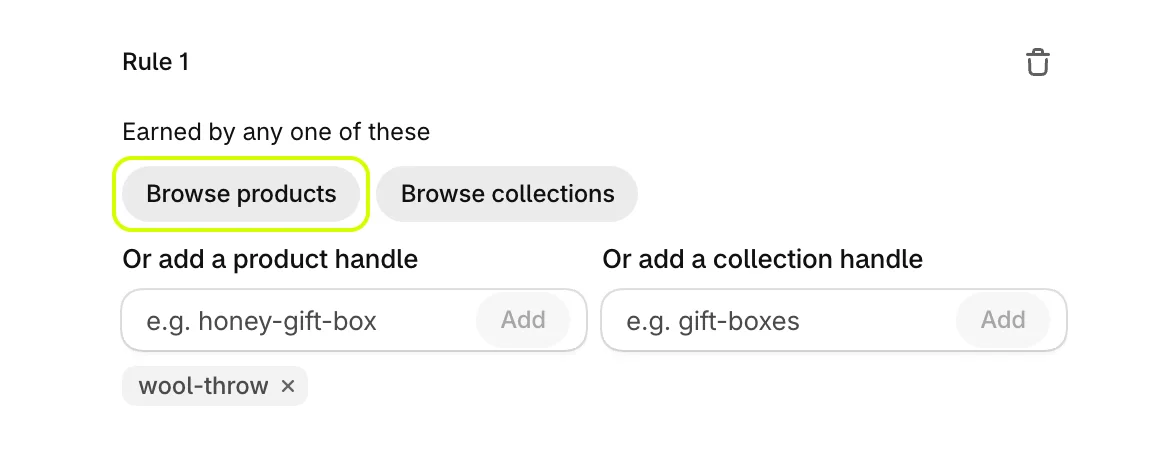
- Under Earned by any one of these, select Browse products or Browse collections, or type a handle into Or add a product handle or Or add a collection handle and select Add.
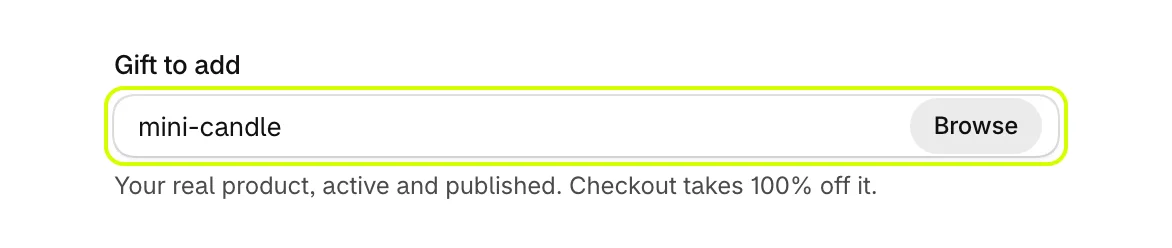
- Set Gift to add to the gift product. Checkout takes 100% off it.
- Select Save.
A rule without what earns it, or without a gift, is skipped. You can run up to five rules.
Good to know
- Free gifts never count toward reward goals or quantity breaks, so a gift cannot unlock a reward by itself.
- If a gift product cannot be found, is not on your Online Store or is out of stock, Cart settings warns you under A gift product needs attention. See What the warnings on Cart settings mean.
- For a gift earned by the cart's total, use a reward goal instead. See Add more reward goals.
Was this helpful?
More in Offers and rewards
- Recommend products in the cartShow products to add in one tap, from a collection you choose or ones that pair with the cart, with an optional discount.
- Set up the free shipping barShow shoppers how far they are from free shipping, apply it at checkout when they get there, and raise your average order.
- Add more reward goalsStack goals on the reward bar, such as free shipping first and a free gift after it, or a percent or amount off the order.
- Set up quantity breaksGive a percentage off when a shopper buys more of the same product, and choose what the app's discounts may combine with.