Style the cart with custom CSS
On Pro, add your own CSS for the cart on your store, for the few details the design settings do not cover.
 Attravo TeamUpdated 1 min read
On this page
The design settings cover colors, fonts, corners and sizes. For anything beyond them, Pro lets you add your own CSS, applied to the cart on your store only.
Add CSS
- On Cart settings, open Custom CSS.
- Type your CSS into the box. Target the drawer with
.avc-cartand the full cart page with.avc-pgcart, as in.avc-cart__title { letter-spacing: -0.02em; }.
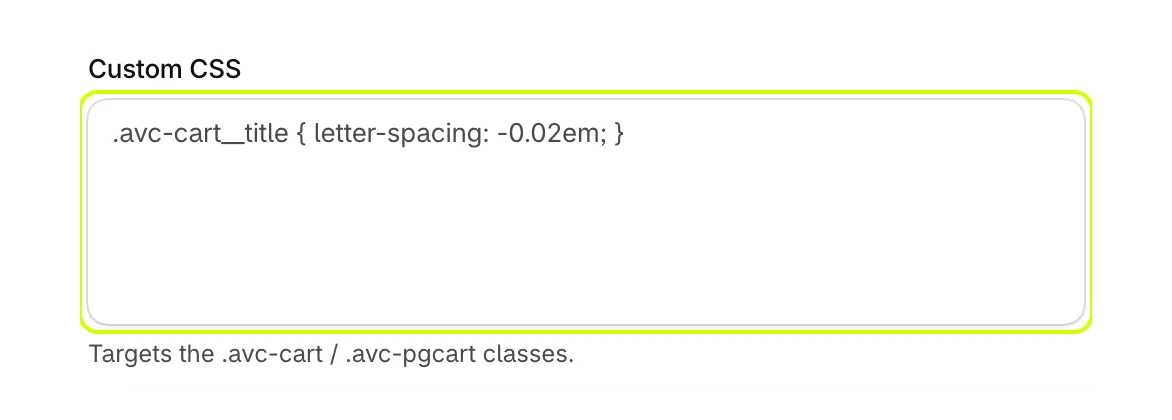
- Check the result in Live preview, then select Save.
Good to know
- Custom CSS applies to the storefront cart only. Cart settings itself is never changed by it.
- Class names other than the two above can change when the cart is updated. Keep rules few and short, and check your cart after an update.
- If you move to Free, custom CSS turns off.
To see the cart's other hooks for theme developers, read Work with the cart in your theme code.
Was this helpful?
More in Design
- Match the cart to your brand colorsSet every color the cart uses, from buttons and the reward bar to text and the page dimming behind the drawer.
- Set fonts, corners and sizesUse your theme's fonts or one of the cart's own, and set heading weight, button depth, corner shapes, text size and widths.
- Reorder the checkout areaChange the order of the discount box, total, terms, trust badges, checkout button and payment icons at the bottom of the cart.
- Check the cart on phonesSee how the drawer and the full cart page look on a phone, and what changes from a computer.