Collect delivery dates in the cart
Let shoppers pick a delivery date in the cart, with your closed days, a same-day cut-off and holiday exceptions built in.
 Attravo TeamUpdated 2 min read
On this page
On Pro, the cart can ask for a delivery date before checkout, from a calendar that only offers the days you deliver. The date arrives on the order, so you know when each one is due.
Add a date question
- On Cart settings, open Delivery scheduling & order details.
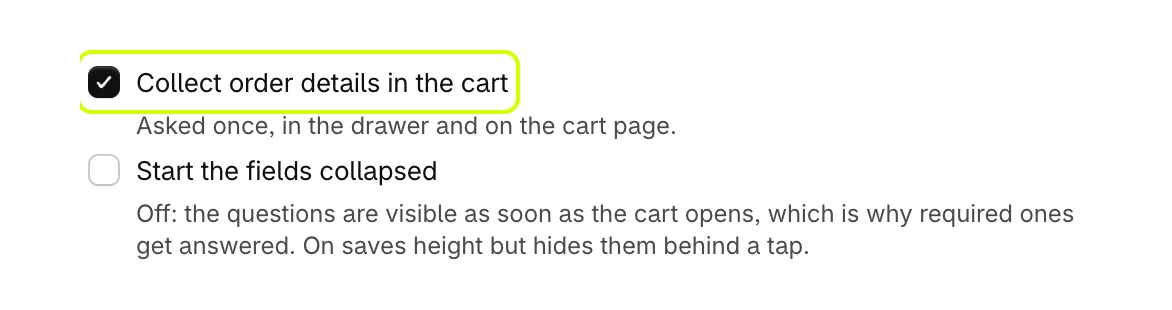
- Turn on Collect order details in the cart.
- Leave Start the fields collapsed off so the question shows as soon as the cart opens. On hides it behind a tap, which saves room but is easier to miss.
- Select Add a field. Under Type, choose Date, and set Question, such as Delivery date. The question is also the name the answer appears under on the order.

Set the days you deliver
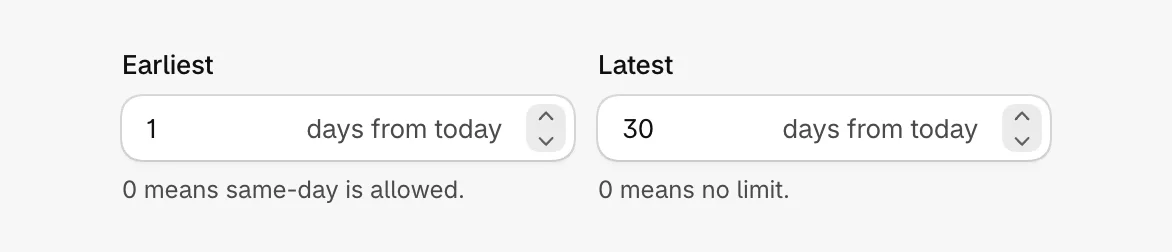
- Set Earliest in days from today. 0 allows same-day delivery.
- Set Latest in days from today. 0 means no limit.
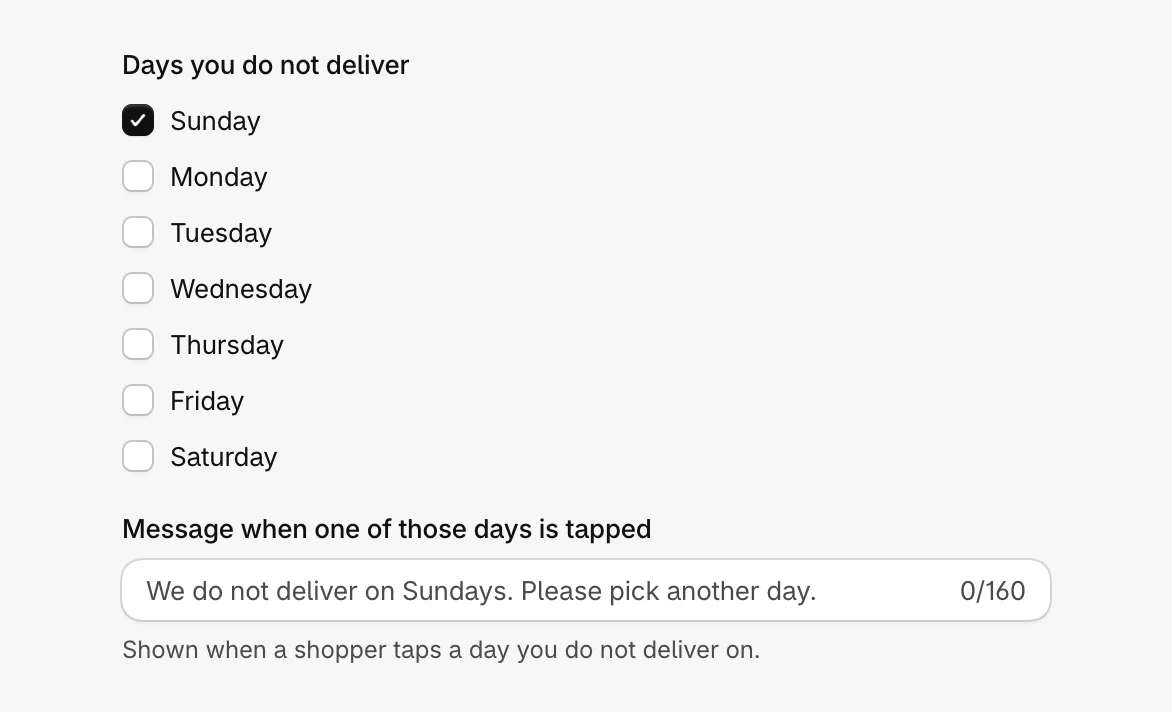
- Under Days you do not deliver, tick the weekdays you are closed. Set Message when one of those days is tapped, or leave it blank for the default.
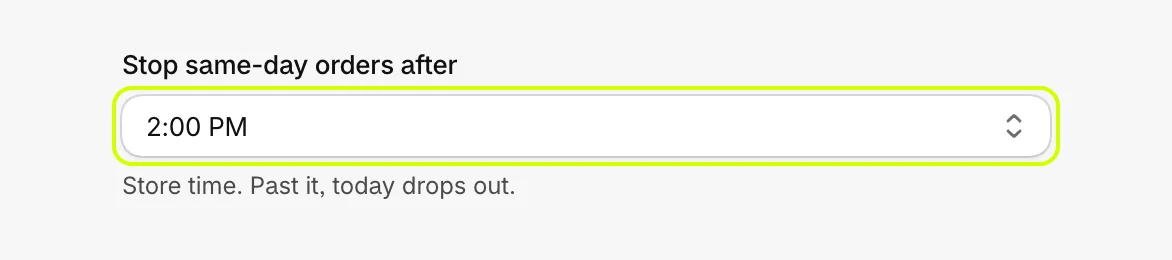
- Set Stop same-day orders after to a time in your store's time zone. Past it, today drops out of the calendar.
Add exceptions for particular dates
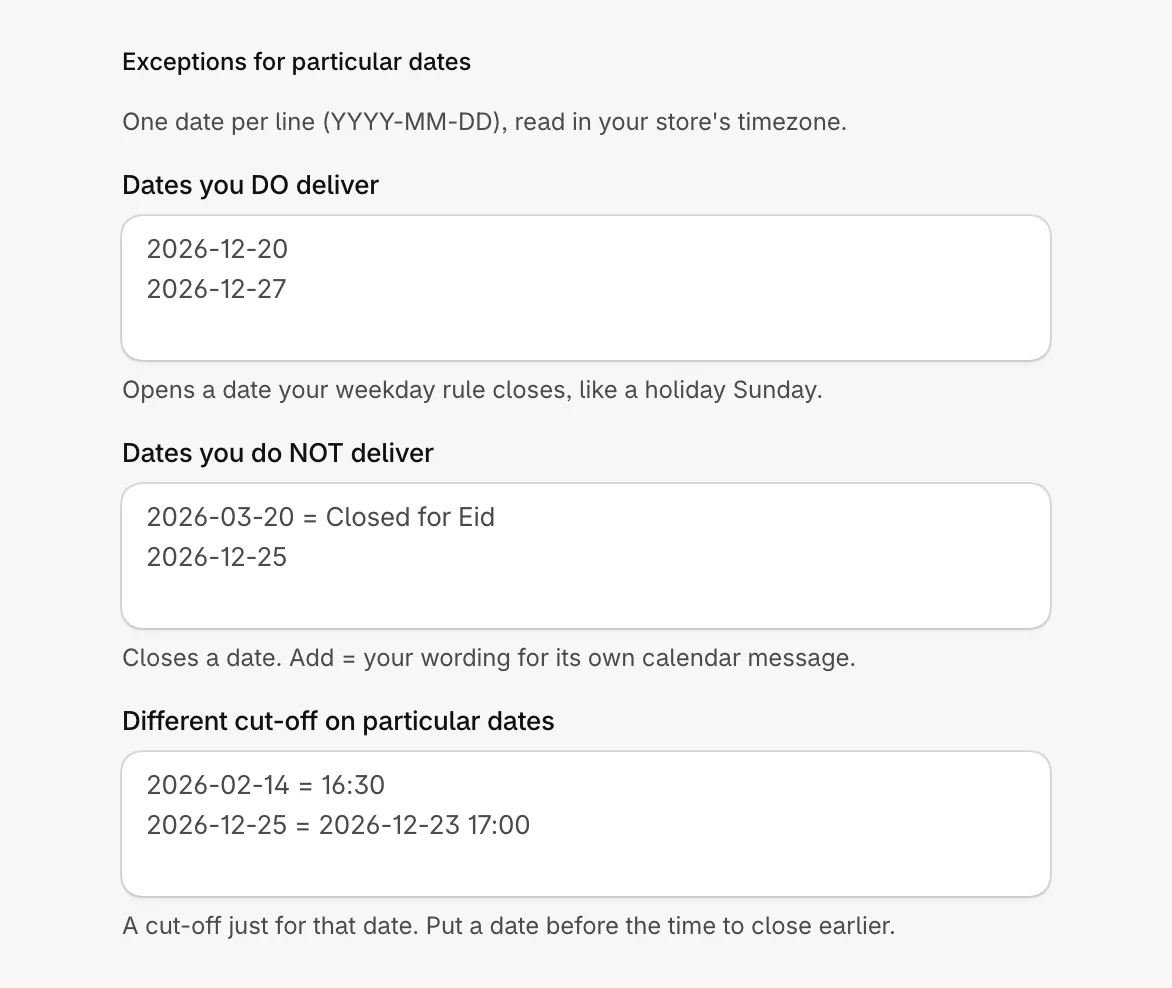
Under Exceptions for particular dates, write one date per line as YYYY-MM-DD, read in your store's time zone.
- Dates you DO deliver: opens a date your weekday rule closes, like a holiday Sunday.
- Dates you do NOT deliver: closes a date. Add
=and your own words to show them for that date, as in2026-12-25 = Closed for the holiday. - Different cut-off on particular dates: a cut-off just for that date, as in
2026-02-14 = 16:30. Put a date before the time to close orders earlier, as in2026-12-25 = 2026-12-23 17:00.
Finish the question
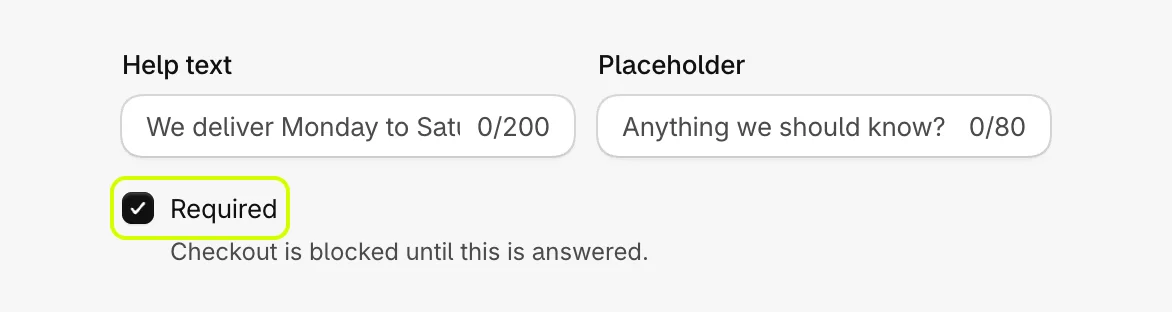
- Set Help text, a line under the question, if you like.
- Turn on Required if every order needs a date. Checkout is blocked until it is answered.
- Select Save.
What shoppers see
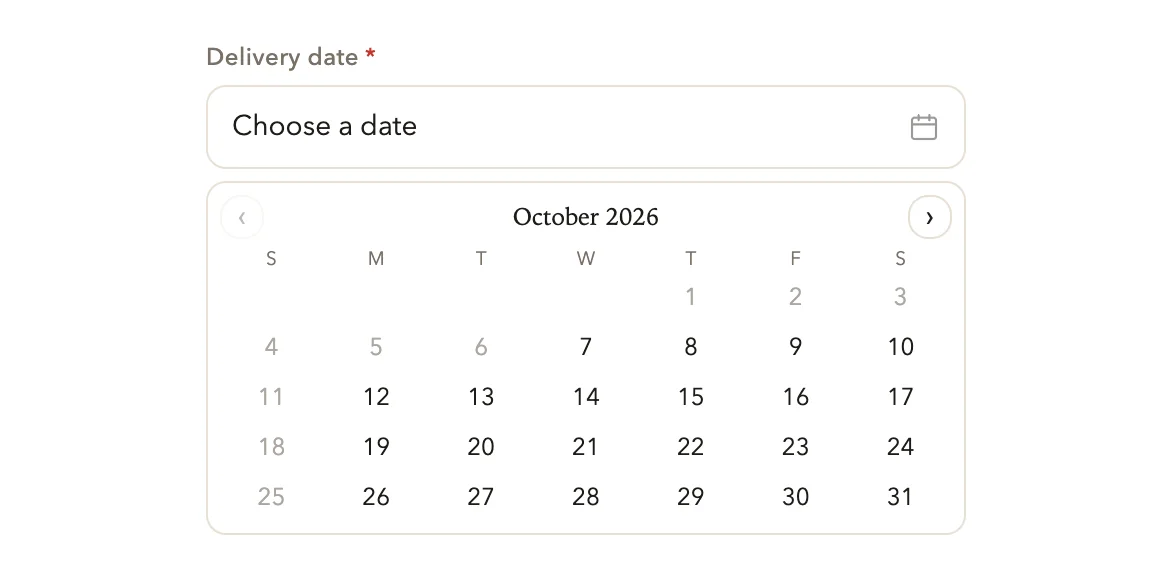
The calendar offers only the days you deliver. Tapping a closed day explains why, and choosing an open day fills the field:
To refuse checkout until the date is given, and to ask other questions alongside it, see Ask shoppers questions before checkout.
Was this helpful?