What shoppers see in the cart
A tour of the cart from top to bottom, and the article that covers each part of it.
 Attravo TeamUpdated 1 min read
On this page
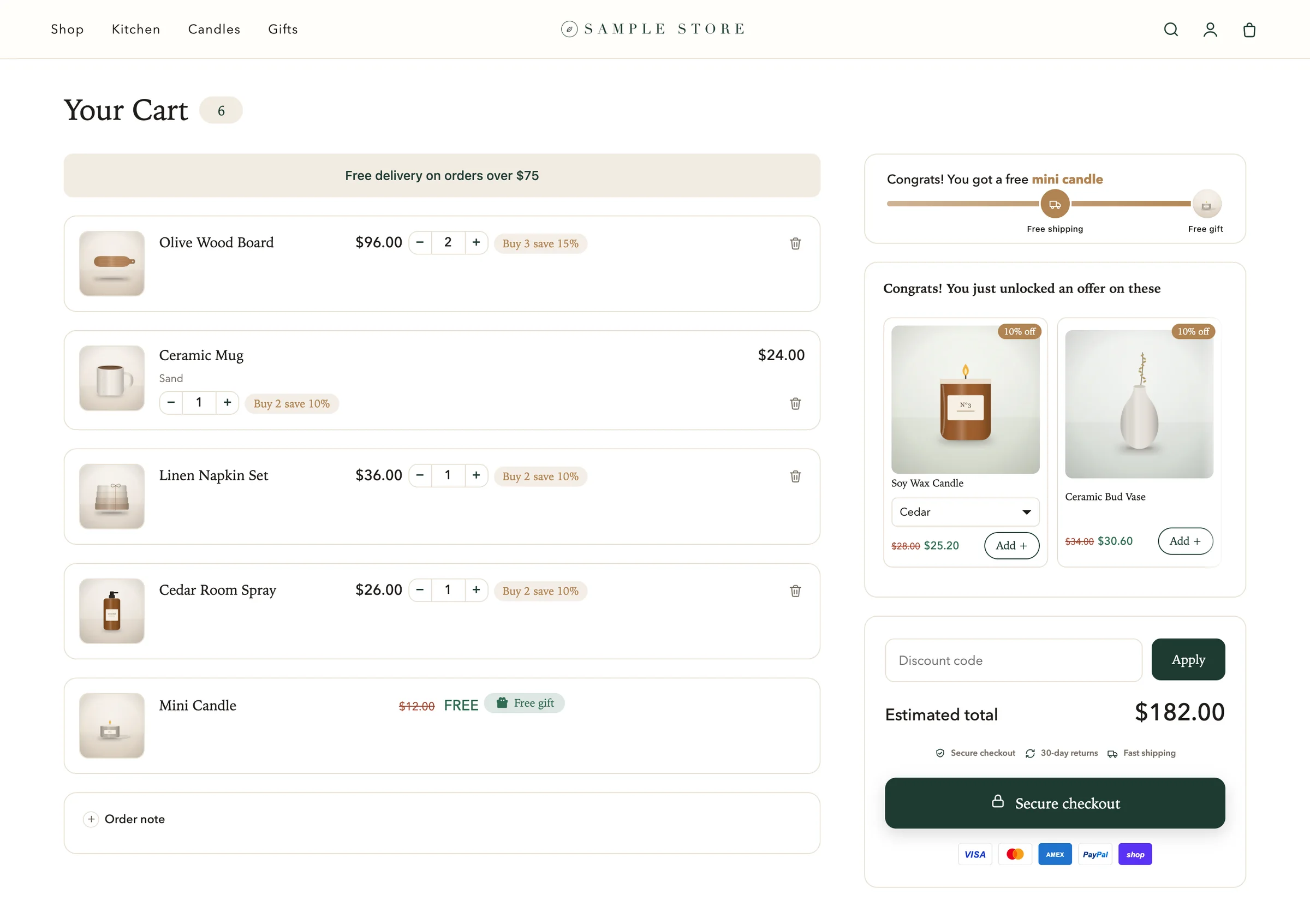
The cart opens as a drawer from the side of the page when a shopper adds a product or taps your cart icon. Every part of it is set on Cart settings, and parts you have not turned on simply do not show.
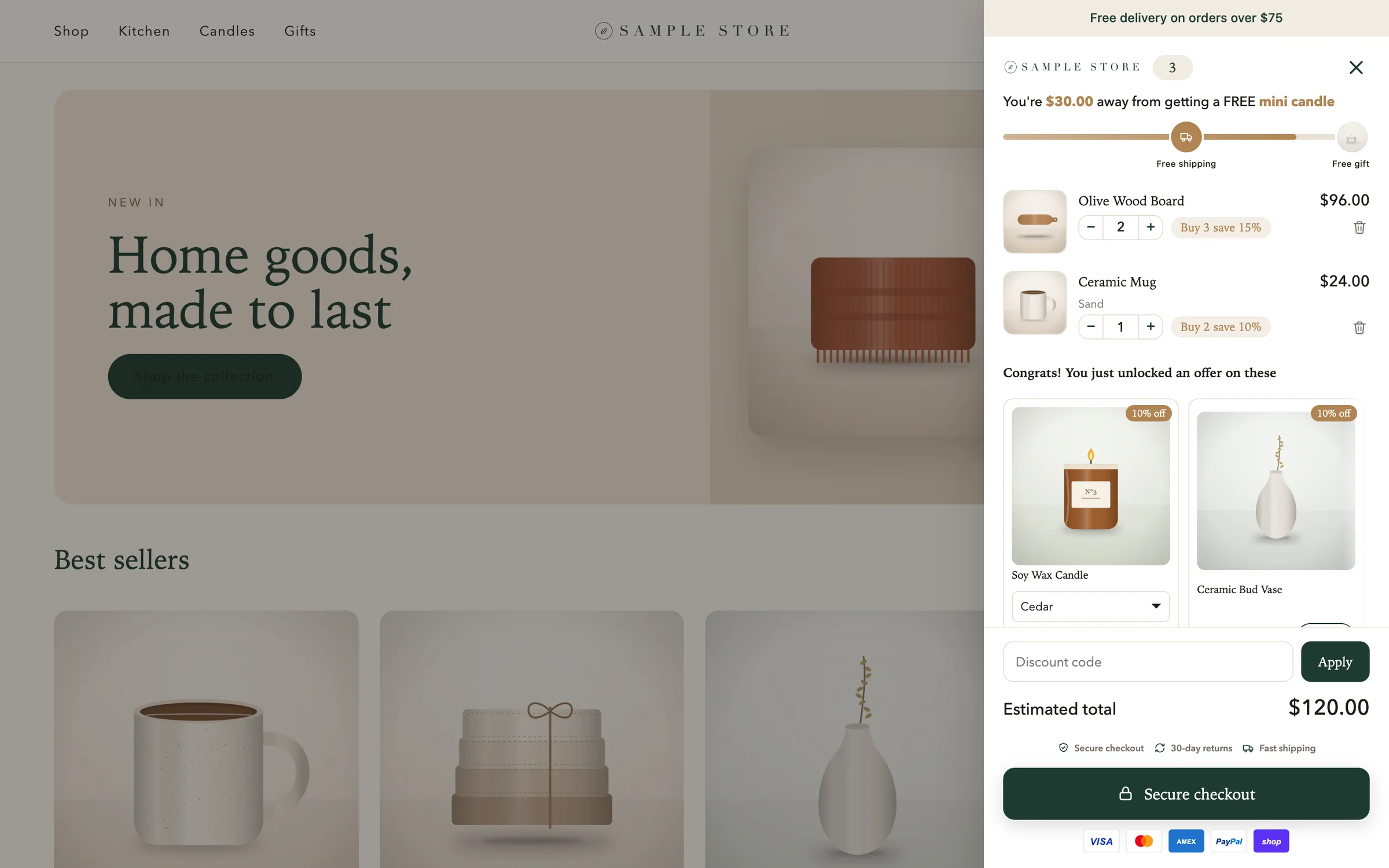
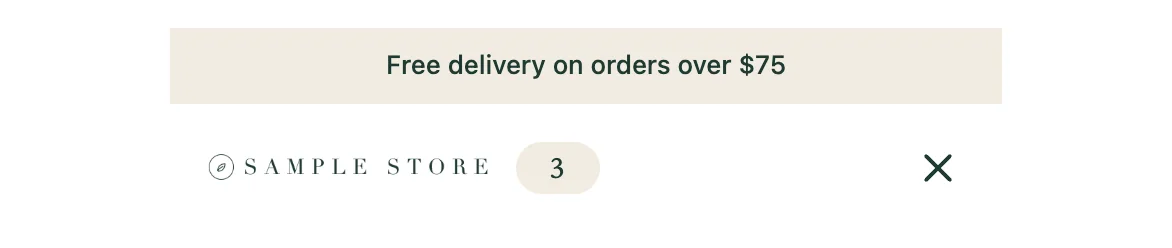
From the top
Announcement bar and header
An optional strip of text, then your logo or the cart title, and the number of items. See Add your logo and an announcement.
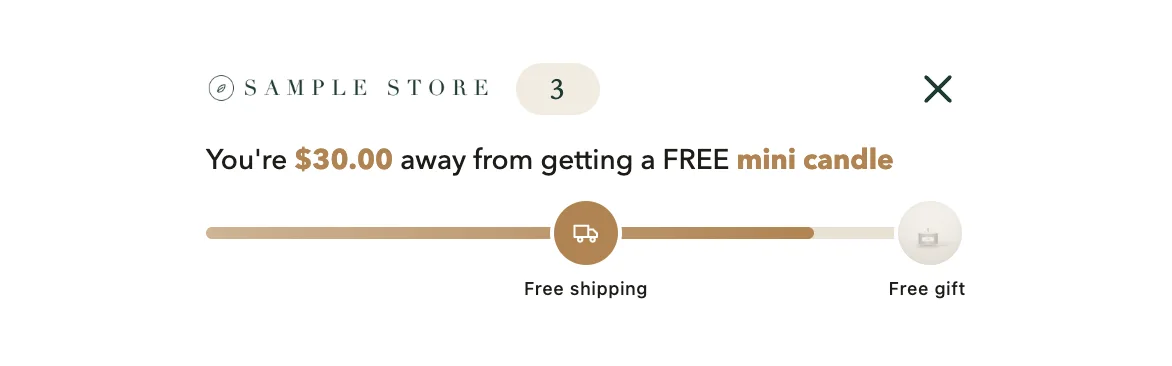
Reward bar
How far the shopper is from free shipping, a gift or a discount. See Set up the free shipping bar.
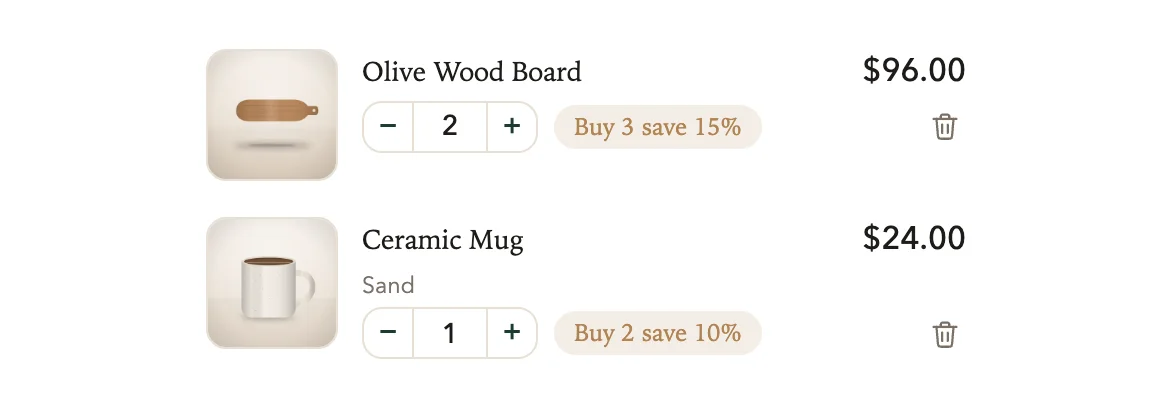
Cart lines
Each product with its variant, quantity and price, and the quantity break it is working toward. See Set up quantity breaks and Give free gifts with an order.
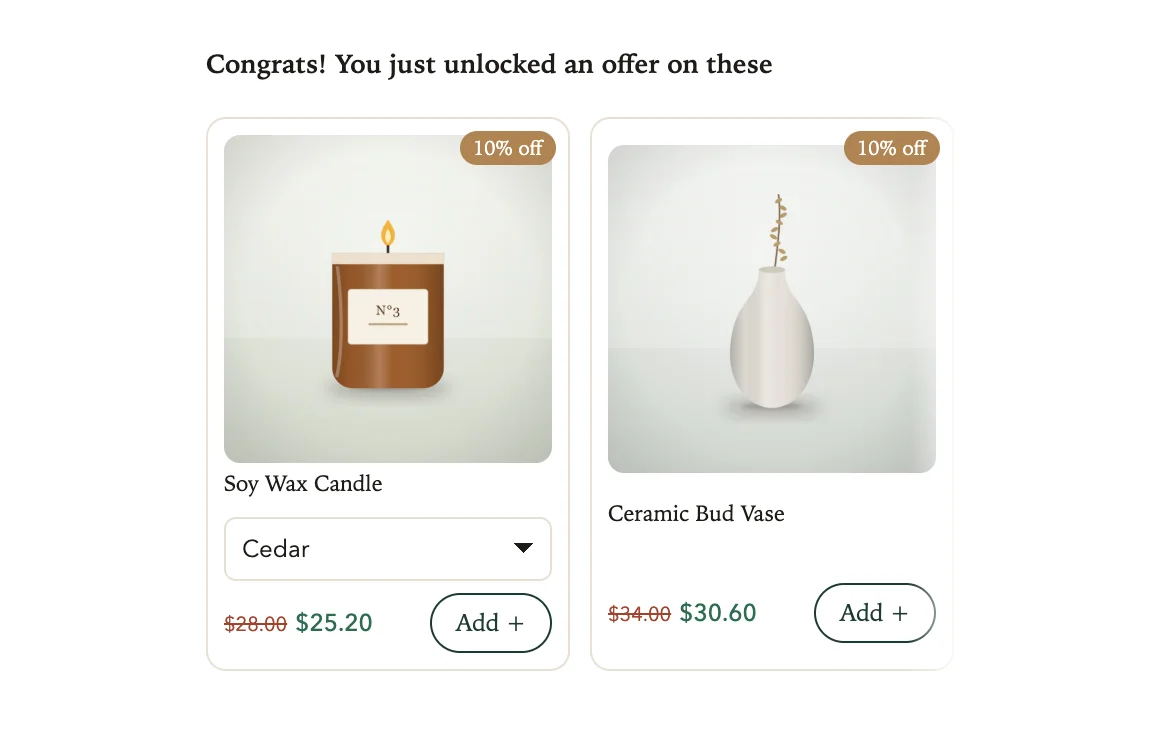
Offers
Products to add in one tap, with an optional discount. See Recommend products in the cart.
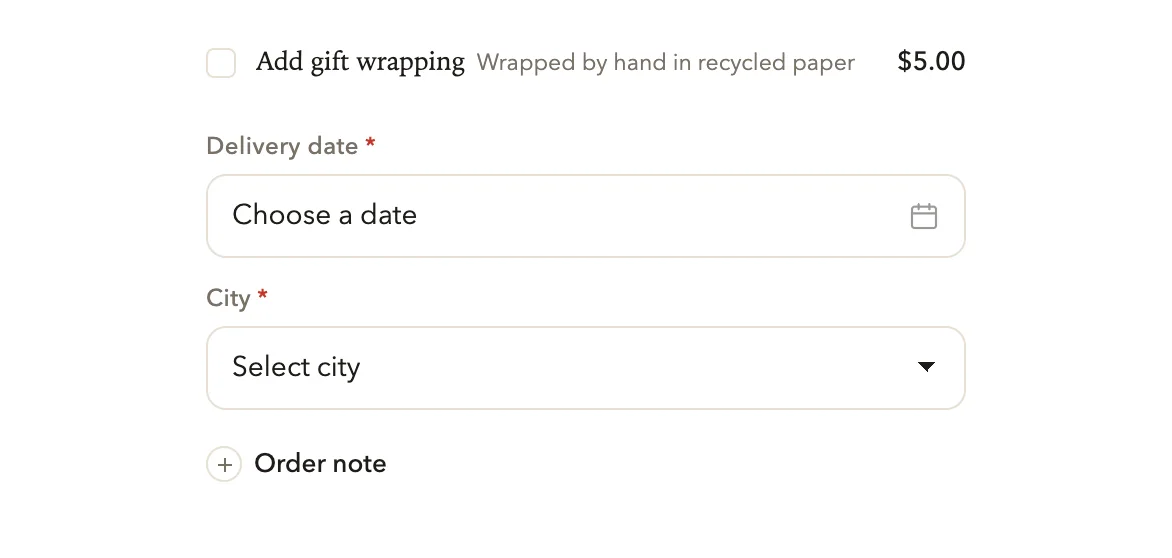
Extras
Add-ons such as gift wrap, questions like a delivery date, and an order note. See Offer add-ons like gift wrap, Collect delivery dates in the cart and Add an order note box.
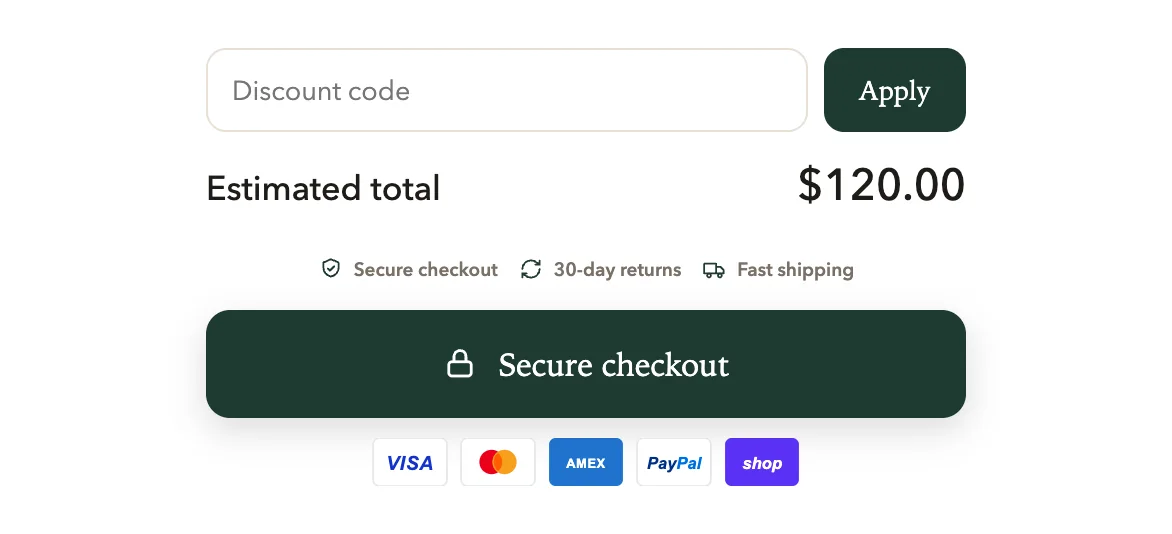
Checkout area
A discount code box, the total, trust badges, the checkout button and payment icons, with an optional terms checkbox. See Set up the total and checkout button.
On phones
On a phone the drawer fills the screen, and the full cart page stacks into one column.
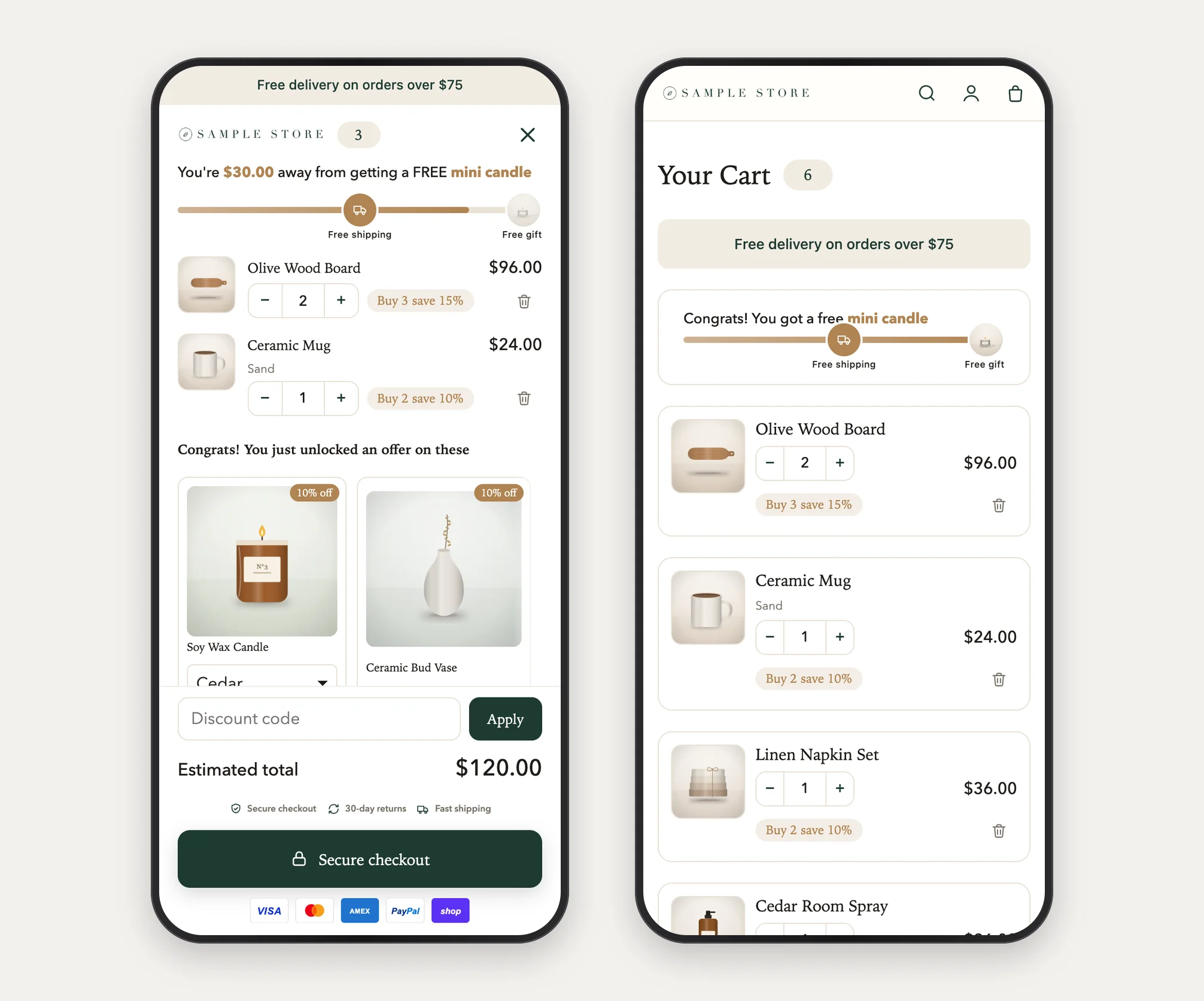
The full cart page
If you choose Drawer + full cart page, your store's cart page shows the same cart laid out in two columns. See Choose how the cart opens.
Was this helpful?
More in Getting started
- Install Cart Drawer UpsellInstall the app, open it for the first time, and see what it changes on your store before you turn the cart on.
- Turn on the cart in your themeSwitch on the Cart Drawer app embed so your store shows the new cart instead of your theme's own.
- Finish the setup guideFive steps from install to a cart shoppers can use: the embed, a reward goal, offers, your brand and a check on your store.
- Preview your cart as you editSee the cart with your own products while you change settings, as a drawer or a full page, at computer or phone width.