Create promo codes in bulk
Make up to 20 branded, single-use discount codes at once, check any code before you share it, and delete the ones you no longer need.
 Attravo TeamUpdated 1 min read
The Discounts section on Cart settings creates real discount codes in your store, with your prefix, for a campaign or a list of customers. Creating codes is on Pro. Checking a code works on any plan.
Create codes
- On Cart settings, open Discounts.
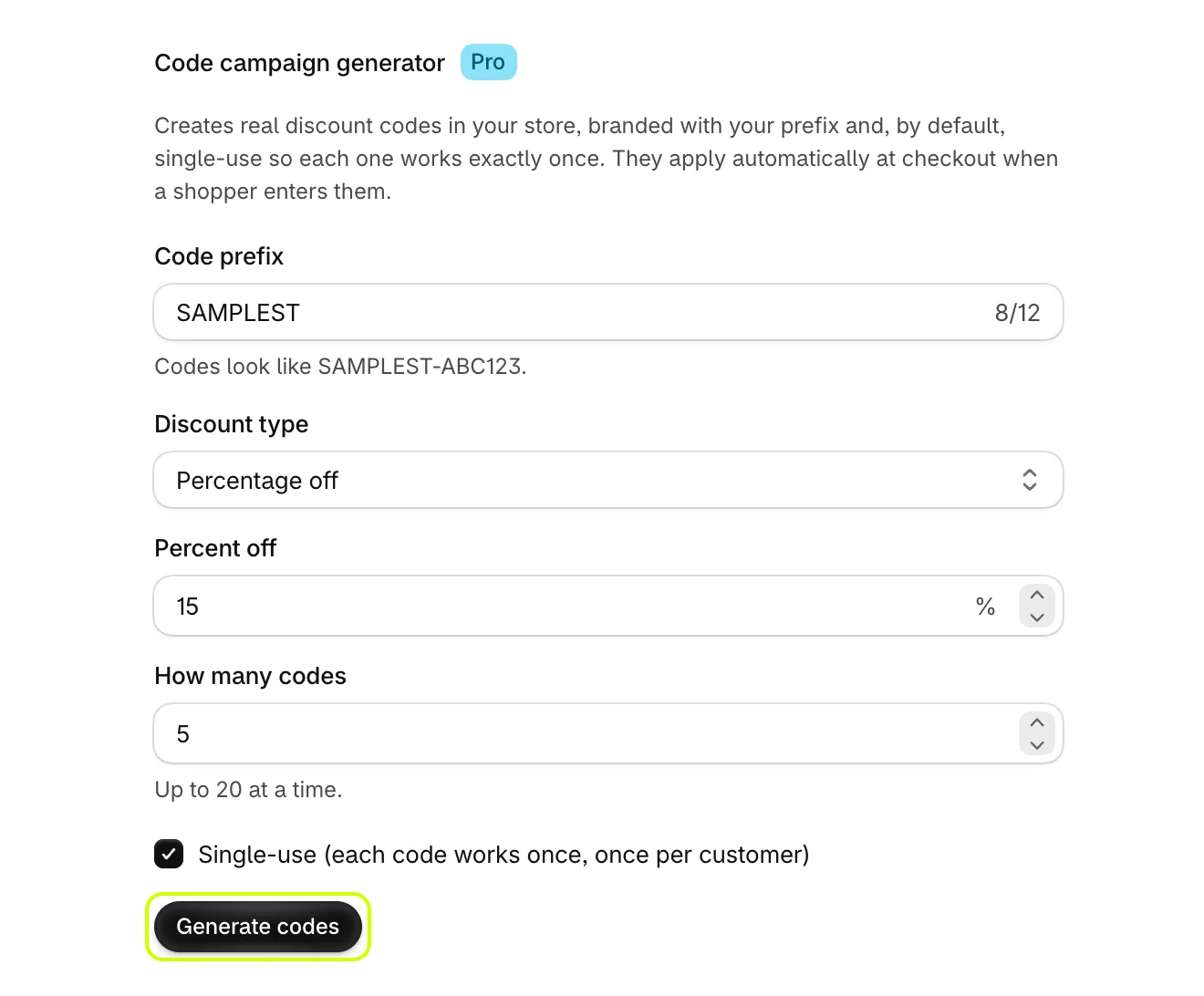
- Under Code campaign generator, set Code prefix. Codes look like your prefix followed by six letters and numbers, such as
SAMPLEST-ABC123. - Under Discount type, choose Percentage off or Fixed amount off order, then set the value.
- Set How many codes, up to 20 at a time.
- Leave Single-use (each code works once, once per customer) on for unique codes, or turn it off for codes anyone can reuse.
- Select Generate codes.
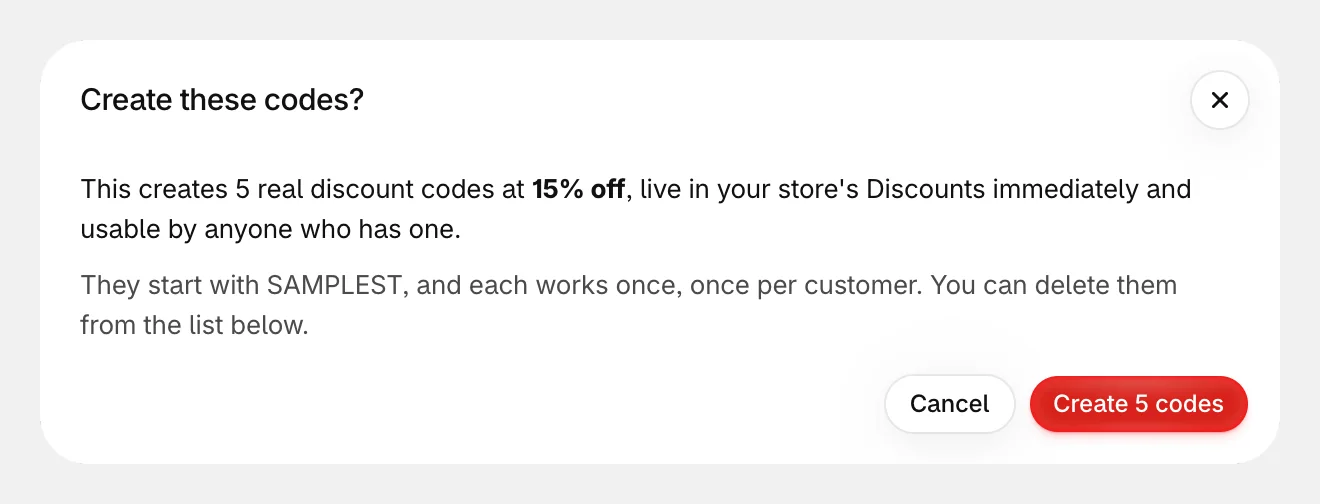
- Check the summary, then confirm with the button that names how many codes it makes, such as Create 5 codes. The codes are live in your store as soon as they are created.
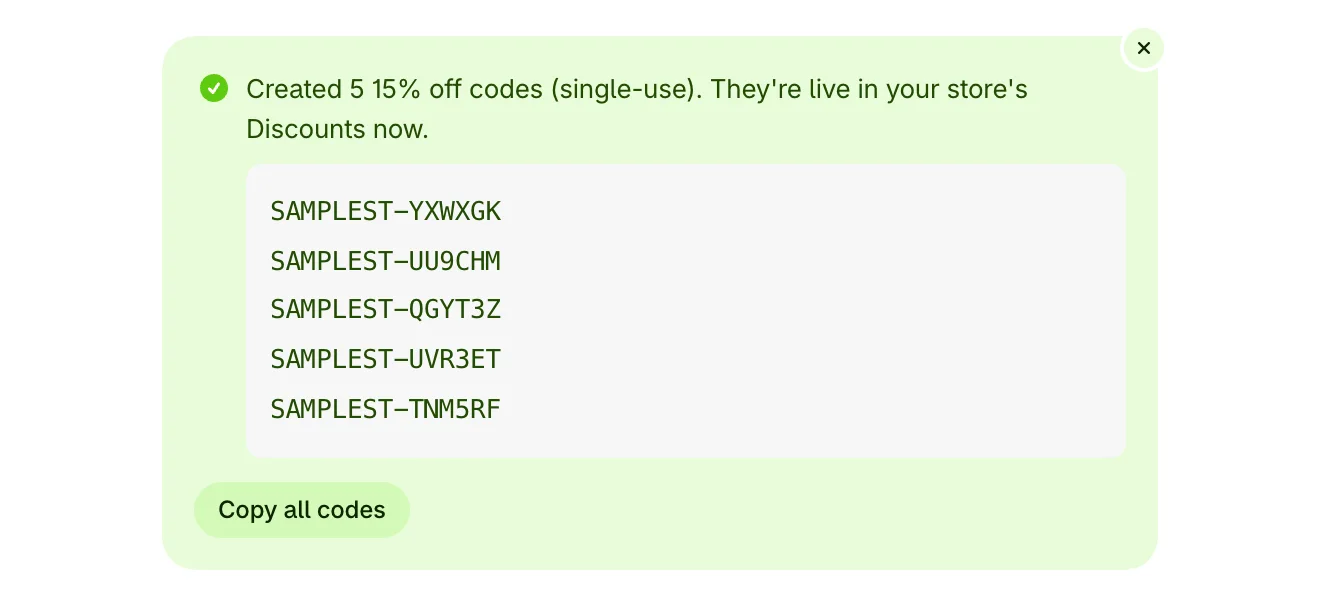
The new codes are listed. Select Copy all codes to copy them for an email or a spreadsheet.
Check a code
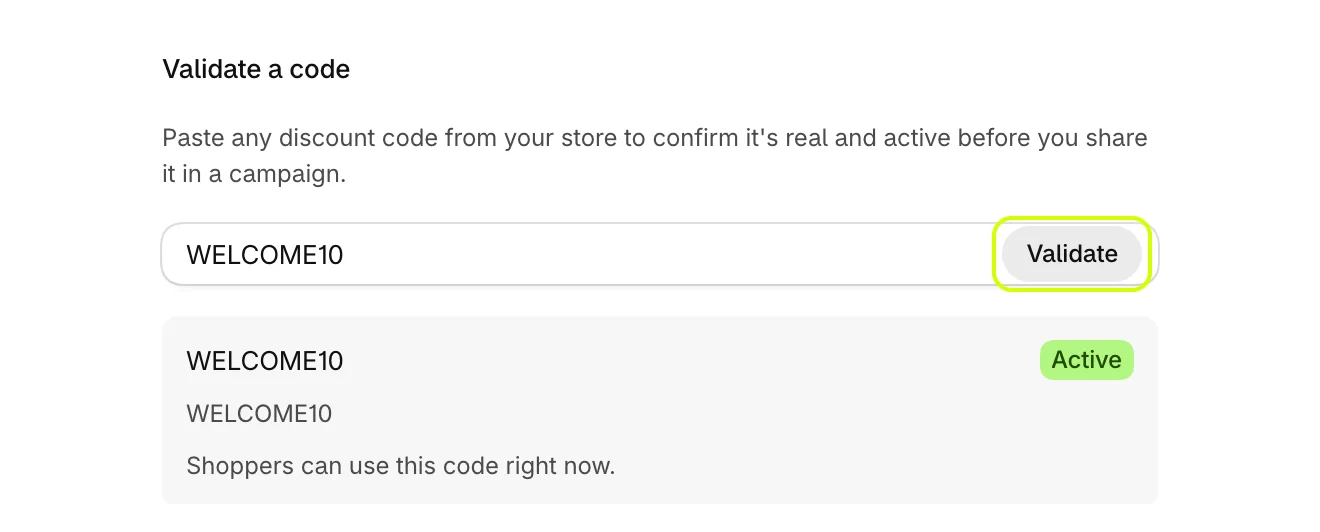
Before you share a code from anywhere in your store, type it under Validate a code and select Validate. The result says whether shoppers can use it now, whether it has not started yet, or whether it has ended.
Manage the codes the app made
Your codes lists every code the app created, campaign codes and thank-you codes alike, with how often each has been used. Select Delete to remove one from your store.
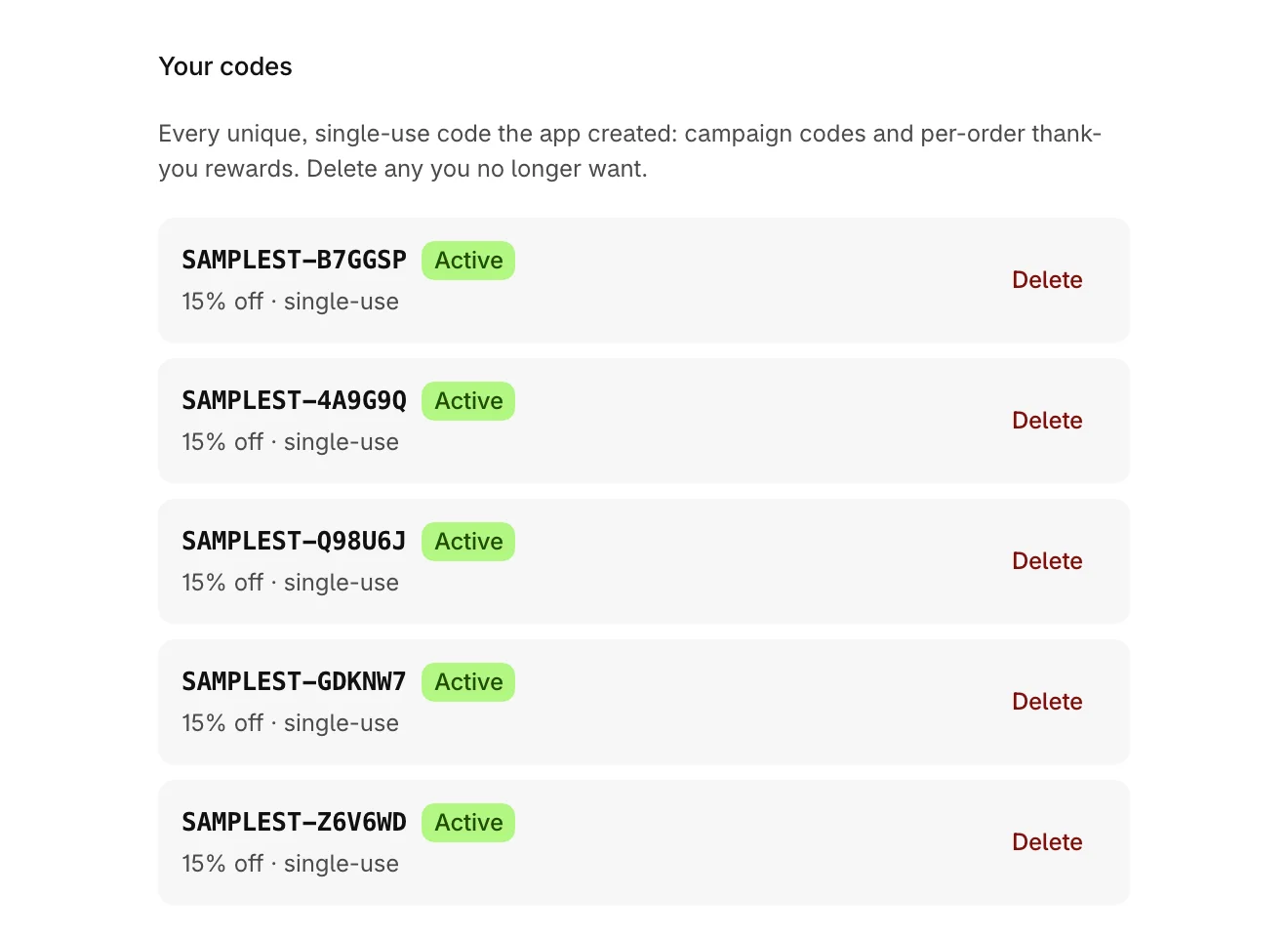
Codes the app creates are ordinary discount codes, so they also appear in Discounts in your Shopify admin.
Was this helpful?
More in Offers and rewards
- Recommend products in the cartShow products to add in one tap, from a collection you choose or ones that pair with the cart, with an optional discount.
- Set up the free shipping barShow shoppers how far they are from free shipping, apply it at checkout when they get there, and raise your average order.
- Add more reward goalsStack goals on the reward bar, such as free shipping first and a free gift after it, or a percent or amount off the order.
- Give free gifts with an orderAdd a free gift to every order, or only when the cart holds products you choose, and checkout takes its price off.