Add and edit questions
Add questions, choose their type, write them, and move, copy or delete them.
 Attravo TeamUpdated 2 min read
On this page
Good questions are short and easy to answer, and each one narrows the products a shopper sees. Five to seven questions keep completion high.
Add a question
- Open your quiz. Questions lists every question in order.
- Select Add question.
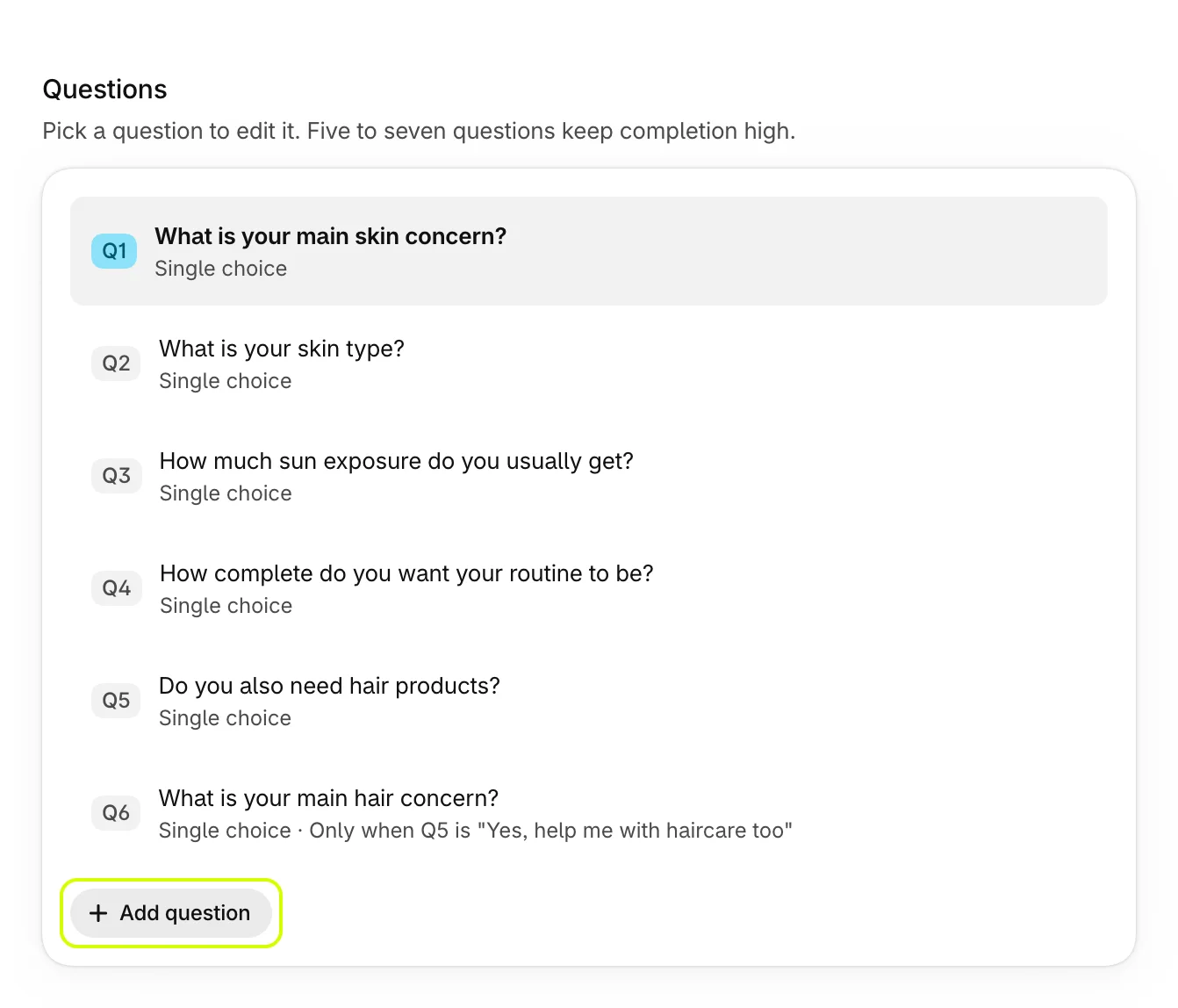
A new Single choice question appears at the end with two answers, Option A and Option B. Select any question in the list to edit it below.
Write the question
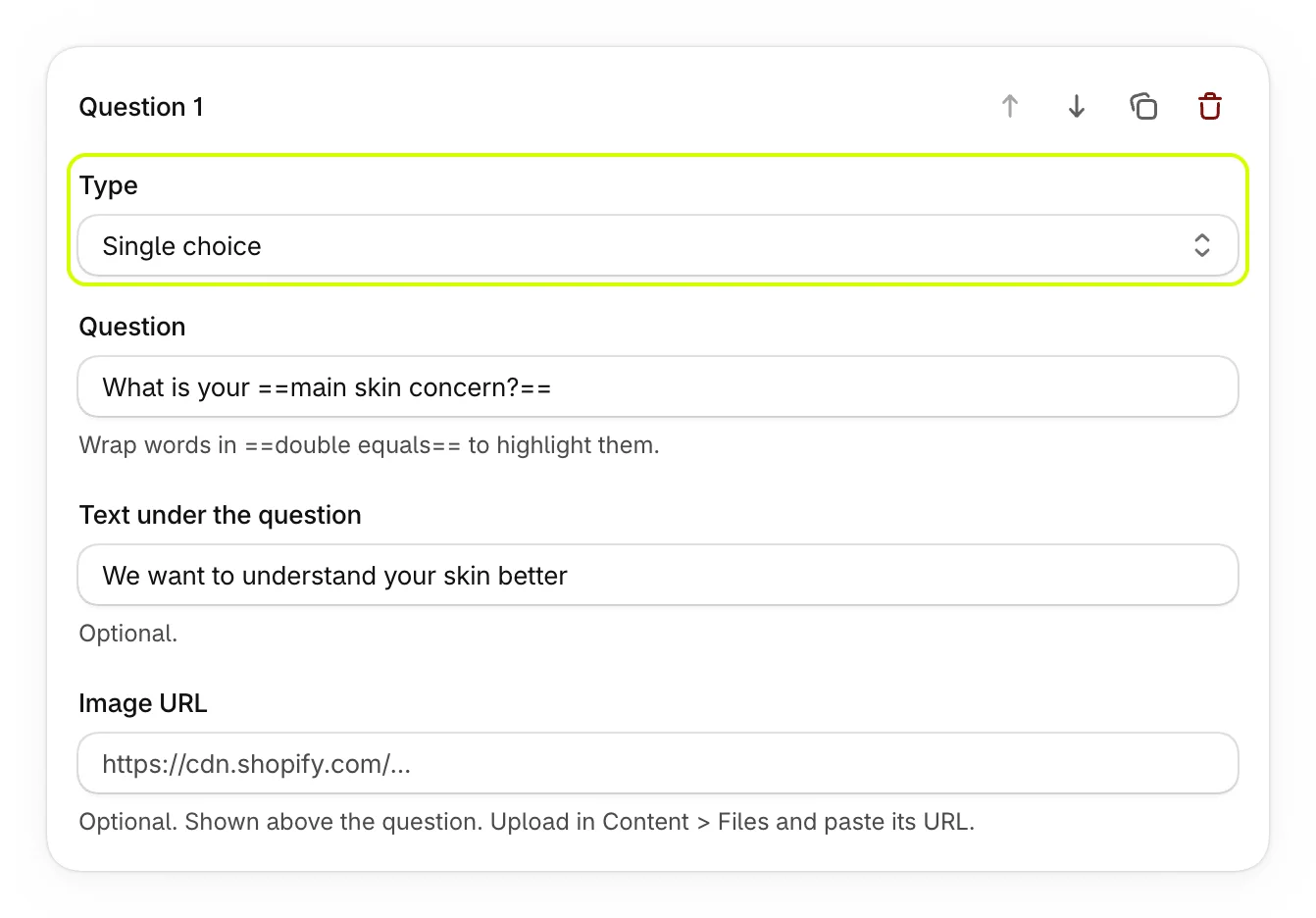
| Setting | What it does |
|---|---|
| Type | How shoppers answer. See the types below. |
| Question | The question itself. Wrap words in double equals signs, such as ==main skin concern?==, to highlight them. |
| Text under the question | An optional line under the question. |
| Image URL | An optional image above the question. Upload it in your Shopify admin under Content > Files and paste its address. |
The Live preview beside the editor follows every change as you type.
Choose the type
| Type | How shoppers answer |
|---|---|
| Single choice | Pick one answer. |
| Multiple choice | Pick several answers. |
| Icon carousel | Swipe through answer cards, each with an emoji. |
| Slider | Slide along a scale from 0 to 10. |
| Short text | Type an answer. |
| Type an email address. It's checked, and saved as a lead. | |
| Phone | Type a phone number of at least seven digits. |
| Address | Fill in an address: street, a second line, city, region, country and postcode. |
| Number | Type a number. |
| Rating | Pick one to five stars. |
| Info screen | Nothing to answer: a page of text, such as a tip between questions. |
Single choice, multiple choice and icon carousel questions have answers with tags, which decide the products recommended. See Set up answers and tags.
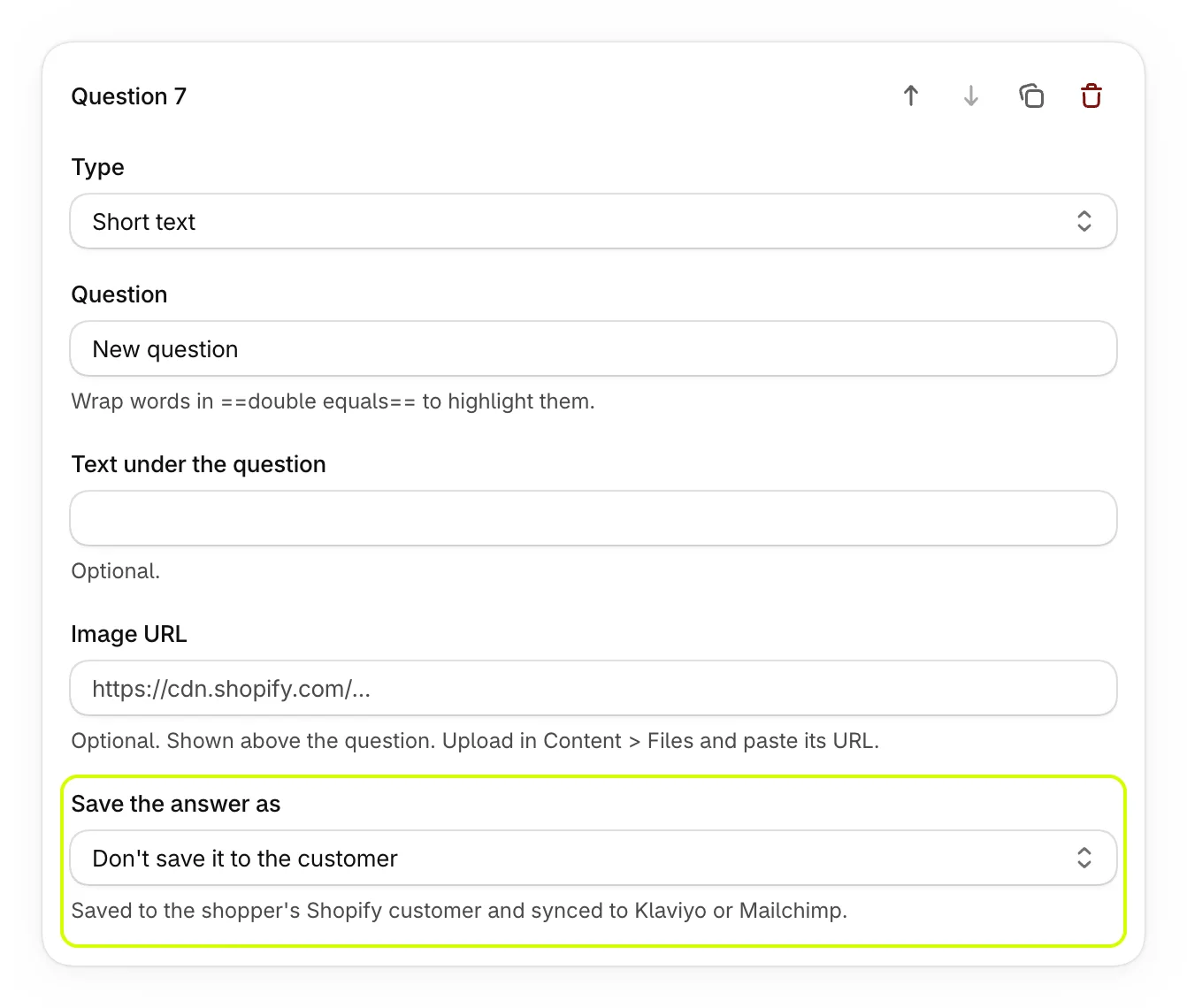
Save a typed answer to the customer
A Short text question has one more setting, Save the answer as: First name, Last name, Full name (split into first and last), Phone or Email. The answer is then saved to the shopper's Shopify customer and synced to Klaviyo or Mailchimp.
Rearrange your questions
The buttons at the top right of a question move it up or down, duplicate it, or delete it.
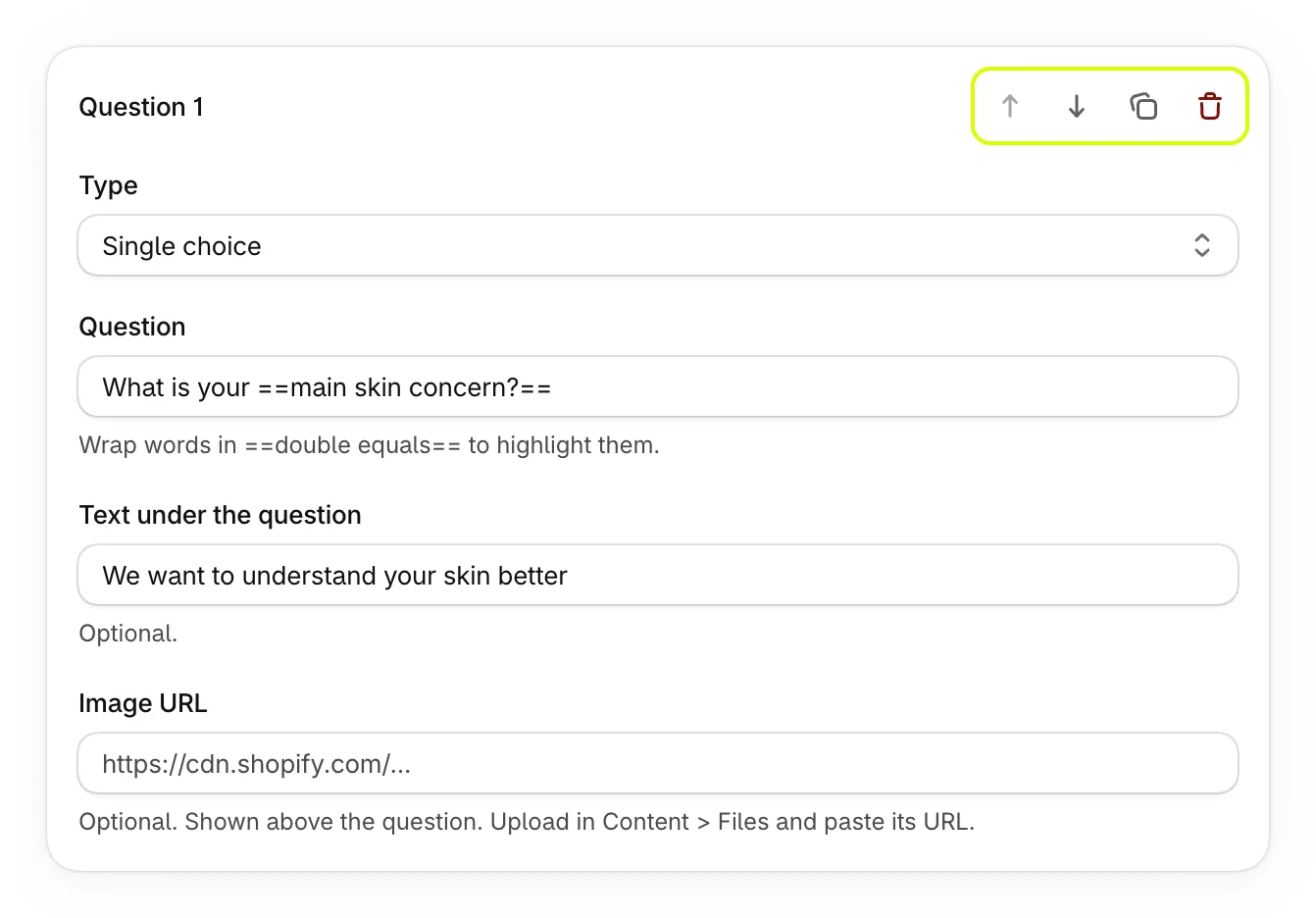
Deleting asks for nothing. If you delete a question by mistake, select Discard in the bar at the top of the page before you save.
Save
Select Save in the bar at the top of the page. A published quiz shows your changes on your store within a minute of saving.
Was this helpful?
More in Build your quiz
- Start from a templatePick one of four ready-made quizzes, or start blank, and see what each template sets up for you.
- Set up answers and tagsWrite answers, tag them to match your products, add education boxes and choose how answers look.
- Show a question only after certain answersAdd rules so a question appears only when earlier answers match, and skip the questions that don't apply.
- Preview your quizClick through your quiz with unsaved changes, on a phone or desktop, and see the results each set of answers gets.