Change your plan
Start the 7-day Pro trial, approve it in Shopify, and switch back to Free whenever you like.
 Attravo TeamUpdated 1 min read
You can move between Free and Pro at any time from Plans. Pro starts with a 7-day free trial, so you can try every feature on your store before you pay.
Start the Pro trial
- Open Plans.
- On Pro, select Start 7-day free trial.
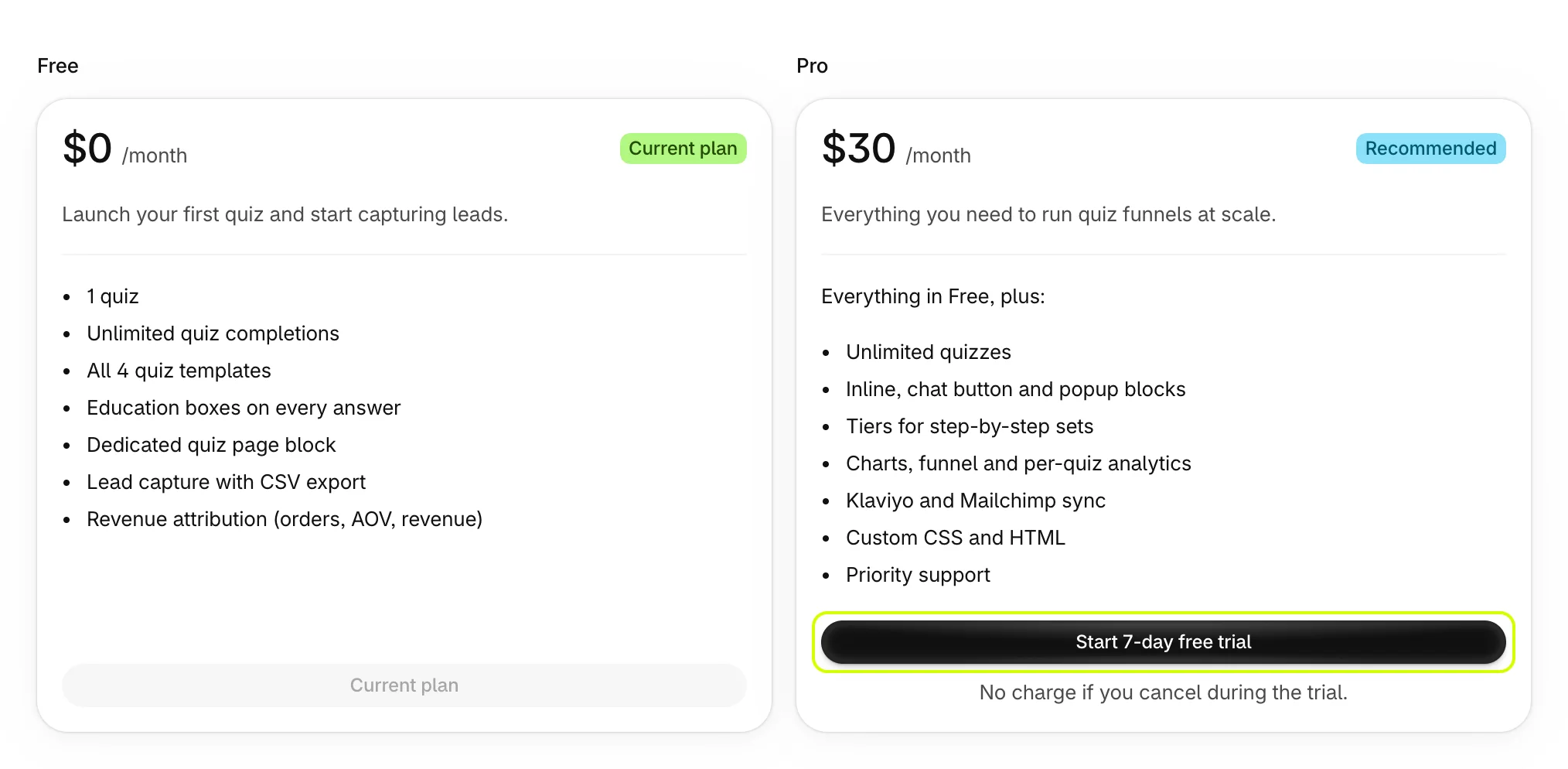
- Shopify shows the subscription: $30 every 30 days, after 7 free days. Approve it.
You come back to Plans on Pro. Your quizzes, leads and settings carry over, and every Pro feature opens straight away.
While the trial runs, Plans says how many days are left. You aren't charged until it ends, and you aren't charged at all if you switch back to Free before then.

Switch back to Free
- Open Plans.
- On Free, select Downgrade to Free.
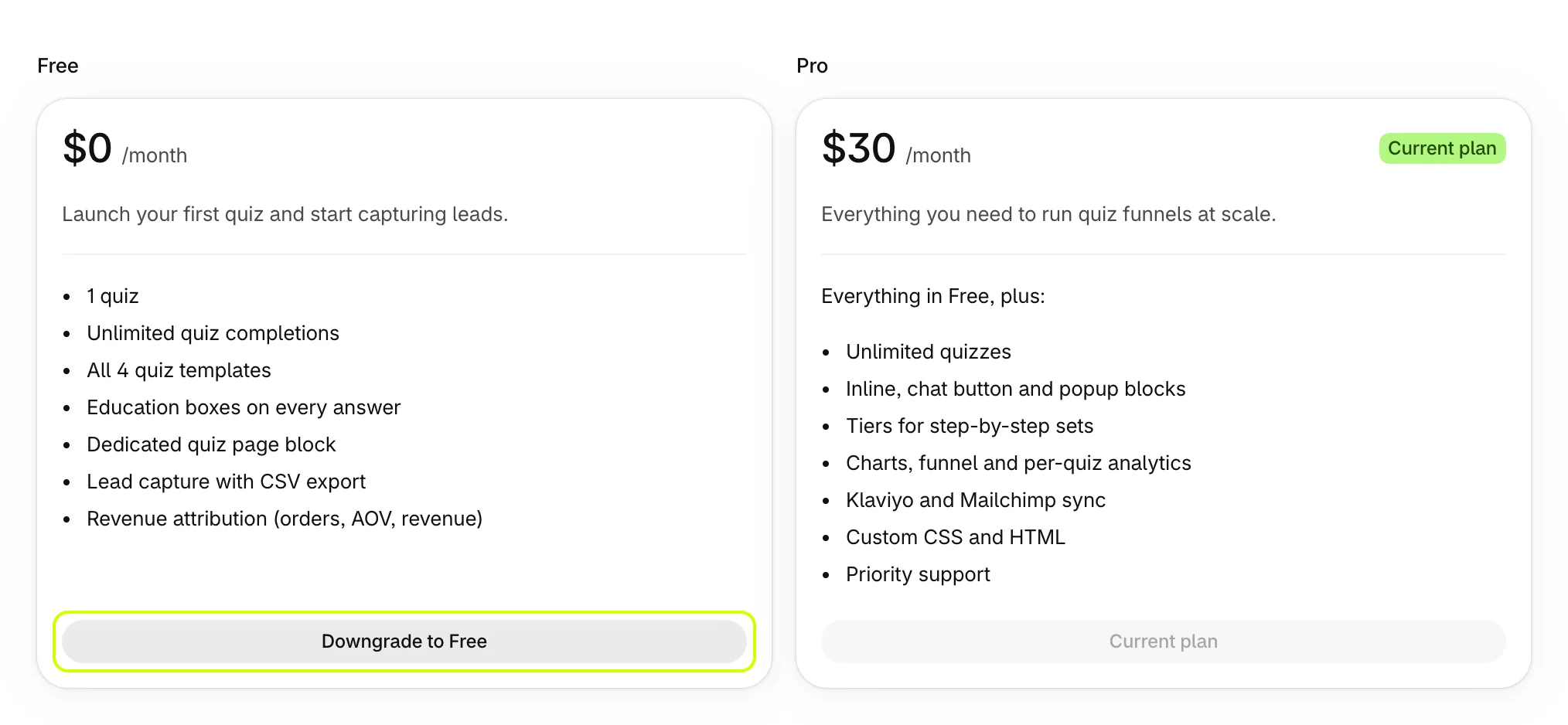
- Read what you'd lose, then select Downgrade to Free. Keep Pro closes the dialog and changes nothing.
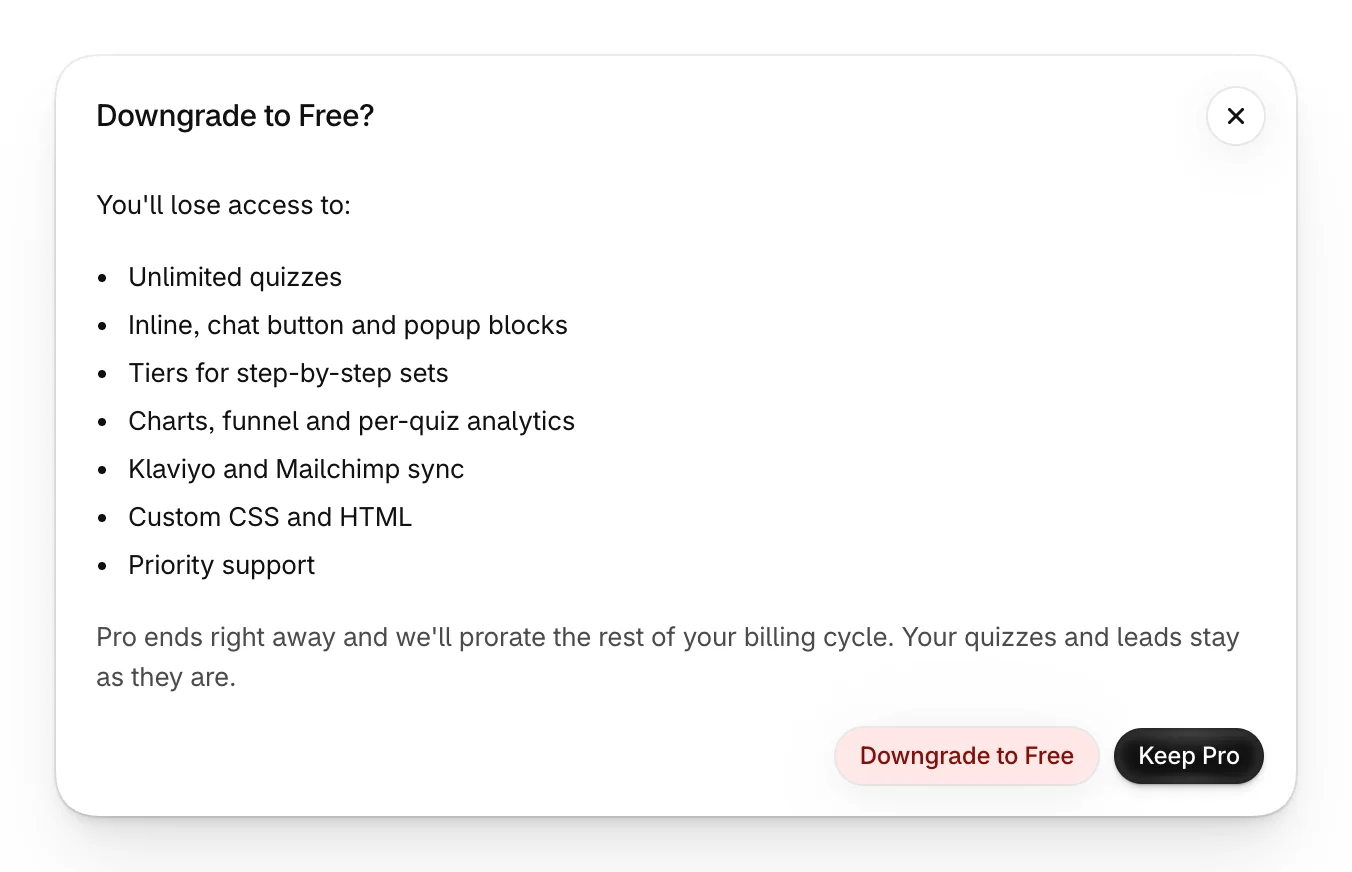
Pro ends straight away, and the rest of your billing cycle is prorated.
What happens when you switch back
- Your quizzes and leads stay as they are, and published quizzes stay published.
- Pro features switch off, such as creating more quizzes, custom code, the email tools and the chart, funnel and per-quiz analytics.
- With more than one quiz, you can't create or duplicate another until you're back on Pro.
See Choose a plan for what each plan includes.
Was this helpful?