Style full-page quizzes and results
Set the page background, header band and logo for full-page quizzes, and the colors of step-by-step results and education boxes.
 Attravo TeamUpdated 1 min read
Beyond the main colors, a quiz's Style section has settings for the full-page quiz, step-by-step results and education boxes. They help a dedicated page or a routine set look finished.
The full-page quiz
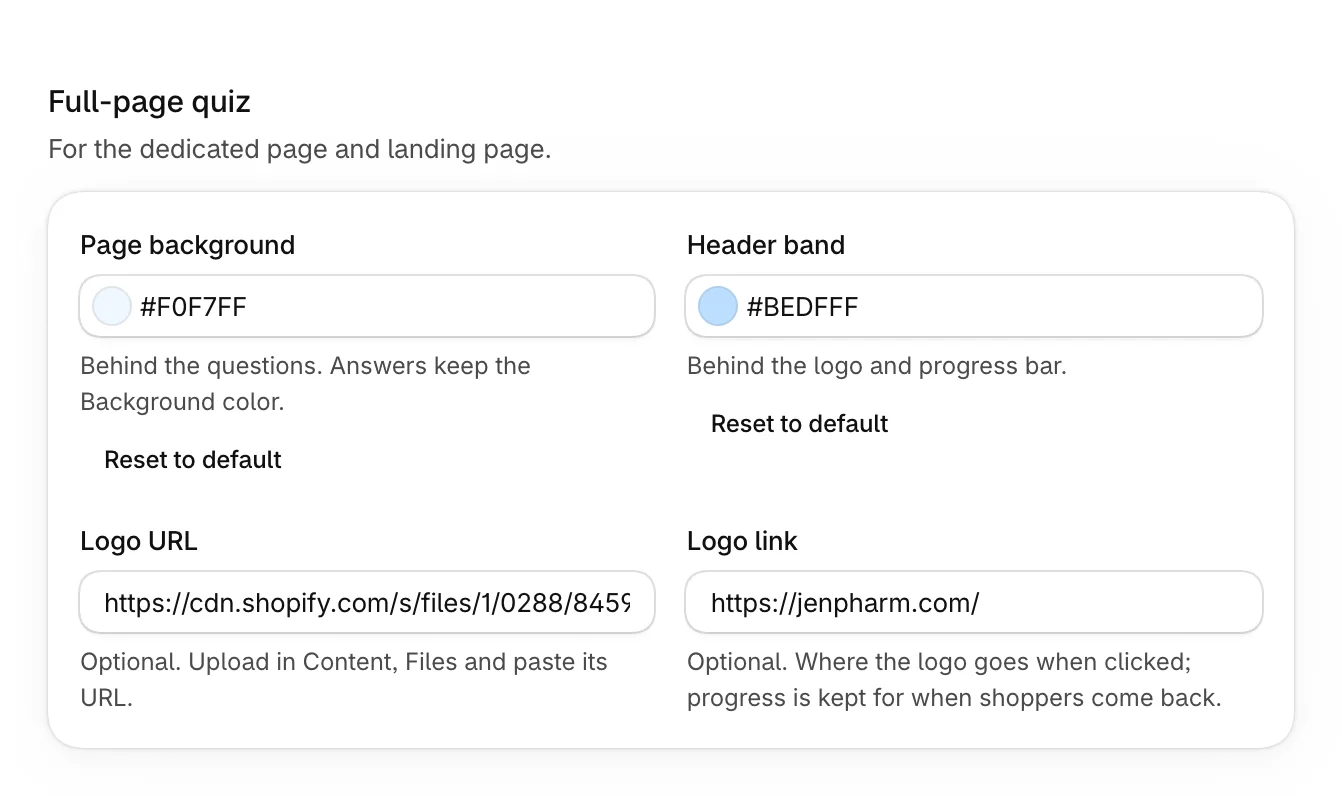
These apply on a dedicated page and a landing page, where the quiz fills the screen.
- Open the quiz and select Style.
- Under Full-page quiz, set what you need, then select Save.
| Setting | What it does |
|---|---|
| Page background | Behind the questions. Answers keep the Background color. |
| Header band | Behind the logo and progress bar at the top. |
| Logo URL | Your logo at the top of the quiz. Upload it in Content > Files and paste its address. |
| Logo link | Where the logo goes when selected. Shoppers' progress is kept for when they come back. |
Step-by-step results
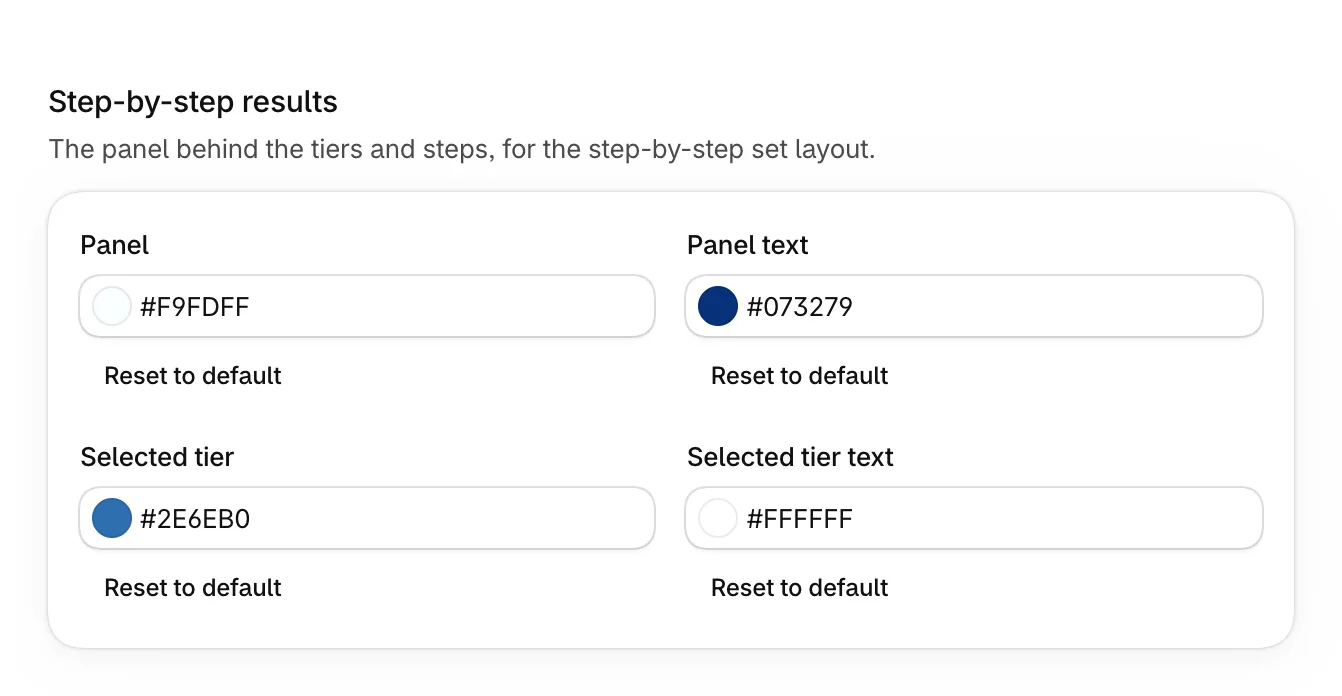
These color the panel that holds the tiers and steps of a step-by-step set. See Build a step-by-step set.
| Setting | What it does |
|---|---|
| Panel and Panel text | The panel and its words. |
| Selected tier and Selected tier text | The tier a shopper has picked. |
Education boxes
These color the box that explains an answer when it's picked. See Set up answers and tags.
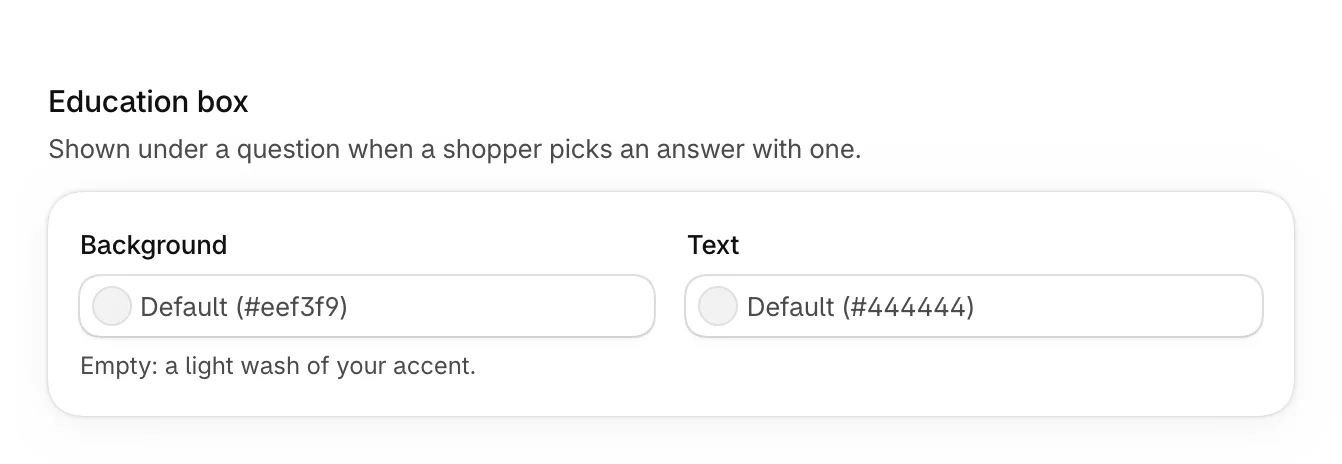
Leave Background empty for a light wash of your accent color.
Was this helpful?