View and export your leads
See every email your quizzes collected with the answers behind it, search them, and download them as a CSV file.
 Attravo TeamUpdated 2 min read
Leads keeps every email your quizzes collect, each tagged with the answers that shopper picked. The tags tell you what each person is looking for, so your follow-up can talk about exactly that.
Open your leads
Open Leads in the app. The figures at the top count all your leads, all time.

| Figure | What it counts |
|---|---|
| Leads | Every email your quizzes captured. An email counts once, however often that shopper takes a quiz. |
| Synced to email tools | Leads sent on to your Shopify customers, Klaviyo or Mailchimp. |
| Unique tags | How many different answer tags your leads carry. |
Top tags shows the five tags your leads carry most, with how many leads have each.

Read the list
The newest leads come first, 500 to a page. Previous and Next move between pages.
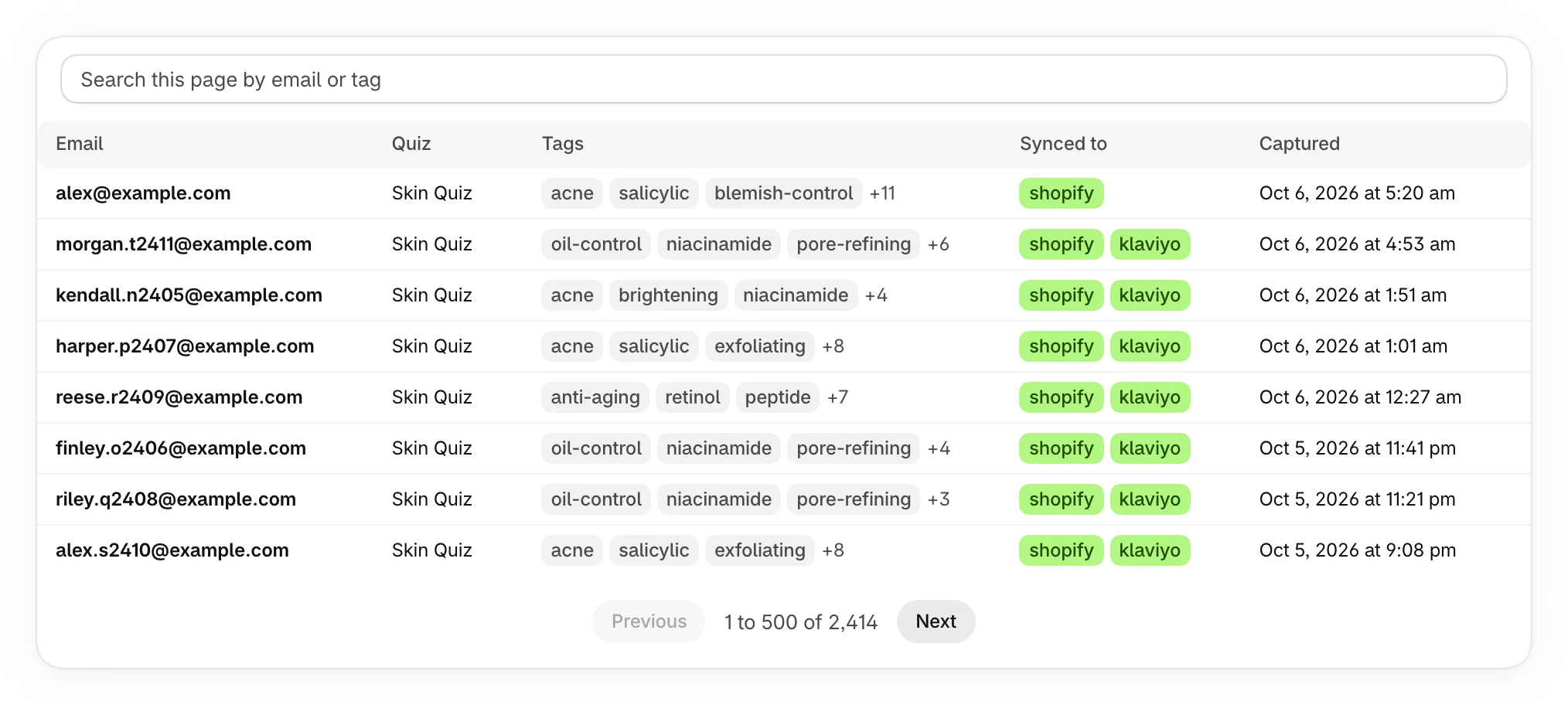
| Column | What it shows |
|---|---|
| The shopper's email. | |
| Quiz | The quiz they took. |
| Tags | The tags of the answers they picked. The first three show, then a count of the rest. |
| Synced to | Where the lead was sent: shopify, klaviyo or mailchimp. |
| Captured | When the email was first captured, in your store's time zone. |
When a shopper takes a quiz again with the same email, their lead gets the new answers' tags and stays one lead.
Search your leads
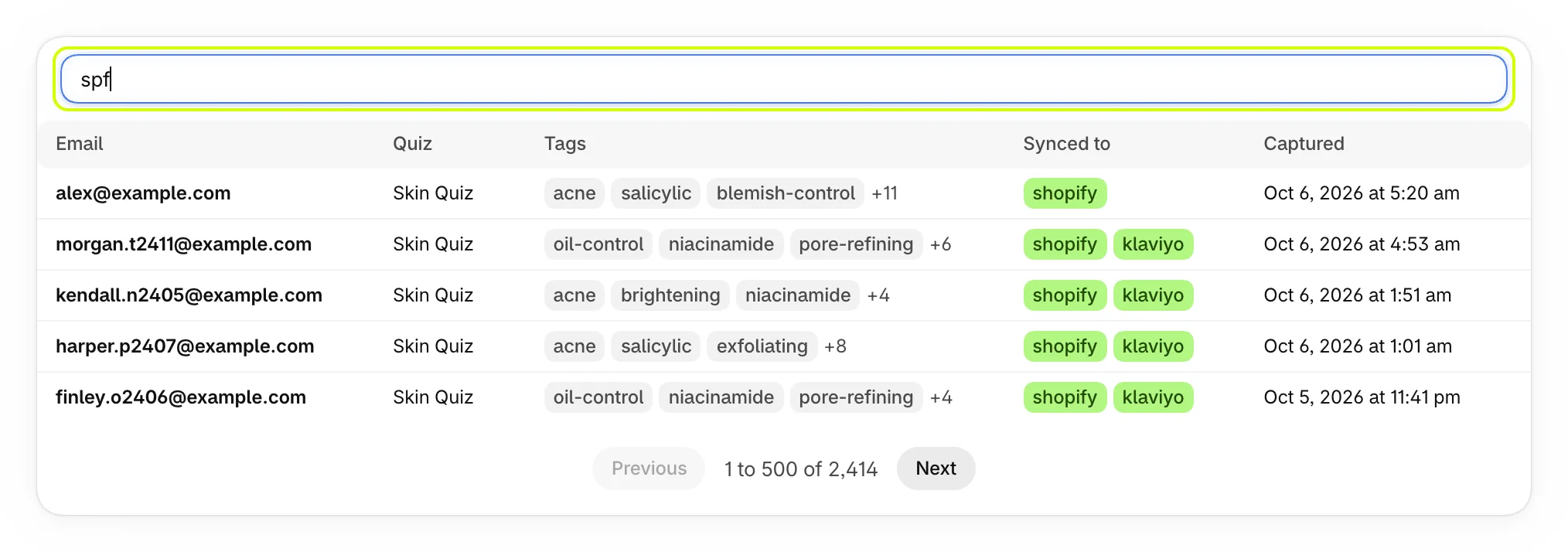
Type in the search box above the list to find leads by email or by tag, such as spf. With more than 500 leads, it searches the page you're on.
Export your leads
Select Export CSV at the top of Leads.
Your browser downloads a file named quizz-leads- with today's date, holding every lead, newest first. Its columns are email, first_name, last_name, phone, consent, quiz, tags, synced_to and captured_at. Tags are separated by semicolons, and times are in your store's time zone. The file opens in Excel, Numbers or Google Sheets, and imports into most email tools.
Before your first lead
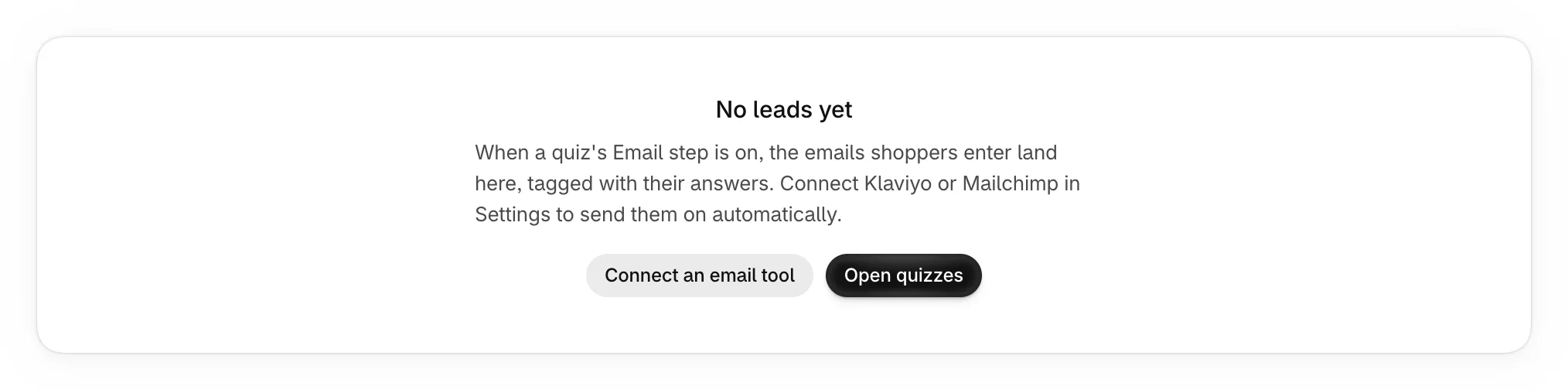
Until a quiz collects an email, Leads explains how to start, with Open quizzes and Connect an email tool.
To start collecting emails, see Ask for an email before results.
Was this helpful?
More in Leads and email tools
- Ask for an email before resultsCollect shoppers' emails, and their names and phone numbers if you like, on a step just before their results.
- Add leads to your Shopify customersTurn every quiz lead into a Shopify customer tagged with their answers, ready for segments and campaigns.
- Connect Klaviyo or MailchimpSend every new quiz lead to a Klaviyo list or a Mailchimp audience, with the answers they picked.