Add custom CSS and HTML
Fine-tune a quiz's look with your own CSS, and add your own HTML above or below it.
 Attravo TeamUpdated 1 min read
On this page
When the style settings don't cover something, custom code does: your own CSS for the quiz, and your own HTML above and below it, such as a trust badge or a note. It's part of Pro.
Add custom code
- Open the quiz and select Style.
- Under Custom code, fill in what you need.
- Select Save.
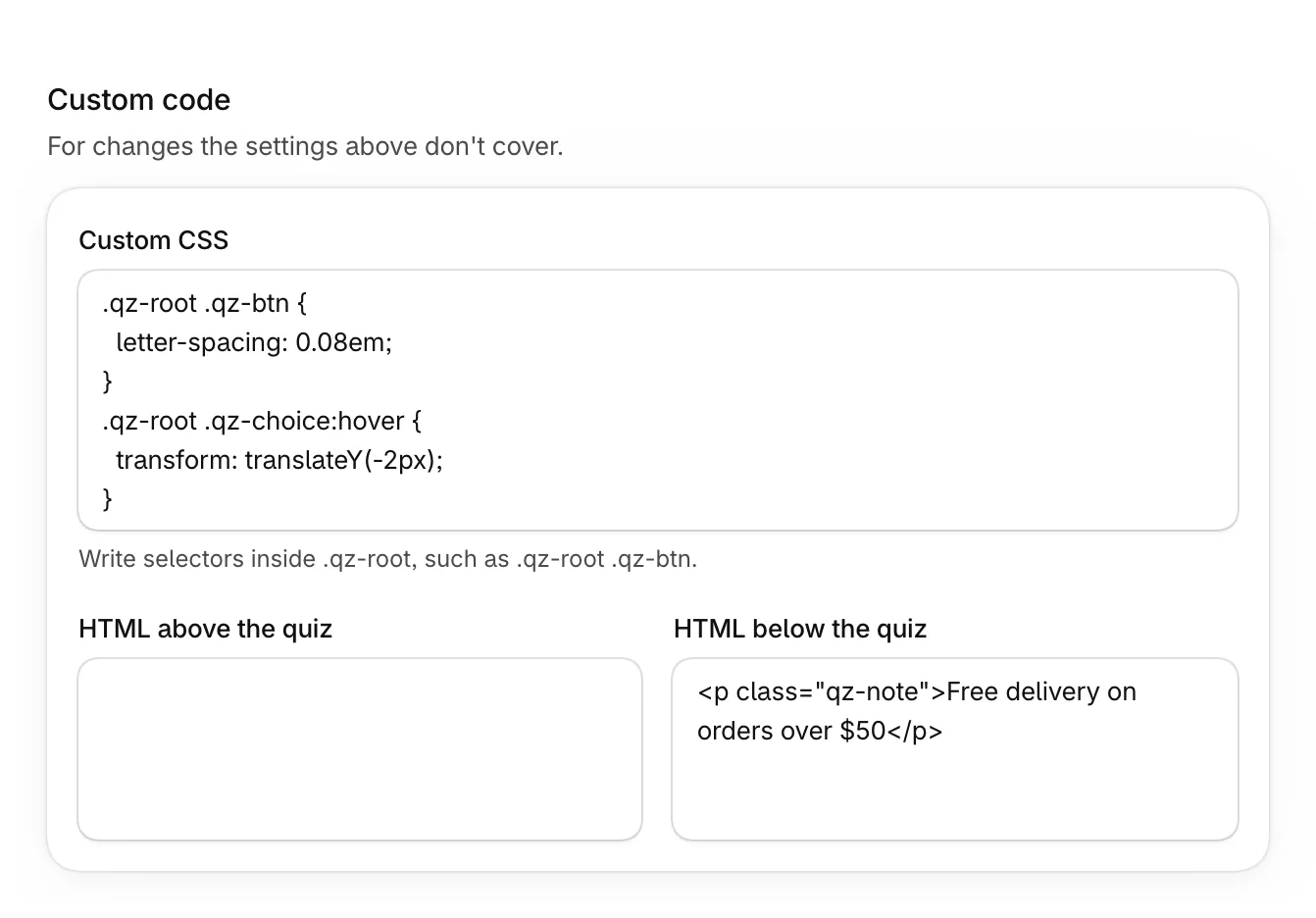
| Setting | What it does |
|---|---|
| Custom CSS | Styles for this quiz only. Write selectors inside .qz-root, such as .qz-root .qz-btn for its buttons. |
| HTML above the quiz | Your HTML, shown above the quiz. |
| HTML below the quiz | Your HTML, shown below the quiz. |
Check the result in the live preview before you save.
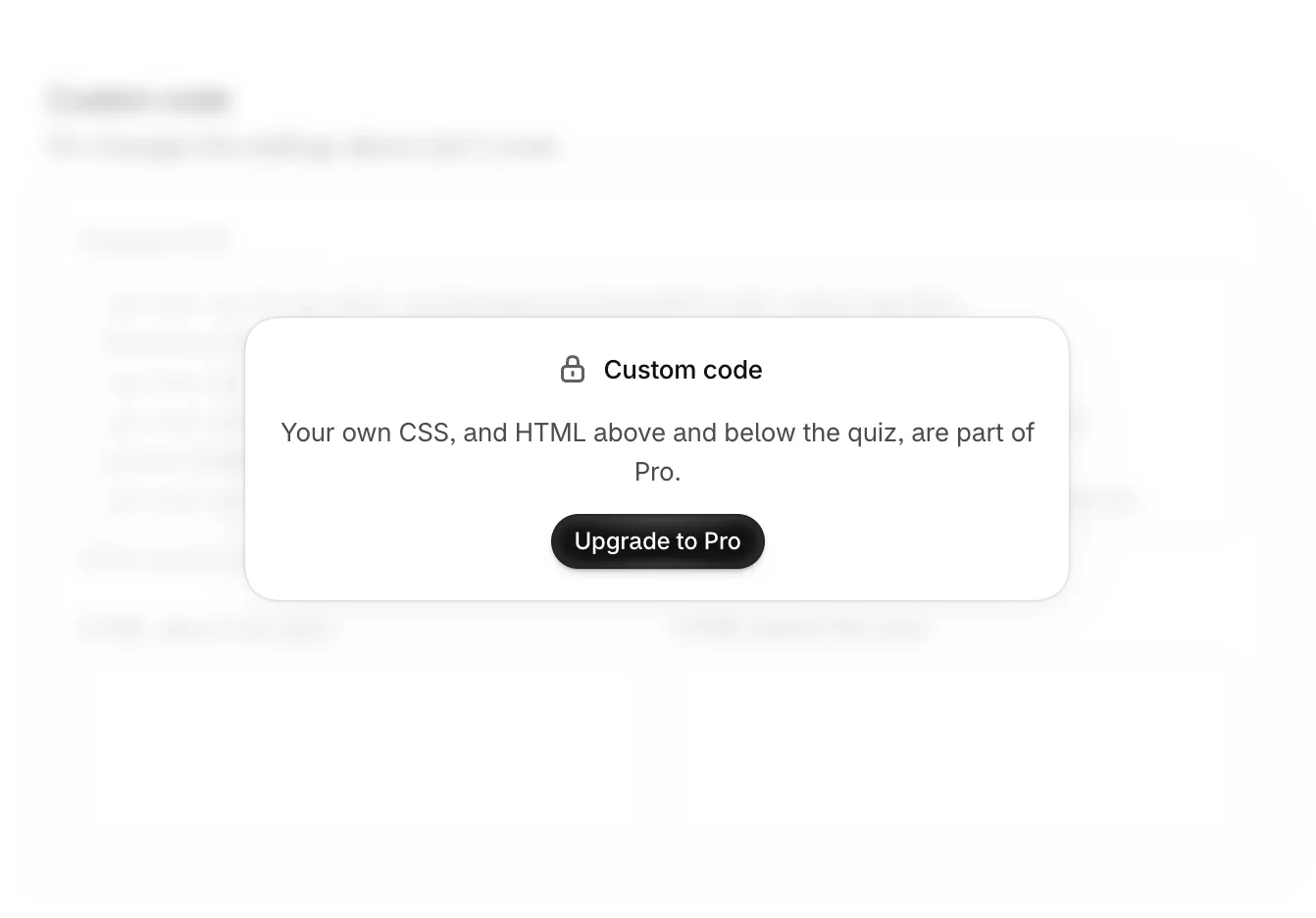
On the Free plan
The Custom code section is locked, with Upgrade to Pro.
Was this helpful?