Install Product Quiz Maker
Install Product Quiz Maker from the Shopify App Store and find your way around the app.
 Attravo TeamUpdated 1 min read
On this page
Product Quiz Maker asks shoppers a few questions and recommends the products that fit their answers, so they reach the right product faster and buy with more confidence. Installing it changes nothing shoppers see until you publish a quiz and add it to your theme.
Install the app
- Open the listing at https://apps.shopify.com/attravo-ai-quiz-recommender and select Install.
- Review the access the app asks for, then confirm the install.
The app opens in your Shopify admin on Home, and stays in your admin's sidebar under Apps.
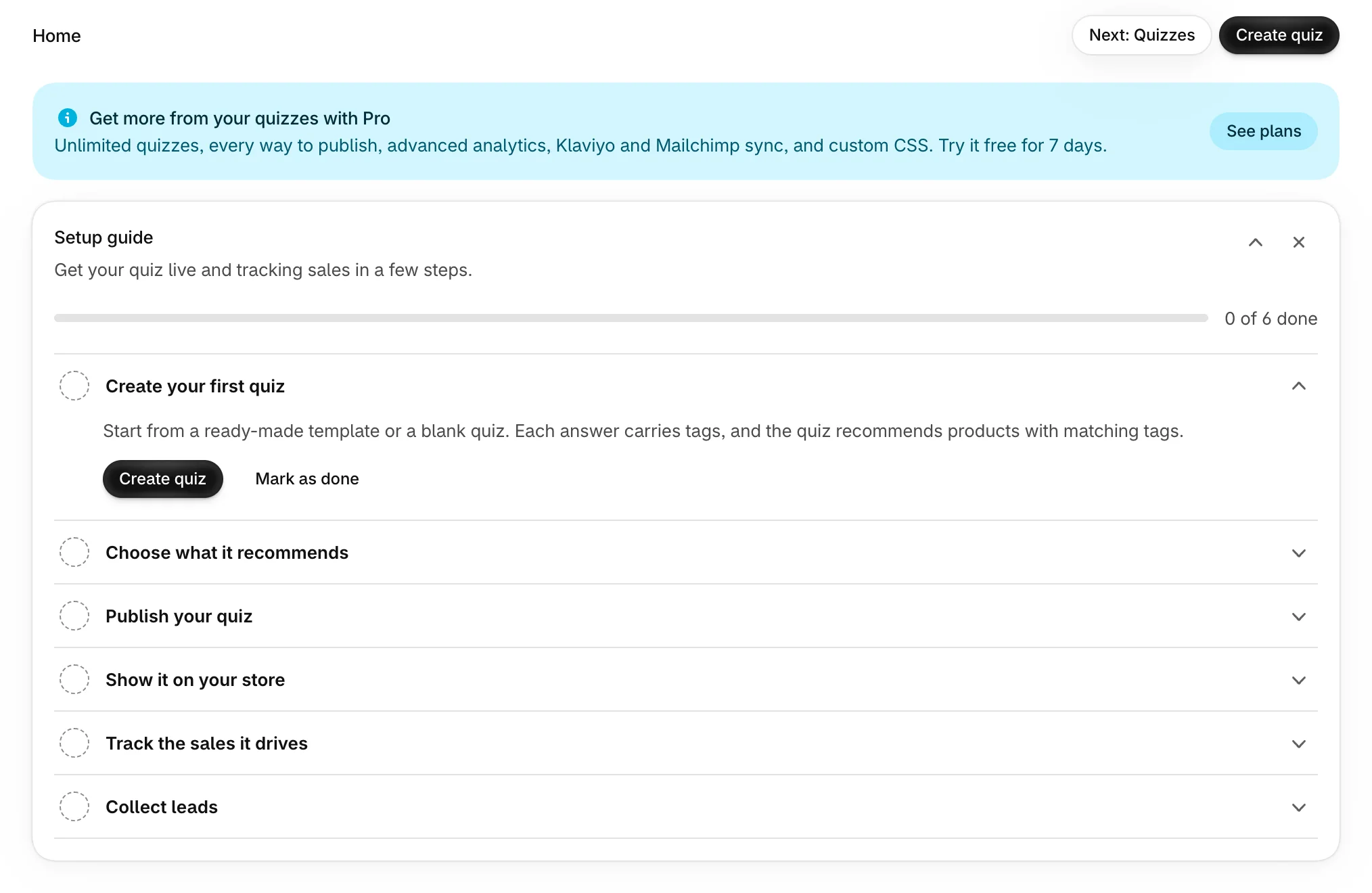
Every store starts on the Free plan, with no charge. To compare plans, see Choose a plan.
Find your way around
The app's pages are in your Shopify admin's sidebar, under the app's name:
| Page | What it's for |
|---|---|
| Home | The setup guide, your last 30 days, your quizzes and where they show on your store. |
| Quizzes | Every quiz, with search, status filters and the template library. |
| Analytics | Views, completions, leads, orders and revenue, for any period. |
| Leads | The emails your quizzes collected, with their answers as tags. |
| Plans | Free and Pro, and your current plan. |
| Settings | Your brand color, and where new leads are sent. |
Each page also has a Next button at the top, such as Next: Quizzes on Home, that takes you through the pages in order.
Next
Home opens with a setup guide that checks each step for you. Follow it in Finish the setup guide, or go straight to Create your first quiz.
Was this helpful?
More in Getting started
- Finish the setup guideWork through the six steps on Home until your quiz is live, tracking sales and collecting leads.
- Create your first quizGo from a template to a published quiz on your store, with products chosen and a page of its own.
- Turn on the Quizz Core Script app embedSwitch on the app embed that loads your quizzes everywhere, and check it from Home.